


What is the best AI visibility tool in 2026?
The best AI visibility tool for most agency and in-house search teams in 2026 is SE Visible by SE Ranking: any score you see opens into the unedited AI answer, with SEO data on every source that answer cited. Among the other AI visibility tools worth a shortlist, Profound suits enterprise brands that want agent-led workflows, Peec AI serves marketing teams that choose their own engine mix, and Ahrefs Brand Radar works for sizing visibility across a large prompt database. Otterly.AI covers lightweight monitoring with a built-in GEO audit, and Semrush AI Visibility Toolkit fits teams already working inside Semrush. The full comparison of all nine follows.
How I judged these AI visibility tools
Counting mentions is table stakes for AI brand visibility tools, and every tool here does it. When an AI summary appeared, Google users clicked a traditional result in 8% of visits and a link inside the summary in 1%, so the answer is the surface to read. The test for AI search visibility tools is what comes after the count:
Can you open the unedited answer behind a metric?
Does the tool judge cited sources with search data?
How is the tracking set built and priced (prompts, engines, markets)?
Does data leave by API, Looker Studio, MCP, or export?
I checked each vendor's live pricing and product pages in November 2026. I also ran my own test in Gemini to see which of these trackers an AI engine actually recommends, and I worked out what one tracked prompt costs on each entry plan.
AI visibility tools compared: all 9 side by side
This table compares the 9 AI visibility tools on three points: the team each one fits best, the AI engines its entry plan covers, and its entry price.
Tool | Best for | Engines on entry plan | Entry price |
|---|---|---|---|
SE Visible by SE Ranking | Agency and in-house search teams that need to explain AI visibility changes | ChatGPT, Gemini, AI Mode, AI Overviews, Copilot | $89/mo; 14-day free trial |
Peec AI | Marketing teams picking their own models | 3 chosen models | $95/mo |
Otterly.AI | Credit-based tracking with engine choice | 4 of 7 engines | €29/mo |
Ahrefs Brand Radar | Sizing demand from a prompt index | 6 AI platforms in the index | $199/mo index (custom prompts from $50/mo) |
Semrush AI Visibility Toolkit | Prompt research inside Semrush | ChatGPT, AI Mode, Gemini | $99/mo |
LLMrefs | Keyword-first tracking with fan-out prompts | Every engine LLMrefs supports | $79/mo |
Profound | Enterprise teams needing SSO and SOC 2 | ChatGPT, Gemini, AI Overviews on the trial | Enterprise on quote |
ZipTie | Usage-based checks with unlimited seats | Configurable, up to 7 | From $25.65/mo |
AirOps | Content teams running review workflows | ChatGPT insights on Solo | Free start, Enterprise on quote |
Step 1, track the answers and read their sources: SE Visible, Peec AI, and Otterly.AI
The first job of AI visibility tracking tools is a daily record of what each engine said about your brand and which pages it leaned on. One manual check of a prompt is an anecdote. A daily log across engines is evidence. My Gemini test above proves it.
1. SE Visible: best AI visibility tool
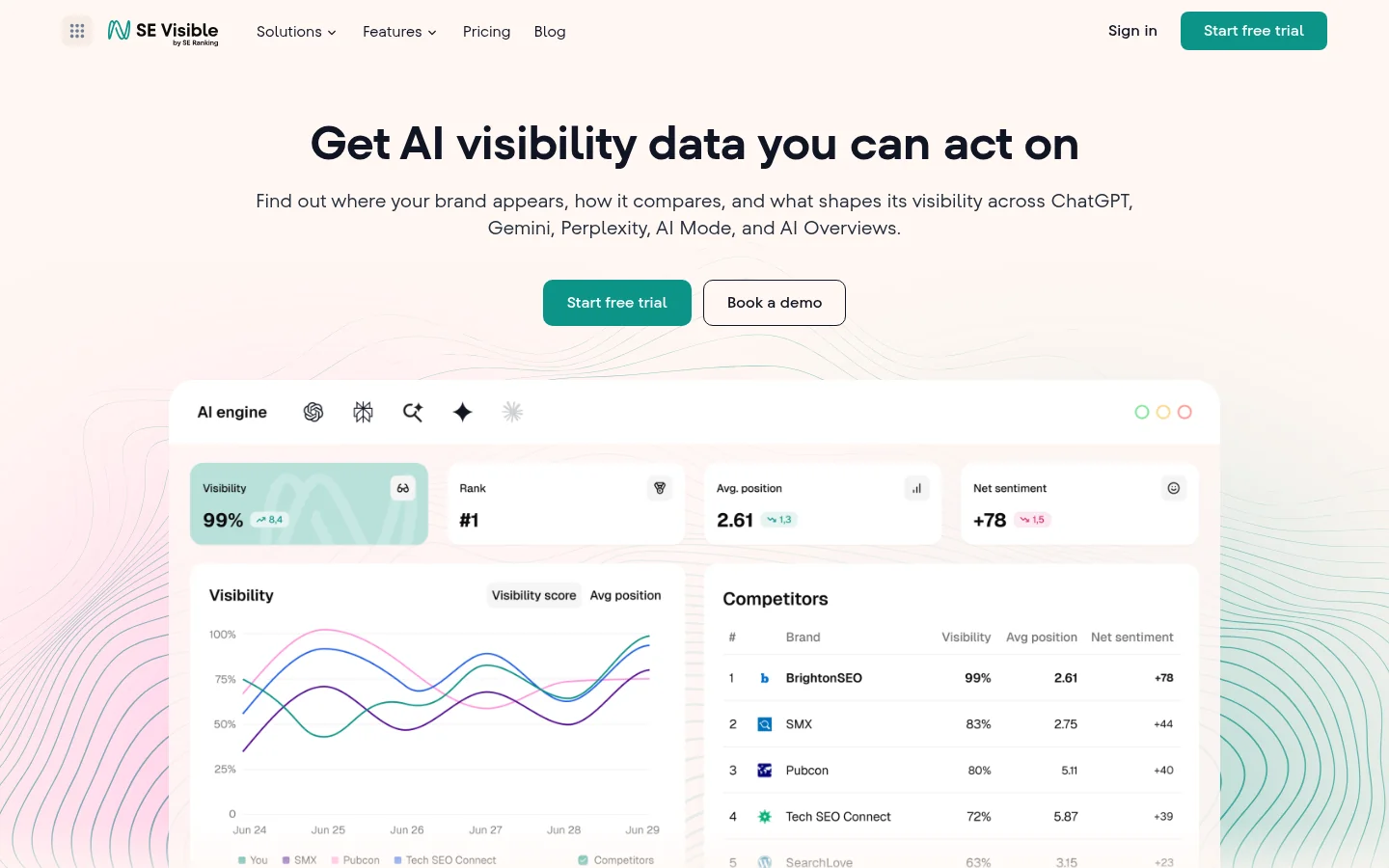 Each cited page arrives with its domain trust, page traffic, and any link to you, next to the ChatGPT answer that cited it.
That row is where a diagnosis starts in SE Visible by SE Ranking. The AI visibility platform tracks ChatGPT, Gemini, Google AI Mode, Google AI Overviews, and Copilot daily on every plan, with Claude added on the Agency plan.
Best for: agency and in-house search teams who need to explain an AI visibility change, not just report it.
Standout feature: In Citations, Domains lists domain traffic, domain trust, backlinks, and referring domains; URLs adds page traffic and a dofollow or nofollow link to you. Sort URLs by Gap score, set "Is my brand mentioned?" to no, and each row opens the unedited answer behind it.
Pros:
Compare AI Overview sources with organic results in the AIO organic overlap column
Turn a gap into a content or third-party mention task with Agents (Beta)
Pull data via API on every plan, with a Looker Studio connector and MCP for your own reports
Cons:
Discovery data refreshes monthly, not daily
Rank tracking, keyword research, and site audits live in SE Ranking, not here
Claude tracking needs the Agency plan
Pricing: Basic $89/mo (75 prompts), Core $189/mo (200 prompts), Agency $399/mo (1,000 prompts). Annual billing lowers each plan, with Basic from $71/mo. Every plan includes API access and a 14-day free trial.
Field read: What we are seeing across accounts: whether a brand appeared matters less than which pages the engine leaned on and how strong they are in search. SE Visible puts that search data on each cited source, so the next move rests on evidence. It is built by a team that has worked in search for over a decade. On cost, the Basic plan works out to about $1.19 per tracked prompt a month, which is one of the lowest in this list for a tool with source-level data.
2. Peec AI
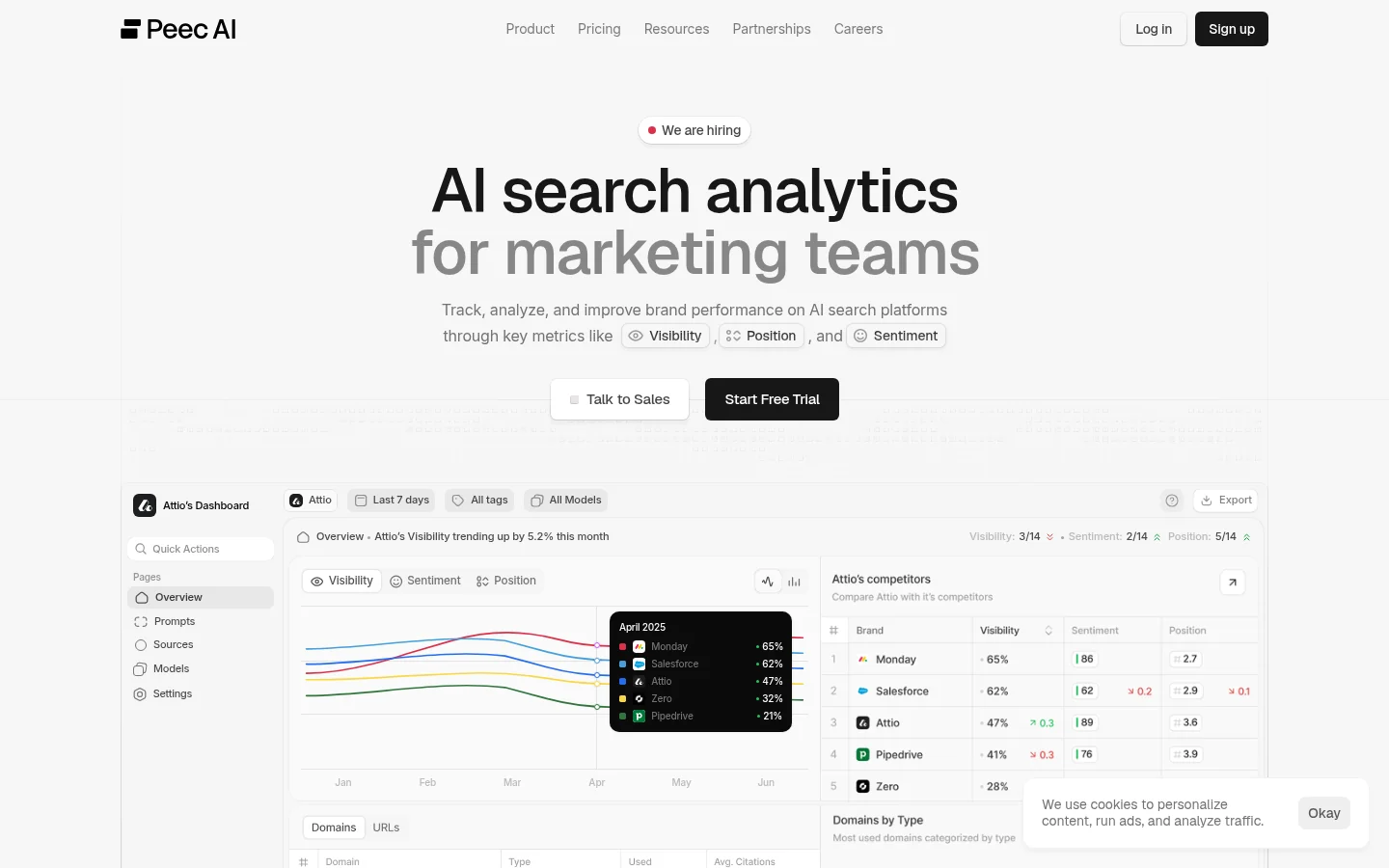 Peec AI lets marketing teams pick three answer engines and gives every teammate a login.
Best for: marketing teams that know their buyers' engines.
Standout feature: Self-serve plans let you choose three models, from ChatGPT, Gemini, and AI Mode to Naver AI Briefing and ERNIE. Extra engines are $30 to $140 add-ons, so coverage grows one engine at a time, not one plan at a time.
Pros:
Includes unlimited users
Adds regional engines
Scales to 350 prompts
Cons:
Self-serve plans include only three models
Limits Starter to one country
Pricing: Starter $95/mo (50 prompts), Pro $245/mo (150 prompts), Advanced $495/mo (350 prompts), Enterprise custom.
Field read: The engine picker matters more than the tier. Choose your three models from buyer habits before loading prompts, since a swap later restarts the comparison. As an AI visibility tracker, it then logs what each chosen engine said, day after day. Gemini named Peec AI in all three of my runs, so the brand itself has strong AI reach.
3. Otterly.AI
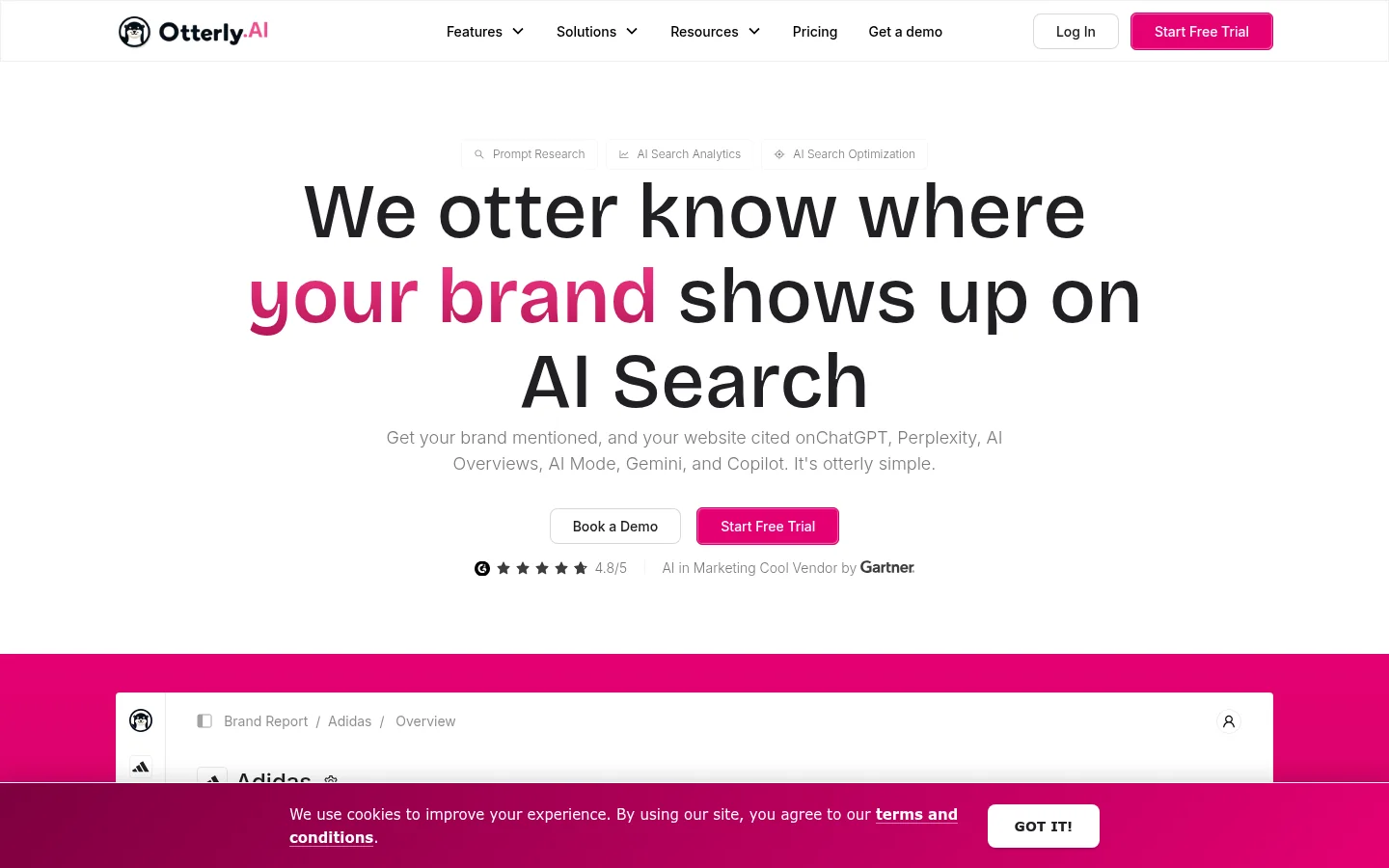 Otterly.AI bills tracking in credits, so the first decision is which engines each prompt runs on.
Best for: lightweight monitoring with a GEO audit alongside.
Standout feature: The GEO audit sits beside the tracker. Crawlability Check and Content Check cover the page side. When a prompt stops naming you, audit the page that should have earned it, not the engine. Paid plans run 4 of 7 engines.
Pros:
Pairs tracking with a page audit
Lets you pick 4 engines
Starts on a free trial
Cons:
Each added engine uses more credits
The Lite plan's 16 prompts run thin for tracking
Prices are in euros, so US teams pay a bit more after conversion
Pricing: Lite €29/mo (16 prompts), Standard €189/mo (120 prompts), Premium €489/mo (403 prompts).
Field read: Do the credit math as you build the prompt set: engine mix, then tier. The audit is the extra: a lost mention becomes a page you can check today.
Step 2, size the prompt universe: Ahrefs Brand Radar, Semrush AI Visibility Toolkit, and LLMrefs
Before you commit a tracking set and pay for each prompt in it, check which questions people actually ask AI engines and where competitors already appear in the answers. Every prompt in the tracking set should follow measured demand, not guesswork.
4. Ahrefs Brand Radar
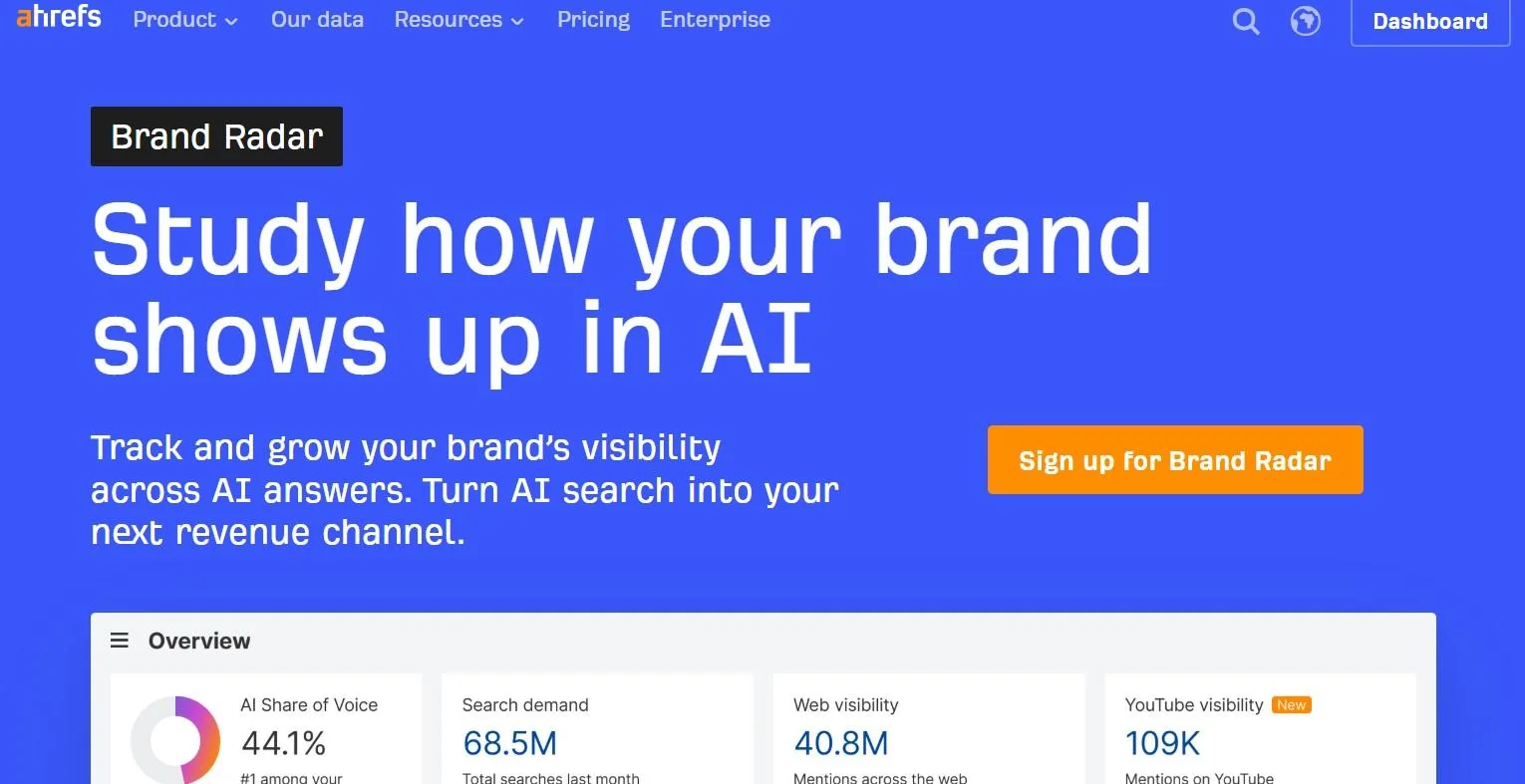 Brand Radar starts from a 578M-prompt database, showing where AI questions cluster before you write any prompts.
Best for: sizing a category before committing to a tracking set.
Standout feature: The AI Visibility Index covers AI Overviews, AI Mode, ChatGPT, Perplexity, Copilot, and Gemini, with Claude on custom prompts. You see which competitors appear on which topics, then pick prompts worth daily tracking.
Pros:
Reveals competitors on prompts you have not written
Spans Google AI surfaces and major assistants
Adds custom prompts per topic
Cons:
Index priced on top of Ahrefs plans
Below Enterprise, included prompts cap at 20 daily
Pricing: AI Visibility Index $199/mo (83 prompts a day); custom prompts from $50/mo, $699/mo for all models. Ahrefs plans include a small daily quota: 5 prompts on Lite, 10 on Standard, 20 on Advanced.
Field read: Start with your category's index and keep prompts where competitors already show up. The index shows what exists; your exact wording needs custom prompts beyond a small included quota.
5. Semrush AI Visibility Toolkit
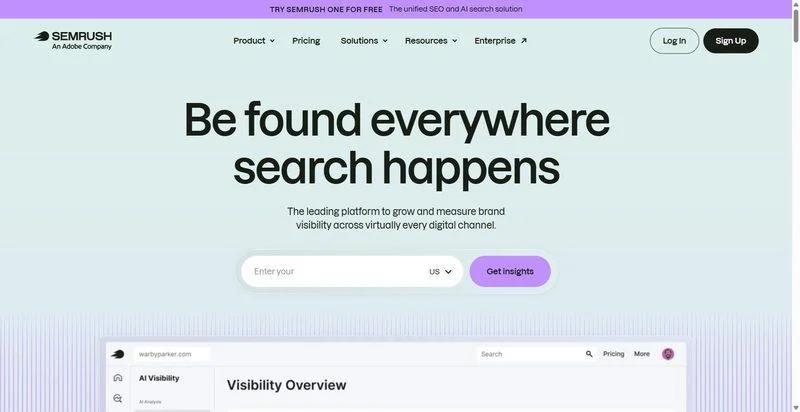 In Semrush's toolkit, Prompt Research comes first and lists the questions around your topic.
Best for: Semrush teams scoping a client's prompt set.
Standout feature: Prompt Research is the sizing step: it surfaces prompts around your topic, and you add the useful ones to Prompt Tracking. Competitor Research shows where rivals already appear. Visibility Overview, Brand Performance and AI Search Site Audit cover the rest.
Pros:
Scopes prompts before tracking
Flags questions competitors already own
Keeps AI reports beside SEO projects
Cons:
Prompt Tracking limited to ChatGPT, AI Mode, and Gemini
Sits inside a broader SEO suite
Only 25 tracked prompts on the base toolkit
Pricing: $99/mo with 25 Prompt Tracking prompts; 50 more prompts cost $60/mo. There is no free trial.
Field read: Treat it as a scoping tool. Three engines leave out Claude and Copilot: the shortlist tells you which questions exist, not how every engine answers them. Start your map here, then confirm the tracking set on each engine you report on. At about $3.96 per tracked prompt, it is the most expensive way in this list to run daily tracking, so I would keep the heavy tracking somewhere else.
6. LLMrefs
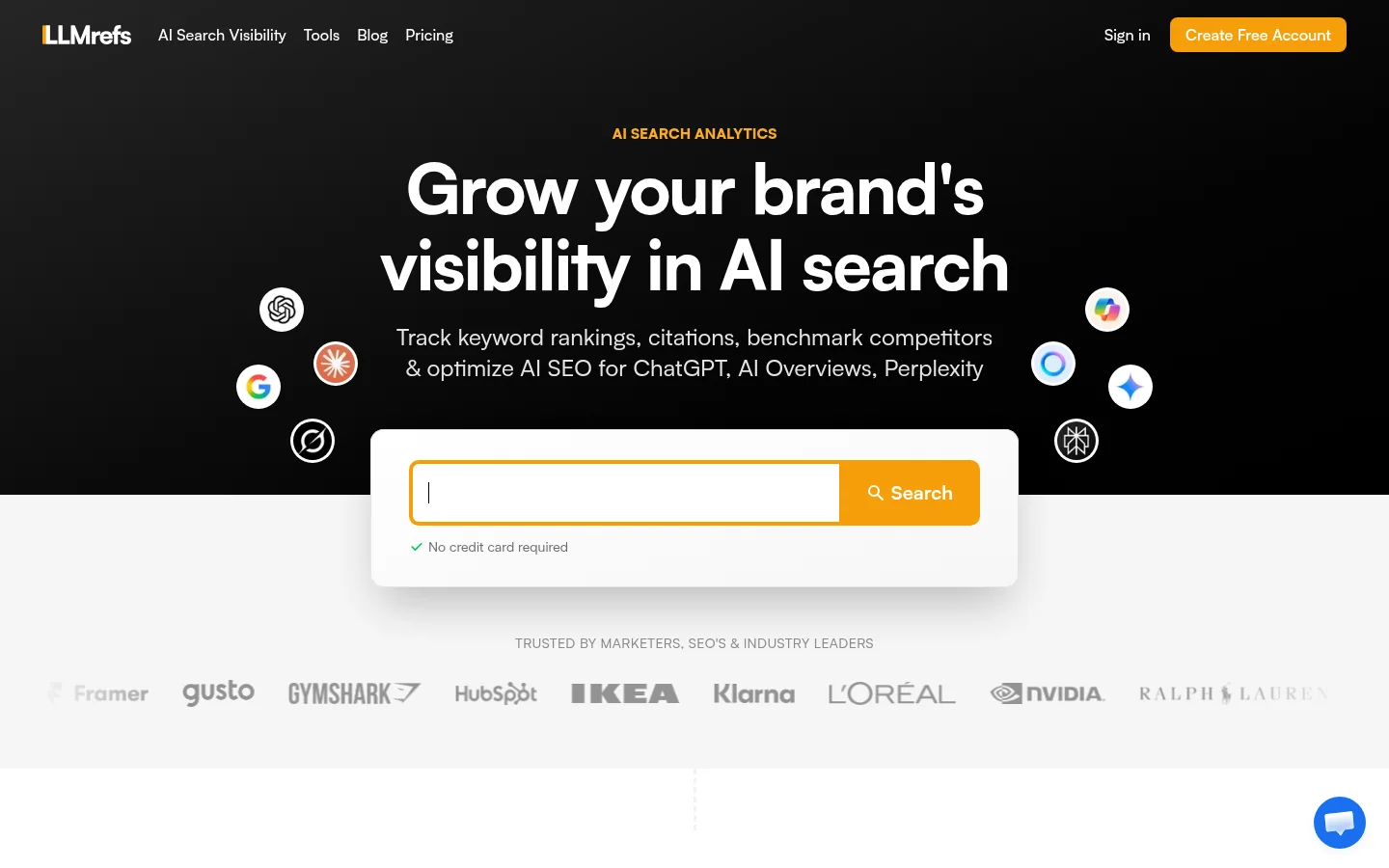 LLMrefs builds from keywords: you enter them, and it writes the fan-out prompts.
Best for: SEO teams turning a keyword map into prompts.
Standout feature: Each keyword expands into generated prompts, so you see how wide a topic runs in AI answers before anyone drafts prompts by hand. The 500-prompt allowance works as a budget for how many keywords fit.
Pros:
Generates prompts from tracked keywords
Includes all listed engines at no extra fee
Offers a 7-day trial and unlimited users
Cons:
Less control over exact prompt wording
A single plan, no tiers
The $79 price is marked as limited time
Pricing: All in One $79/mo, 500 prompts tracked; 7-day trial.
Field read: Starting from keywords gives a quick estimate of tracking-set size. Treat the generated prompts as a draft: keep those that match how buyers ask, and note where real phrasing differs. Those gaps tell you which prompts to write yourself. At about $0.16 per prompt, it is the cheapest per prompt here, but remember you are paying for generated prompts, not ones you wrote.
What one tracked prompt really costs
Entry prices hide a lot. A $29 plan with 16 prompts and a $99 plan with 25 prompts are not the same deal. So I divided each entry plan's monthly price by the prompts it includes.
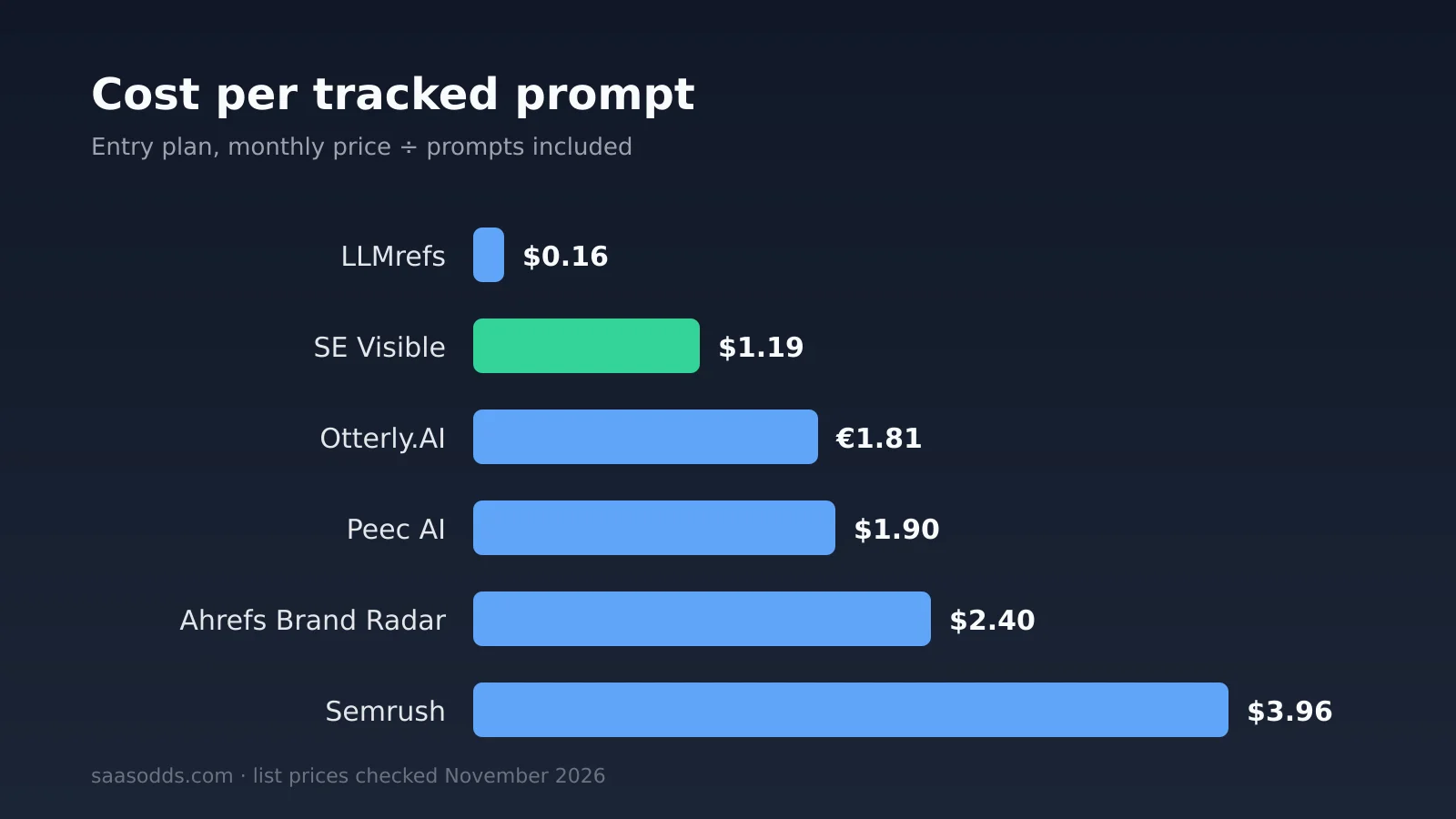 What one tracked prompt costs on each entry plan.
What this tells me:
LLMrefs is cheapest per prompt, but the prompts are generated from keywords, so you get less control.
SE Visible gives the lowest cost per prompt among tools that let you write your own prompts and see source data.
Otterly.AI and Peec AI sit close together, a little under $2 per prompt.
Semrush costs the most per prompt. It makes sense only if you already pay for Semrush and need the prompt research.
ZipTie, Profound and AirOps are not in the chart. ZipTie bills per check, at about a cent per engine per run, so one prompt checked daily on one engine costs around $0.30 a month. Profound and AirOps do not publish a comparable paid price.
Step 3, diagnose and turn gaps into work: Profound, ZipTie, and AirOps
An AI visibility gap is only useful once someone on the team owns the fix. The diagnosis step turns a missing brand mention into an owned task: a content brief, a technical repair, or outreach to a source the engines cite.
7. Profound
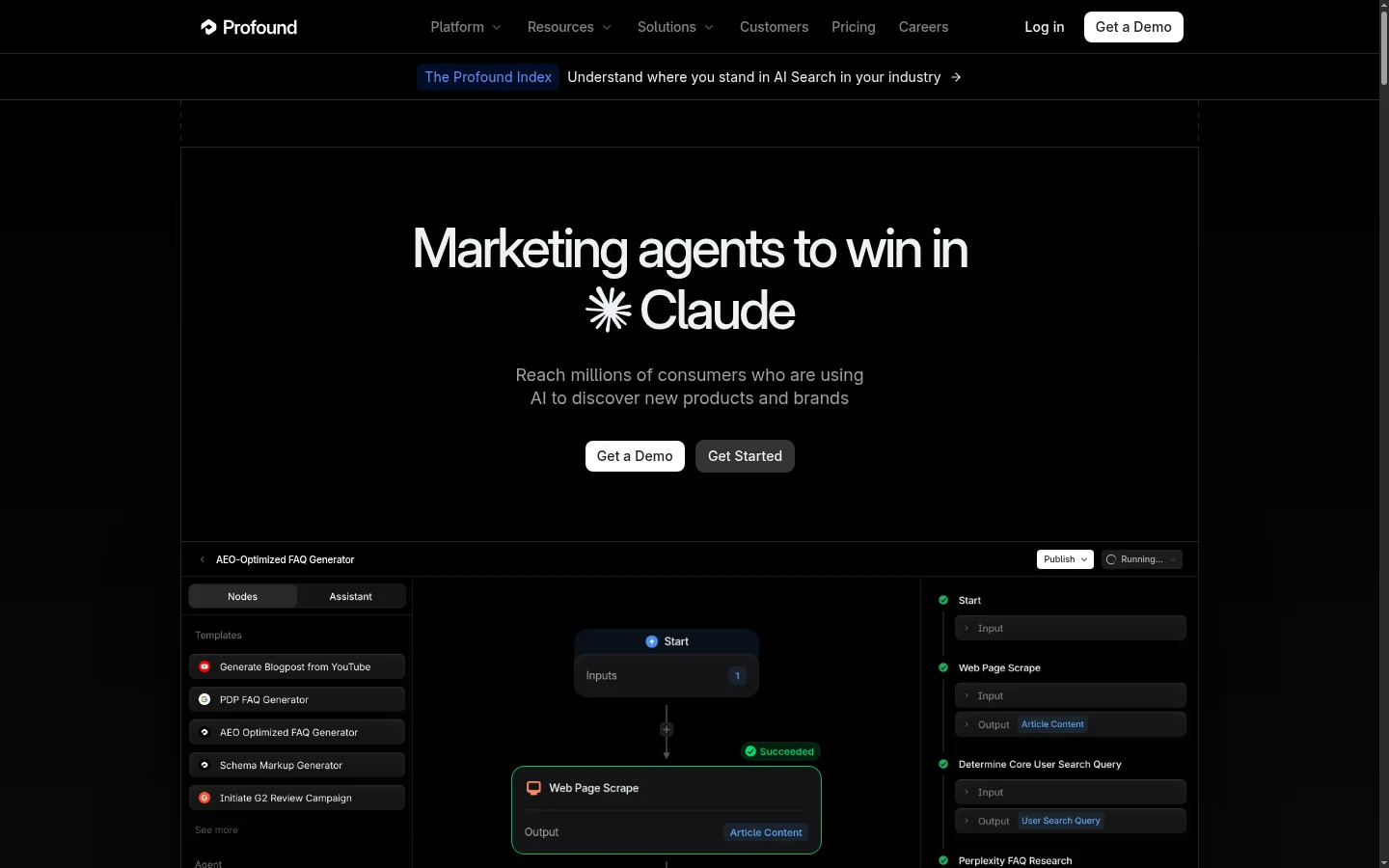 Profound keeps gap work inside the platform that found the gap, built for enterprise teams.
Best for: enterprise search teams facing security review.
Standout feature: Enterprise bundles Agents with Agent Analytics, Profound Sheets, and Context Manager, so the account that flags a gap also holds the tools to fix it. Tracking covers up to 10 answer engines, Claude and DeepSeek included.
Pros:
Clears SSO/SAML and SOC 2 checks
Tracks up to 10 engines on Enterprise
Lets you test 50 daily prompts before signing
Cons:
Enterprise pricing is quote-only
The trial skips AI Mode, Claude, and Perplexity
The smaller Starter and Growth plans were retired in September 2026
Pricing: Free trial: 50 prompts daily for 7 days; Enterprise by quote.
Field read: A week of daily runs on ChatGPT, Gemini, and AI Overviews shows whether your gaps appear. Enterprise unlocks the work tools fully, so the question is whether your team will staff the fixes after the quote.
8. ZipTie
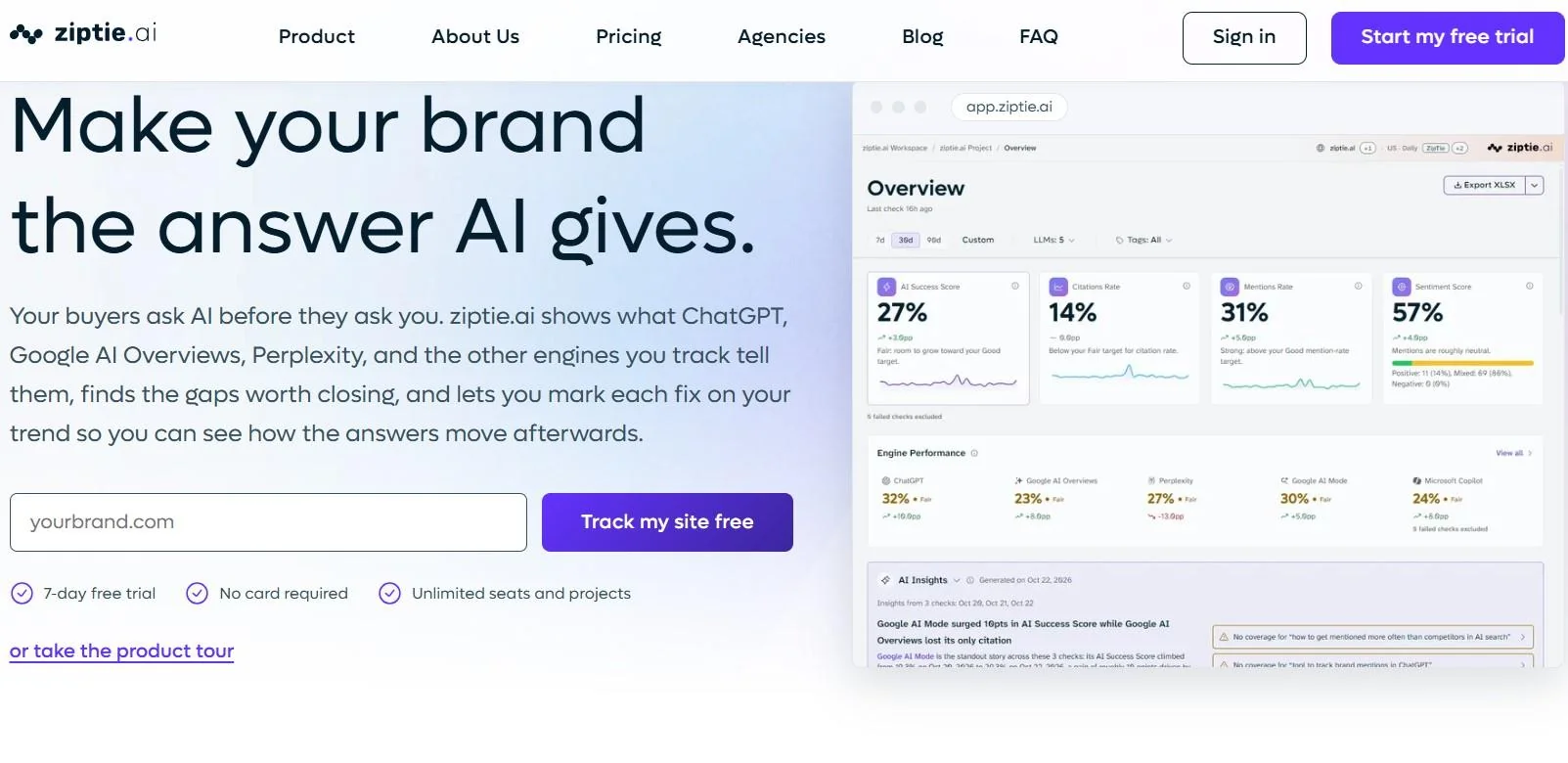 ZipTie fits the diagnosis step: re-check a suspected gap across engines and pay per check.
Best for: agencies rerunning gap prompts on uneven client schedules.
Standout feature: A usage configurator sets the price, at about a cent per engine check. You can cost a diagnosis before running it: pick the gap prompts, choose up to 7 engines, set the cadence, and the bill follows.
Pros:
Leaves seats, projects, and competitors unlimited
Spreads one gap prompt across up to 7 engines
Offers a trial with 25 daily prompts on ChatGPT, AI Overviews, and AI Mode
Cons:
Needs pricing modeled before you commit
Scales cost with engines times cadence
Pricing: Usage-based, from $25.65/mo; 7-day free trial.
Field read: Per-check billing gives every gap test a known price. The catch: daily checks on seven engines multiply fast. Price out two cadences, then save daily runs for gaps that are still open.
9. AirOps
 AirOps works at the far end of the loop: it turns a list of lost prompts into reviewed content.
Best for: content teams that own the fix.
Standout feature: Playbooks & Workflows define the steps once, and Grids run them across a batch of pages. Content Review & Quality Scores check each draft, then Human Review & Approvals put a person on every item in the batch before anything ships.
Pros:
Handles pages in batches
Scores drafts before sign-off
Starts free
Cons:
Content system first, tracker second
Solo covers ChatGPT; 10+ engines need Pro
Paid pricing is not public
Pricing: Start free; Pro comes with a 14-day free trial; Enterprise via sales.
Field read: On most teams the rewrite queue, not the gap list, is the bottleneck. AirOps fits a team that tracks elsewhere and needs drafts moving through review. For tracking alone, most of its depth sits past the step you need. If your team has no one to write the fixes, hiring one of the GEO companies we reviewed can be faster than adding another tool.
How do you build your own AI visibility stack?
Most teams need one tool per step, not one per engine. Start where your bottleneck sits: tracking the answers and their sources, sizing the prompt universe, or turning gaps into assigned work. Add the next step once the first produces decisions you act on.
Here is how I would set it up on a small budget:
Pick one tracker for Step 1 and load 25 to 50 prompts that match how your buyers ask.
Run it daily for at least four weeks before you judge any trend.
Use an index like Ahrefs Brand Radar or Semrush only when you need to add new prompts.
Send each open gap to one owner, with a date, before you add a third tool.
If your review needs the answer, its cited sources, and the search data on each source side by side, SE Visible is my pick of the nine. Give SE Visible a try with the prompts you already track. If you also need rank tracking and site audits, SE Ranking covers the SEO side.
Skip if:
Semrush AI Visibility Toolkit, if your clients need Claude coverage.
AirOps, if you only need tracking, not content workflows.
Profound, if you need a self-serve plan under enterprise pricing.
LLMrefs, if you must control the exact wording of every prompt.
FAQ: AI visibility tools
How do you measure AI search visibility?
AI search visibility is measured as the share of tracked prompts where your brand appears in the answer. Around that core number, you read its position in the answer, share of voice against the competitors you name, sentiment, and the sources the engine cited. Run the same prompt set on a fixed cadence.
What role does sentiment analysis play in AI visibility tools?
Sentiment shows how an answer frames your brand, not only whether it names you. It also shifts between runs: in an SE Visible study of 900 ChatGPT responses, only 44% of prompts received the exact same sentiment classification across all five runs. Read it as a trend over repeated checks.
Do AI visibility tools show the same answer every day?
No. The same prompt can return a different answer from one run to the next, with other brands named and other sources cited. In my own Gemini test, the exact same prompt gave two different tool lists in two chats. Daily tracking over several weeks shows which mentions hold and which come and go. Act on the trend line.
Can I track AI visibility for free?
You can test for free, but not track for long. SE Visible and AirOps Pro give 14-day trials, LLMrefs, Profound and ZipTie give 7-day trials, and Otterly.AI has a free trial too. Manual checks in ChatGPT or Gemini cost nothing, but as my test showed, one check can change on the next run, so it is not a reliable record.
Which AI visibility tools track Claude?
Profound tracks Claude on Enterprise, SE Visible adds it on the Agency plan, and Ahrefs Brand Radar covers it on custom prompts. Peec AI and ZipTie let you choose engines, so check their current engine list before you pay. Semrush Prompt Tracking does not cover Claude right now.
How many prompts should I track?
For one brand, I would start with 25 to 50 prompts that match real buyer questions, split across your main product categories. Agencies tracking several clients usually need 200 or more. It is better to track fewer prompts every day than many prompts once a week.
Is an AI visibility tool the same as a rank tracker?
No. A rank tracker shows where a page sits in a list of blue links. An AI visibility tool shows whether an AI answer names your brand, how it describes you, and which pages it used as sources. Many teams run both, because the cited sources in AI answers often come from pages that already rank well in search.