


I work as a QA engineer, which means my entire job is finding the gap between what software claims to do and what it actually does under real conditions. So when I kept hearing Easy Peasy AI mentioned as "the AI tool anyone can use," that framing is exactly the kind of claim I can't just take at face value.
Some people said it changed how they work. Others called it another overhyped AI tool riding the same wave as everything else. I decided to stop guessing and actually put it through its paces myself.
Here's what I found.
What Easy Peasy AI Actually Is
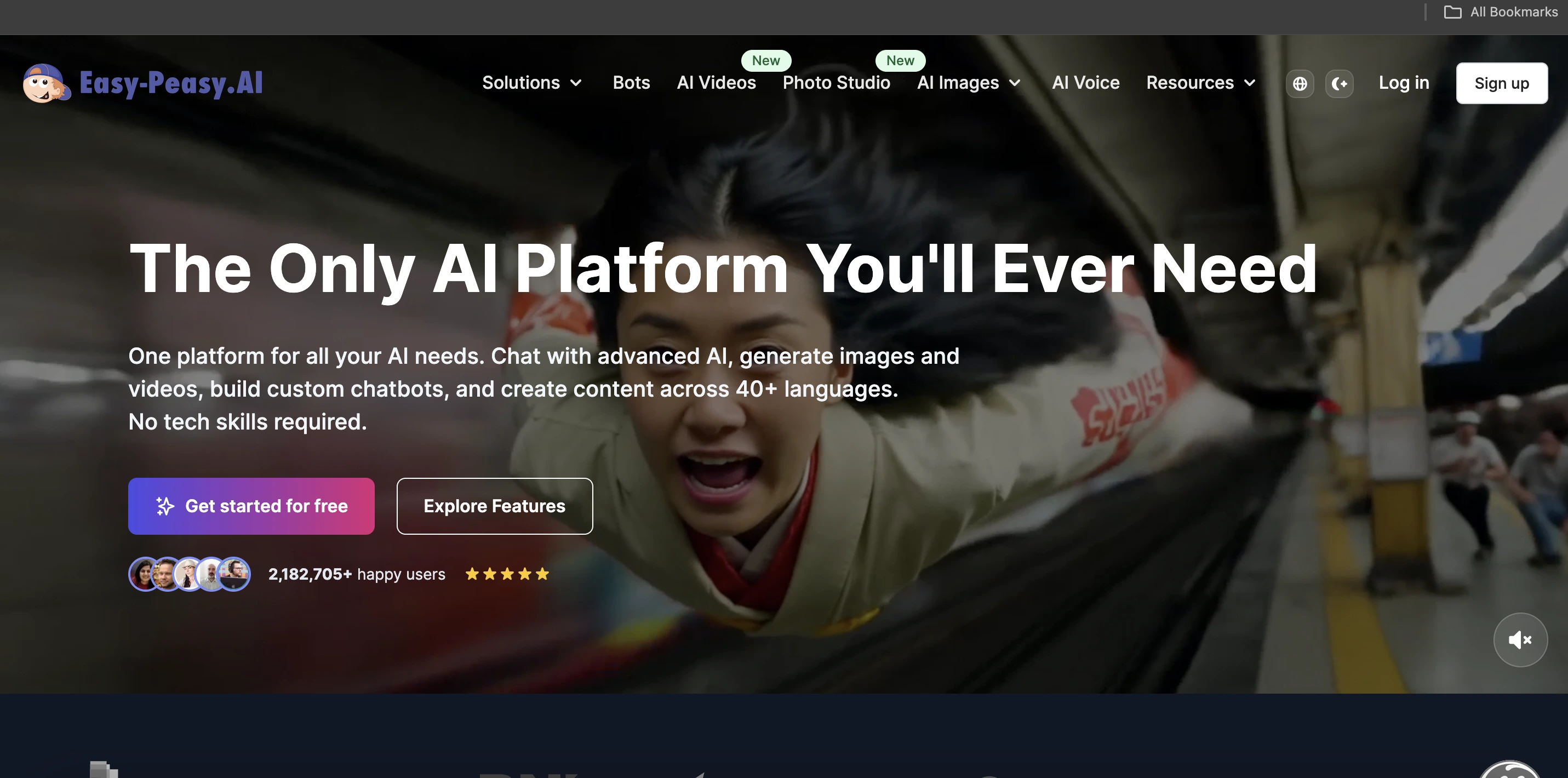
Easy Peasy AI is a no-code AI platform. That's the simplest way to describe it.
It helps you create content, automate repetitive tasks, and analyze data without any technical background or coding knowledge required. You type what you need, and it gets to work.
That's the whole pitch, really. A lot of AI platforms are powerful but locked behind a learning curve that keeps regular users out. Easy Peasy AI is trying to remove that barrier entirely, whether you're a student, a small business owner, a marketer, or someone who's never touched an AI tool before.
Whether it actually holds up to that claim is what I set out to check.
 Testing the Templates
This is the feature most beginners will lean on first, so it's where I started.
The platform ships with a large library of pre-built templates covering marketing copy, blog writing, social posts, email campaigns, research summaries, and product descriptions. Instead of starting from a blank page, you pick a template, fill in a few details, and let it generate the output.
From a testing standpoint, this actually solves a real problem. The hardest part of using any AI tool isn't the AI itself, it's knowing how to prompt it well. The templates do that thinking for you, which removes the single biggest failure point I usually see with beginners trying these platforms cold.
Testing Custom Prompts
When a template doesn't cover what you need, you can type your own instructions directly.
I ran the same request through with vague phrasing first, then again with specific details. The difference was significant, vague prompts gave vague, generic output, while specific prompts produced something actually usable.
That's not unique to this platform, it's true of nearly every AI tool I've tested. But it's worth flagging clearly here since it directly affects how good your results will be regardless of how well-designed the templates are.
Testing Automation
This is the feature I'd expect busy professionals and small business owners to get the most out of.
Easy Peasy AI can handle repetitive tasks on its own, summarizing long reports, generating recurring content, analyzing datasets, and structuring raw information into something usable. You set it up once instead of doing the same task manually every week.
For a QA mindset, this is where I'd usually expect things to break down under real conditions, automation tools often work fine in a demo and fall apart with messy real-world inputs. In my testing it held up reasonably well, though results were noticeably stronger with clean, well-organized source material than with messy or inconsistent inputs.
Content Formats and the No-Code Interface
The platform isn't limited to one content type. It writes blog posts, social captions, email newsletters, video scripts, product descriptions, quizzes, research summaries, and ad copy.
And genuinely, you don't need to know how to code or understand what's happening behind the scenes to use any of it. You open it, type what you need, and get results.
That sounds like a small thing, but from where I sit it's actually the core value proposition of the whole platform. A lot of powerful AI tools are locked behind technical setup most people never bother pushing through. This one removes that friction completely, and in my testing, that claim held up.
What Real Users Report
I went through a lot of user feedback before finishing this, and a few patterns repeated consistently.
The most common praise was speed to first result. People said they were generating usable output within minutes of signing up, no tutorial, no setup, no learning curve. One small business owner mentioned cutting a weekly newsletter task from hours down to under ten minutes.
The complaints followed a pattern too. Outputs feel generic when prompts lack detail, which matches exactly what I found in my own testing. And for complex or highly specialized content, the AI still needs real human editing, it's solid for drafts, not for finished work.
Adoption of tools like this isn't a fringe trend either. By the end of 2026, 80 percent of low-code and no-code platform users are expected to sit outside traditional IT departments, up from 60 percent in 2021, according to Hostinger's breakdown of AI app builder statistics. That shift toward non-technical users is exactly the audience Easy Peasy AI is built around.
How It Compares to the Alternatives
Against traditional AI platforms, Easy Peasy AI is noticeably faster to get useful results from. Most traditional tools need technical setup and a real learning curve before output quality improves. This gets you there in minutes instead.
Against other no-code AI tools specifically, it holds up well. The template library is solid, the interface is clean, and the range of supported content types is broader than several competitors at a similar price point.
Where it falls short is depth and flexibility. If you need highly customized workflows or specialized outputs, you'll hit real limits here, more advanced tools give you more control but demand more technical knowledge in return.
Jasper AI is the closest comparison for marketing copy and blog content, with more tone control but a higher price tag. Writesonic is a cheaper option for social content and ads. Blaze AI is worth a look if you need content creation and scheduling combined, I went through that one in detail in my Blaze AI review if you're weighing the two against each other. ChatGPT is the obvious comparison too, more flexible and powerful, but it demands more prompting skill, where Easy Peasy AI is essentially a more structured, beginner-friendly version of that same experience.
Who This Actually Fits
If you're completely new to AI and want to start without a steep learning curve, this is one of the strongest entry points I've come across. The templates and simple interface genuinely deliver on the beginner-friendly claim.
If you're a content creator producing high volumes regularly, the speed and format range will save real time week over week.
If you're a small business owner wearing every hat yourself, the automation features are worth testing specifically for repetitive tasks like newsletters or reports.
Who should not use this: If you need highly specialized or deeply researched content, this isn't built for depth, it's built for speed and accessibility. And if you need complex custom workflows or deep integrations, you'll outgrow this platform's simplicity fast, a more technical tool will serve you better.
Pricing
Easy Peasy AI positions itself as a cost-effective option compared to a lot of competing AI platforms, aimed at beginners, solo creators, and small businesses who can't justify a big monthly software spend.
There's a free plan that gives you enough access to properly test the tool before paying anything. Paid plans unlock more features, higher usage limits, and more advanced capabilities.
My actual recommendation, from a testing mindset, start with the free plan and push it properly. Run the templates, test the automation, and see how much editing the output needs for your specific use case before deciding whether to upgrade.
My Verdict
Easy Peasy AI does what it claims to do, which honestly isn't guaranteed with tools that market themselves this aggressively as beginner-friendly.
It won't replace your judgment or creativity, and outputs sometimes need real editing before they're publish-ready. But it cuts down meaningfully on repetitive content work, and that matters when you're working alone or on a small team.
The template library earns its praise. The no-code interface lives up to what it promises. And the range of supported content types means you're not boxed into one use case.
Use it to generate drafts, review everything it produces, and don't let it replace the parts of your voice that make your content actually yours. That's true of this tool and every other AI writing platform I've tested.
Frequently Asked Questions
Is Easy Peasy AI free?
Yes, there's a free plan with enough access to properly test the platform before committing to anything paid.
Is Easy Peasy AI good for beginners?
Yes, that's the core design goal, and in testing it held up. No technical background is needed to get usable results within minutes.
What can Easy Peasy AI actually do?
It generates blog posts, social captions, newsletters, video scripts, product descriptions, ad copy, research summaries, and quizzes, plus handles automation and basic data analysis.
How good is the content it produces?
Reliable for short-form content and first drafts. Specialized or research-heavy content still needs human editing before it's publish-ready.
Does it require any coding skills?
No, the entire platform is built for no-code use, including its more advanced automation features.
Is it worth paying for?
If you're producing content regularly and hitting free plan limits, yes. If your use is occasional, the free plan likely covers you, test it properly before upgrading.
How is it different from ChatGPT?
It's more structured and guided, with templates that remove the need to know how to prompt well. ChatGPT is more flexible but requires more skill to get consistent results.
What are the best alternatives?
Jasper AI for marketing copy and blog content, Writesonic for affordable social content, Blaze AI if you want content creation and scheduling combined, and ChatGPT if you want more flexibility and don't mind a steeper learning curve.