


The most expensive mistake in this category has nothing to do with features.
It is choosing a pricing model that suits a team half your size, then paying for that choice every month for years.
Most field service platforms charge per user. A smaller group charge one flat rate for unlimited users. Which of those is cheaper for you depends entirely on your technician count, and there is a crossover point where the answer flips.
Almost nobody works out where that point actually sits. So I did, using current pricing rather than the figures still circulating in older roundups.
Here is what I found, plus the ten platforms worth shortlisting.
What This Software Actually Does
Field service management software schedules, dispatches and tracks technicians working at customer sites.
It pulls work orders, customer records, invoicing and mobile updates into one place so office staff and field crews are looking at the same information.
The businesses that lean on it hardest are HVAC, plumbing, electrical, pest control, construction and facilities management. Broadly, anyone who sends people out rather than having customers come in.
The Crossover Point, Calculated Properly
Here is where I have to correct something repeated across a lot of comparison articles.
Plenty of them claim flat rate pricing wins once you pass roughly three technicians. That figure comes from outdated prices and a simplification that does not survive contact with real plans.
Two things break it.
First, flat rate platforms cost more than those articles say. Service Fusion, the most cited example, starts around $208 per month billed annually, or about $245 month to month. Older roundups still quote $165.
Second, per user tools rarely charge strictly per user. They bundle seats into tiers. A plan might cover up to ten users for one price, which changes the arithmetic completely.
Work it through with current numbers and the crossover lands closer to six to nine technicians, not three.
Below that range, per user tools commonly run 35 to 50 percent cheaper. Above it, the flat rate model pulls ahead and keeps widening as you hire.
So the question is not which platform is cheapest. It is where your headcount sits relative to that band, and which tier you would actually be buying.
This is the same trap I found looking at what HR platforms really cost, where per employee pricing quietly reshapes the total long after the demo.
How to Run It for Your Own Team
Take your technician count. Multiply by the per user platform's rate for the tier that has the features you need, not the cheapest tier.
Then compare against the flat rate platform's tier that matches those same features.
Check the annual versus monthly difference too. Annual billing commonly saves around 15 percent but is charged upfront.
If the two numbers land within about 20 percent of each other, pricing is not your deciding factor and you should choose on fit instead.
The Ten Worth Shortlisting
ServiceTitan, for HVAC, plumbing and electrical at scale.
Jobber, for small home service teams starting out.
Service Fusion, for flat rate pricing once your crew grows.
Housecall Pro, for mobile first work with small crews.
Zoho FSM, for standardized workflows on a budget.
BuildOps, for construction and specialty trades.
FieldRoutes, for pest control and recurring service.
Salesforce Field Service, for teams already on Salesforce.
IFS Field Service Management, for enterprise asset heavy operations.
Connecteam, for a free starting point with small teams.
Side by Side
Platform | Best for | Pricing model | Starting price |
|---|---|---|---|
ServiceTitan | Trades at scale | Custom | Quote only |
Jobber | Small home service | Tiered | From about $29/mo |
Service Fusion | Growing crews | Flat, unlimited users | About $208/mo annually |
Housecall Pro | Mobile first crews | Tiered per user | From about $49/mo |
Zoho FSM | Standard workflows | Per user | Budget tier |
BuildOps | Construction | Per user | Quote only |
FieldRoutes | Recurring service | Per user | Quote only |
Salesforce | Salesforce users | Per user | About $50 to $165/user |
IFS FSM | Enterprise assets | Custom | Quote only |
Connecteam | Small distributed teams | Tiered | Free up to 10 users |
1. ServiceTitan
Best for: HVAC, plumbing and electrical companies running high volume residential work.
It consolidates dispatch, customer records and reporting into one platform built around trade businesses rather than field service generally.
Strengths: deep specialization in the trades rather than a generic tool adapted to fit. The price book system speeds up consistent quoting in the field, and reporting holds up at volume.
Weaknesses: pricing is not published, so you cannot compare without a sales conversation. Less suited to asset compliance work outside its core trades.
Skip it if you are in facilities management or industrial service. The specialization works against you.
Price: custom quote, structured around flat rate and price books rather than a simple per user figure.
2. Jobber
Best for: small home service teams moving off paper and spreadsheets.
Strengths: approachable enough for a genuine first digitization, with accessible entry pricing and strong feedback around cutting admin time and speeding up billing.
Weaknesses: depth thins out against enterprise platforms as you scale, and advanced asset tracking is not its focus.
Skip it if you run complex multi site operations. You will meet its ceiling.
Price: from around $29 per month, rising through tiers as you add features and seats.
3. Service Fusion
Best for: crews past the crossover point who want predictable costs.
This is the clearest flat rate example, built specifically to avoid per seat creep as headcount grows. A ten technician shop pays the same as a two technician shop on the same tier.
Strengths: unlimited users on every tier, predictable monthly cost, and a dispatch board that handles priority queuing and skills matching well.
Weaknesses: several worth knowing. There is no free trial, so you commit after a demo rather than testing it yourself. Users report the Android app is unreliable, there is no offline functionality, and data migration is frequently slow.
Skip it if you are a solo operator or two person crew. You would be paying well above a per user equivalent.
Price: from about $208 per month billed annually, or roughly $245 month to month. Higher tiers add job costing and customer portal features.
Current tier detail sits on this pricing summary.
4. Housecall Pro
Best for: plumbers, cleaners and repair teams working primarily from a phone.
Strengths: properly mobile first rather than a desktop tool with an app attached. Onboarding is fast for solo technicians and small teams, and it fits residential service work well.
Weaknesses: costs climb with headcount, which is exactly the trap described above. Less depth for multi location operations.
Skip it if you are scaling past a small crew without rerunning the crossover math first.
Price: from around $49 per month for solo use, with tiers bundling additional seats. Check which tier your team size actually lands in.
5. Zoho FSM
Best for: teams with standard workflows wanting an affordable full platform.
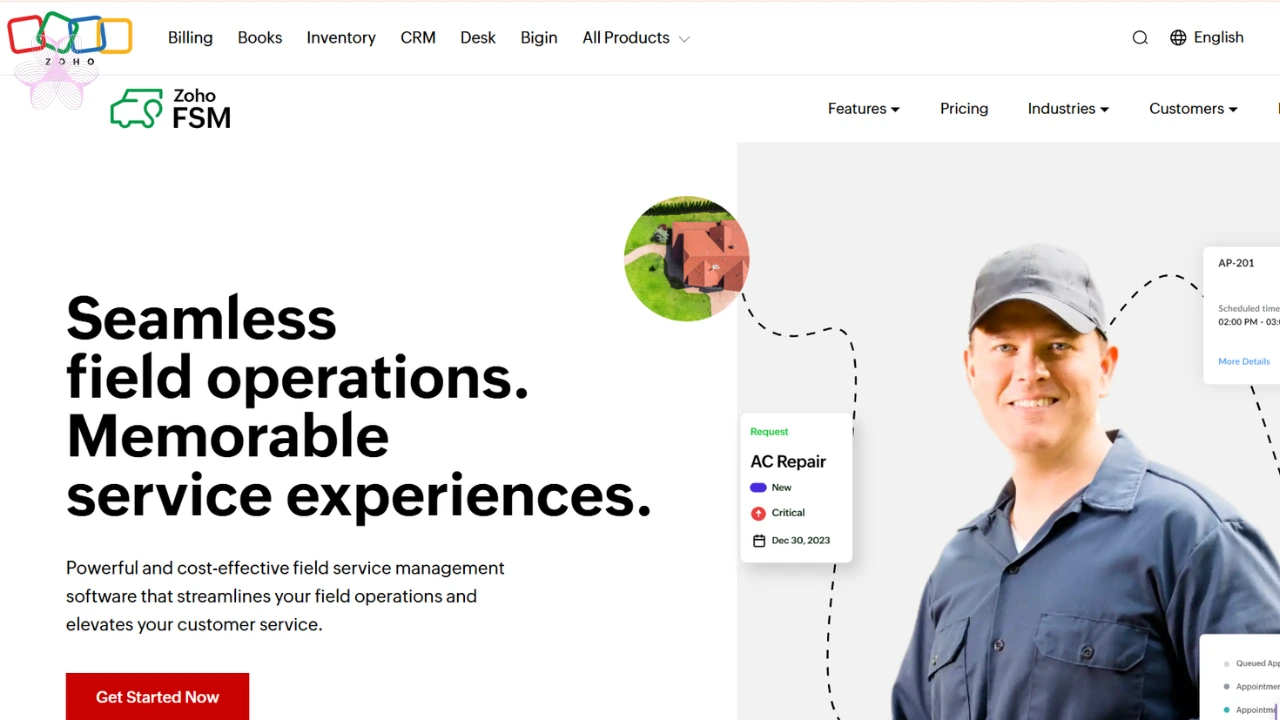 Strengths: among the most affordable end to end options, quick to get working if your process is fairly conventional, and deeply integrated if you already use other Zoho products.
Weaknesses: users report that unusual workflows require workarounds and setup effort. It suits teams willing to adapt to its structure.
Skip it if your operations are highly specific. Expect a rockier setup than a specialized platform.
Price: budget tier, among the cheapest full platforms here.
6. BuildOps
Best for: construction and specialty trade contractors needing project level coordination.
Strengths: purpose built for construction rather than adapted from residential service. Real time tracking and reporting draw consistent praise from construction teams.
It also centralizes project information that usually lives across several disconnected tools.
Weaknesses: limited relevance outside construction and specialty trades, and pricing requires a sales conversation.
Skip it if you run residential HVAC or plumbing. A trade specific platform fits better.
Price: custom quote by team size and modules.
7. FieldRoutes
Best for: pest control and other recurring service businesses.
Strengths: built around recurring models rather than one off dispatch, with route optimization and the compliance documentation regulated pest work demands. Reporting scales as the business grows.
Weaknesses: that same specialization makes it less flexible for project work.
Skip it if most of your jobs are one time rather than scheduled repeats.
Price: custom quote by team size and service volume.
8. Salesforce Field Service
Best for: organizations already running on Salesforce.
Strengths: connects field technicians directly to the customer data your sales and support teams already use. The remote assistance tooling can resolve some issues without a truck roll, and forecasting helps catch scheduling problems early.
Weaknesses: pricing runs above most small business competitors, and the value case depends heavily on already being invested in the ecosystem.
Skip it if you do not use Salesforce elsewhere. You would be adding cost without the integration payoff.
Price: dispatcher and technician seats around $165 per user monthly on annual billing, with a contractor tier near $50.
9. IFS Field Service Management
Best for: enterprise operations managing parts, contracts and warranties at scale.
Strengths: built for genuine complexity, with parts logistics and contract management most competitors skip entirely, plus workforce forecasting many vendors do not offer.
Weaknesses: pricing is entirely custom with no public reference point, and it is disproportionate for smaller businesses.
Skip it if you run a small residential service business. This is enterprise scale infrastructure.
Price: available on request.
10. Connecteam
Best for: small distributed teams wanting a free or low cost start.
Strengths: a real free tier for up to ten users, which is rare here. Onboarding is quick, and pricing scales gradually rather than jumping to enterprise levels.
Weaknesses: lighter on asset management and complex service workflows. At its core it reads more like team operations software than a dedicated field service platform.
Skip it if you need contract management or deep industry workflows.
Price: free up to ten users, with paid tiers from around $29 per month.
What Actually Decides This
Start with headcount, because that decides the pricing model.
Two or three technicians, per user platforms stay cheaper. Somewhere between six and nine you cross over. Beyond ten, flat rate wins comfortably and the gap grows.
Then match specialization. ServiceTitan for residential trades, BuildOps for construction, FieldRoutes for recurring service.
Already on Salesforce, their field service product saves running a disconnected second system.
Enterprise with complex assets and contracts, IFS is built for it and smaller tools will buckle.
Tight budget and small team, Connecteam's free tier or Jobber's entry pricing carry the least risk.
And whatever you shortlist, rerun the arithmetic at your real headcount before signing. That one calculation is worth more than any feature comparison in this category.
Frequently Asked Questions
How much does field service software cost?
Roughly $29 to $165 per user monthly for per seat tools, or about $208 upward monthly for flat rate platforms with unlimited users.
Is flat rate or per user pricing better?
It depends on headcount. Below about six technicians per user is usually cheaper. Past nine, flat rate typically wins.
How much is Service Fusion?
Around $208 per month billed annually for the entry tier, with unlimited users included on every plan.
Is there free field service software?
Connecteam offers a free tier for up to ten users, though it is lighter on asset and contract features.
Which platform suits HVAC and plumbing?
ServiceTitan is the most specialized for residential trades, with price book management built around that work.
Which suits construction?
BuildOps, which is built for project level coordination rather than adapted from residential dispatch.
What is the difference between this and a CRM?
A CRM manages customer relationships and sales. Field service software handles scheduling, dispatch and on site job completion.
The Part Worth Repeating
The HVAC owner who prompted all this runs eight technicians, which puts him squarely inside the crossover band rather than clearly on one side of it.
That turned out to be the useful finding. At eight, the two models land close enough that price stops being the deciding factor and fit takes over.
Had he been at three, or at fifteen, the arithmetic would have chosen for him.
So run your own numbers first. If they separate clearly, follow them. If they do not, ignore price and pick the platform your technicians will actually open.