

Comparing SaaS products can become complicated once buyers start looking beyond advertised features and subscription prices. Two applications may offer similar capabilities but have different licensing arrangements, integration requirements, and implementation costs. User reviews can reveal additional differences, although feedback from one organization may have limited relevance to another.
SaaS comparison websites help businesses investigate these factors before contacting vendors. They organize software profiles, customer reviews, pricing information, and product comparisons so buyers can identify suitable applications without researching every option individually.
However, comparison platforms differ in how they present information. Some emphasize detailed customer experiences, while others provide structured feature comparisons, software market reports, or personalized recommendations.
This guide examines seven established SaaS comparison websites, including their research capabilities, practical advantages, and considerations buyers should understand. It also explains how to compare software pricing, evaluate functionality, and interpret reviews when developing a shortlist.
What Makes a SaaS Comparison Website Worth Using?
A useful comparison website should help buyers answer three questions: What will the software cost, does it meet the required specifications, and what have existing customers experienced?
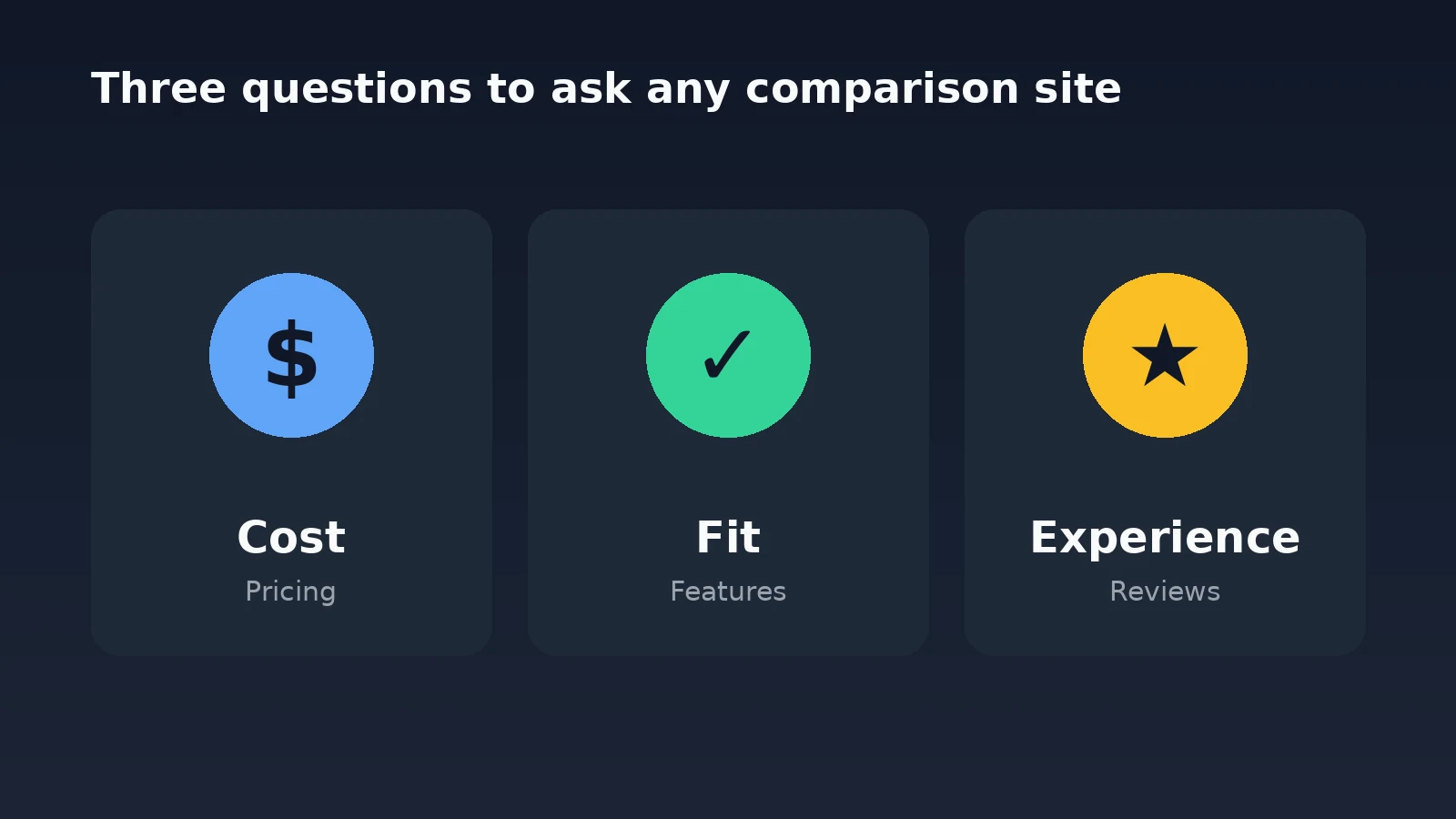 Cost, fit and experience: the three things to check on any comparison site.
Pricing transparency matters because advertised subscription rates may exclude implementation, additional users, premium features, and other charges. Comparison platforms should provide available pricing information while making it possible to investigate different subscription options.
Feature comparisons help buyers identify functional differences between competing applications. A company evaluating human resources software, for example, may need to compare payroll processing, attendance management, reporting, and integration capabilities rather than general descriptions of employee management.
Customer reviews provide context about usability, reliability, support, and everyday performance. Reviews become more valuable when readers can examine relevant details, including the reviewer's role, organization size, and experience with the product.
Software category coverage, research quality, comparison tools, and access to buyer assistance also deserve consideration. The following websites offer different combinations of these capabilities.
7 Best SaaS Comparison Websites for Software Buyers
1. Software Finder
Software Finder is a business software discovery and comparison platform that helps organizations research products, evaluate alternatives, and identify applications suited to their operational requirements.
The website covers a broad range of business applications, including human resources, enterprise resource planning, learning management systems, customer relationship management, medical software, and field service management. Its industry and category coverage allows buyers to research both general business applications and specialized software.
Software Finder provides product profiles containing information about functionality, available pricing, and customer experiences. Its software comparison resources examine competing applications based on factors such as capabilities, value, and user satisfaction.
The platform also offers personalized software recommendations. Organizations can provide information about their business requirements and receive assistance identifying potential solutions. This service can be valuable for companies that understand their operational challenges but have limited experience evaluating software vendors.
For example, a growing organization searching for human resources software may need employee records, payroll capabilities, attendance tracking, and integration with existing financial systems. Software Finder's category research and buyer assistance can help identify products worth investigating before arranging demonstrations.
Its editorial research follows a documented evaluation framework. According to the company's software review methodology, its assessment criteria include usability, flexibility, integrations, pricing, product features, and customer support.
Software Finder is especially relevant to buyers who want access to software information alongside assistance with narrowing their choices. Organizations researching unfamiliar software categories may benefit from this combination.
However, the amount of pricing information and customer feedback available depends on the individual product. Buyers should independently verify important capabilities, subscription restrictions, and commercial terms before selecting a vendor.
2. G2
G2 is a business software review and comparison platform that combines customer feedback with structured research into software markets.
The website covers numerous categories, including CRM, accounting, marketing automation, project management, and collaboration software. Product profiles contain reviews, ratings, and information that buyers can use to investigate competing applications.
A distinctive part of G2's research approach is its Grid reporting system. Grid reports evaluate products using customer satisfaction and market presence measures, giving buyers a broader perspective on how applications compare within a particular software category.
According to G2's research scoring methodology, satisfaction measures incorporate verified review data, while market presence considers additional business and market information. These measures help organize products for comparison, although they do not establish which application will work best for every organization.
G2 also provides software comparison pages, category research, and detailed customer feedback. Buyers can investigate recurring experiences involving usability, product capabilities, implementation, and customer service.
The platform is particularly useful when several established vendors compete within the same software category. Its market reports can provide context beyond individual product ratings, while customer reviews help buyers understand how software performs in different working environments.
Organizations should examine the relevance and recency of feedback rather than relying exclusively on overall scores or Grid positioning. Market presence, popularity, and customer satisfaction are useful signals, but business requirements should ultimately determine the shortlist.
3. Capterra
Capterra helps businesses discover software through product directories, customer reviews, pricing information, and structured comparison tools.
Its website supports research across numerous software categories and provides a relatively straightforward process for investigating competing products.
One of Capterra's most practical features is its software comparison tool, which allows users to evaluate between two and four products together. The comparison interface presents available information about functionality, pricing, customer ratings, and product characteristics.
This arrangement is useful when buyers have already identified several applications but need to understand their differences.
Consider a small business comparing appointment scheduling software. Several applications might provide online booking, automated reminders, payment processing, and calendar integrations. Capterra allows the business to examine published product information together before determining which capabilities require further investigation.
Customer reviews complement these comparisons by providing feedback about factors such as ease of use, support, and value. Capterra also publishes research and software selection resources that help buyers understand different product categories.
The website can be particularly helpful for small and midsize organizations seeking a structured way to compare established software alternatives.
Published prices should still be treated as preliminary information. A starting subscription rate may apply to a limited plan or exclude capabilities essential to the buyer. Sponsored placements can also appear in software marketplaces, so users should distinguish advertising visibility from product suitability.
4. TrustRadius
TrustRadius is a business technology review platform with a strong emphasis on detailed customer experiences and product evaluation.
Its review content helps buyers investigate aspects of software performance that may be difficult to judge from vendor descriptions. These include implementation experiences, functionality, support quality, usability, and operational limitations.
TrustRadius offers product comparisons incorporating feature ratings, attribute scores, and customer feedback. Its software comparison guidance explains how buyers can examine feature ratings and compare customer experiences across products.
The platform also documents its approach to review verification. According to its review submission guidelines, reviewers register through LinkedIn or a work email address, allowing its moderation team to authenticate their profiles and assess submitted feedback.
These practices provide context for evaluating review credibility, although they cannot guarantee that every experience will apply to another organization.
TrustRadius is particularly relevant during detailed software evaluation. A company selecting an enterprise application may already know which products meet its functional requirements but still need to investigate implementation complexity, training requirements, and support experiences.
Customer reviews discussing these issues can help identify questions for vendor demonstrations and reference calls. Feature level ratings also allow buyers to look beyond general satisfaction scores when evaluating specific capabilities.
The principal consideration is whether the available reviews reflect comparable organizations and realistic use cases. Detailed feedback from a large enterprise may describe valuable product characteristics while addressing challenges that a smaller business will never encounter.
5. GetApp
GetApp is a software discovery and comparison website that helps businesses assess applications using product information, pricing, reviews, and research resources.
Its software directories cover numerous business categories, and its website supports direct comparisons between competing applications. Buyers can investigate product capabilities, customer ratings, and available pricing information while narrowing their options.
GetApp is particularly relevant to businesses evaluating software compatibility with their existing technology environment. The platform emphasizes application research and integrations, which can influence implementation requirements and ongoing operational efficiency.
It also provides a downloadable software comparison chart. This worksheet supports comparing up to three vendors across functionality, deployment options, integrations, training, support, and pricing.
The downloadable chart serves a different purpose from the website's direct comparison interface. It allows buyers to record findings from demonstrations, vendor discussions, and internal evaluations in a consistent format.
For instance, a company replacing its customer support software might discover that competing applications offer similar ticket management features but differ in reporting capabilities or CRM integration. Documenting those differences alongside implementation and support requirements can make the decision easier to evaluate.
GetApp also publishes research and software buying resources. Its transparency documentation explains its review verification approach and the presence of sponsored profiles within its marketplace.
Organizations that prefer documenting their research may find GetApp's combination of product comparisons and evaluation resources useful. However, listed integrations should be verified against actual workflow requirements because availability does not establish that every connection supports the same functions or subscription plans.
6. Software Advice
Software Advice offers software reviews, product research, and personalized assistance for businesses evaluating technology purchases.
While the website provides conventional software discovery resources, its advisory service is an important part of its approach. Buyers can explain their requirements and receive recommendations for software products worth considering.
According to the company's About Us page, advisors help buyers identify software options based on their needs, allowing organizations to move toward demonstrations and trials with a more defined shortlist.
This service may be valuable when buyers have limited knowledge of a software category or need help translating business challenges into specific requirements.
A field service company, for example, may want to improve scheduling, dispatching, invoicing, and customer communication. The organization might initially be uncertain whether it needs a specialized field service management application or several connected tools.
An advisory discussion can help clarify the software requirements and identify products for further evaluation.
Software Advice also provides customer reviews, product information, and research resources that buyers can examine after receiving recommendations.
The service is useful for companies that prefer guided software selection or lack the internal resources to investigate numerous vendors independently.
However, Software Advice operates a commercial vendor referral business alongside its free buyer assistance. Organizations should evaluate recommendations against their own requirements and verify pricing and capabilities directly with the suggested vendors.
7. SourceForge
SourceForge has a long history in software discovery and distribution, and its business software directory also covers commercial applications and SaaS products.
The platform allows buyers to search software categories, examine product profiles, read reviews, and compare available options.
Its filtering capabilities are especially useful when buyers have detailed technical or operational requirements.
The SourceForge software directory supports filtering applications by criteria such as pricing, features, integrations, organization size, operating systems, and geographic availability.
These options allow businesses to narrow a large selection before examining individual software profiles.
For example, an organization selecting a development or IT management application may need compatibility with specific operating systems, deployment environments, or existing tools. SourceForge's filters can help identify potentially suitable applications without manually reviewing every listing.
The directory also includes information about product features, pricing models, and customer experiences, allowing buyers to continue their evaluation after narrowing the results.
SourceForge may be particularly useful for organizations with technical requirements that are difficult to address through general software category searches.
Its directory contains both SaaS applications and other types of software, so buyers should confirm that shortlisted products meet their preferred deployment model. Product listings and review coverage also vary, making direct technical verification important before purchasing.
SaaS Comparison Websites at a Glance
The seven websites offer overlapping software discovery capabilities, but each provides resources that may suit different stages of the buying process.
Website | Notable capabilities | Useful for |
|---|---|---|
Software Finder | Software comparisons, category research, personalized recommendations | Buyers seeking product research and shortlisting assistance |
G2 | Customer reviews, Grid reports, market research | Comparing customer satisfaction and market positioning |
Capterra | Direct product comparisons, pricing and ratings | Evaluating several products within a defined category |
TrustRadius | Detailed reviews, feature and attribute ratings | Investigating customer experiences and product limitations |
GetApp | Product comparisons, integration research, downloadable worksheet | Documenting software evaluations and compatibility requirements |
Software Advice | Product reviews and personalized advisor assistance | Identifying suitable software with guided support |
SourceForge | Extensive filters, product listings, comparison resources | Narrowing options using technical and operational criteria |
One ownership detail matters when using these resources. G2 acquired Capterra, GetApp, and Software Advice from Gartner in 2026, bringing them into the G2 Digital Markets business. Although the websites maintain distinct buying experiences, their shared corporate relationship means readers should not assume that reviews across all four represent entirely independent sources.
How to Compare SaaS Pricing Without Missing Important Costs
Published subscription prices provide a useful starting point, but they rarely tell the complete financial story.
SaaS vendors use different pricing models. Some charge per user, others base fees on usage or transactions, and enterprise applications may require customized quotations. Comparing monthly rates without examining the underlying conditions can produce misleading results.
Before deciding which product is less expensive, investigate the following:
Billing commitments: Determine whether advertised rates require annual contracts or apply to monthly subscriptions.
Minimum purchases: Check for required user counts, minimum contract values, or mandatory packages.
Subscription limits: Identify restrictions involving users, storage, transactions, automation, and reporting.
Implementation expenses: Include configuration, data migration, employee training, and onboarding.
Additional services: Consider premium support, integrations, and optional modules.
Renewal terms: Review introductory discounts, cancellation conditions, and potential price changes.
Consider two hypothetical software products. The first costs $25 per user each month, while the second costs $35. For a company with 20 users, their advertised monthly subscriptions would total $500 and $700, respectively.
The first product appears cheaper. However, if essential reporting capabilities require a higher subscription tier or implementation involves substantial additional fees, the difference may shrink or disappear.
A meaningful cost comparison should therefore cover the entire expected contract period, including known setup costs and anticipated changes in usage.
Comparison websites can identify published pricing arrangements and potential differences between products. A final purchasing decision should rely on current vendor quotations and a review of contractual obligations.
How to Evaluate SaaS Features Against Business Requirements
Feature lists can make competing applications appear similar even when their practical capabilities differ considerably.
A better approach is to establish which functions the organization actually needs before comparing products.
Start by separating requirements into essential capabilities, desirable improvements, and optional features. This helps buyers avoid assigning excessive importance to functions that may never be used.
For a company researching project management software, essential requirements might include task assignment, project reporting, user permissions, and visibility into deadlines. Advanced forecasting or extensive automation could be useful without being necessary for the initial purchase.
Functionality should also be assessed beyond the presence of a feature.
Two applications may both advertise workflow automation, but one might support simple notifications while the other provides approval processes, conditional actions, and connections with external applications.
Integrations deserve similar scrutiny. A listed connection with an accounting platform, CRM, or communication tool does not necessarily support every required workflow or data field.
Software comparison websites can help identify these differences during preliminary research. Vendor documentation and demonstrations are better suited to verifying how important capabilities operate.
Where available, trial environments should be tested with realistic tasks and participation from the employees who will use the application regularly.
What SaaS User Reviews Can Tell You
Customer feedback is valuable because it describes how software performs outside vendor demonstrations. Nevertheless, ratings require interpretation.
Begin by examining the reviewer's circumstances. Organization size, industry, technical resources, and intended use can affect whether someone finds an application effective.
A complex enterprise platform may receive favorable feedback from organizations with dedicated administrators while presenting unnecessary difficulties for smaller teams.
Review dates also matter. Software vendors regularly update their products, change pricing, and introduce or discontinue features. Older complaints may describe conditions that no longer exist.
Recurring observations are often more informative than isolated comments. When multiple reviewers identify similar problems involving customer support, reporting, or implementation, those concerns deserve investigation.
Positive feedback should receive equal scrutiny. Repeated reports of accessible support, efficient workflows, or reliable integrations may indicate capabilities worth exploring during demonstrations.
It is also important to understand how review platforms collect and moderate submissions. Verification procedures can reduce certain risks, but they do not eliminate differences in customer expectations, experiences, or incentives.
For critical purchases, use reviews to identify questions for vendors rather than treating individual opinions as final judgments.
Turning Software Research Into a Reliable Shortlist
A successful software selection process begins with a clear understanding of the business problem.
Before comparing products, organizations should identify their required capabilities, expected users, budget, technical constraints, and implementation priorities.
Comparison websites can then help narrow the available market. Pricing information reveals potential affordability, feature comparisons identify functional differences, and customer reviews highlight experiences that deserve closer examination.
The next stage should involve vendor demonstrations, current quotations, and verification of important technical requirements. Employees responsible for using and administering the software should participate whenever possible.
Security, contractual commitments, ongoing support, and the potential cost of changing vendors also belong in the final evaluation.
Software Finder, G2, Capterra, TrustRadius, GetApp, Software Advice, and SourceForge each offer resources that can support this process. The most useful platform will depend on whether the buyer needs detailed customer feedback, structured comparisons, technical filtering, or help identifying products.
A carefully developed shortlist, followed by realistic product testing and direct vendor verification, gives businesses a stronger basis for selecting SaaS software than advertised prices or overall ratings alone.
FAQ
What is a SaaS comparison website?
A SaaS comparison website collects software profiles, pricing details, customer reviews and side-by-side comparisons in one place. We use them to build a first shortlist before talking to vendors, so we do not have to research every product on its own.
Which SaaS comparison website is best?
It depends on what you need. In our view, Software Finder suits buyers who want help narrowing their options, G2 and TrustRadius suit buyers who want detailed reviews, Capterra and GetApp suit side-by-side comparisons, and SourceForge suits buyers with technical filters to apply.
Are reviews on SaaS comparison websites reliable?
They are useful, but we would not treat them as final. Check the reviewer's company size, role and review date, and look for problems that many reviewers mention. Also keep in mind that G2 now owns Capterra, GetApp and Software Advice, so reviews across those four sites are not fully independent sources.
Are SaaS comparison websites free to use?
Yes, for buyers they are free to browse. Most earn money from software vendors through sponsored listings, ads or referrals, so we always check whether a listing is paid placement before giving it extra weight.
Can I trust the prices shown on comparison websites?
Treat them as a starting point. Listed prices often leave out annual contract terms, minimum users, setup fees and higher tiers you may need. We always confirm the final price with a current quote from the vendor.