


BleachBit is the best CCleaner alternative for most people. Free forever, no paid tier, no ads. If you want CCleaner's all in one feel, Glary Utilities Pro covers 3 PCs for $39.95 a year against the $64.95 CCleaner charges for the same three device coverage. And if you barely clean your PC at all, Windows 11 already does most of this job for free.
One warning first. Several popular guides still name Restoro as their top pick. Skip it, and I explain why below.
Pricing Checked: All prices in this guide were checked against the vendors' official pricing pages on 23 August 2026. Prices for cleaner software change frequently, so treat the figures as a current snapshot. This guide focuses primarily on Windows, and PrivaZer's Pro pricing is not published as a fixed price.
The Tool Most Lists Recommend That You Should Avoid
Search for a free CCleaner alternative and you will hit articles putting Restoro at number one, often with a "tested in 2026" badge on them.
In March 2024 the FTC announced a $26 million settlement with Restoro Cyprus Limited and Reimage Cyprus Limited. The complaint said they used fake Microsoft Windows pop ups telling people their machines were infected, then ran scans reporting serious problems no matter what shape the computer was in. FTC staff bought the product on a clean, protected test machine and still got the warnings.
More than 700,000 people, many of them older adults, paid for it, with telemarketers pushing repair plans up to about $499. In March 2025 the FTC refunded over $25.5 million across 736,375 payments. Both sites are now offline.
I am naming this because the guides still pushing it usually carry an affiliate link to it. That is the whole reason it sits at number one. A settled FTC case is a different thing from a product with one annoying flaw, and this is the first kind.
Why People Leave CCleaner
CCleaner still cleans files fine. The problem is what got built around the cleaning.
Piriform launched CCleaner in 2003 and it became the default free Windows cleaner for over a decade. Avast bought Piriform in 2017, and later folded into Gen Digital, the parent behind Norton and AVG.
The trust issue traces to 2017, when attackers compromised CCleaner's build process and pushed malware inside an official release that reached roughly 2.27 million users. It was patched fast and the current build is not malware, but the memory stuck around.
Since then the free version picked up in app ads, install time offers for other Gen Digital products, and a driver updater nobody asked for. Avast was also fined $16.5 million by the FTC in 2024 over past sale of browsing data through its Jumpshot arm. None of that makes CCleaner dangerous today. It means lighter options exist.
 The Pricing Math CCleaner Does Not Spell Out
Do this on paper before you pick anything.
On CCleaner's own plans page, Professional lists at $44.95 a year for one device. Professional Plus lists at $64.95 for up to three. The Premium Bundle lists at $89.95, discounted to $64.95, and covers up to five.
Read that again. The three device plan and the five device plan cost the same $64.95. Buy Professional Plus and you pay full price for two fewer devices.
Now the closest paid alternative. Glary Utilities Pro is $39.95 a year for up to 3 PCs. Divide it out: $13.32 per device per year on Glary against $21.65 on CCleaner Professional Plus. You save $25 a year and lose almost nothing.
Then the subscription question. Ashampoo WinOptimizer 2026 is a one time lifetime license listed at $30. Against $44.95 every year, buying once pays for itself before month nine and then costs zero. No vendor lays that out for you.
1. BleachBit: Best Free And Open Source
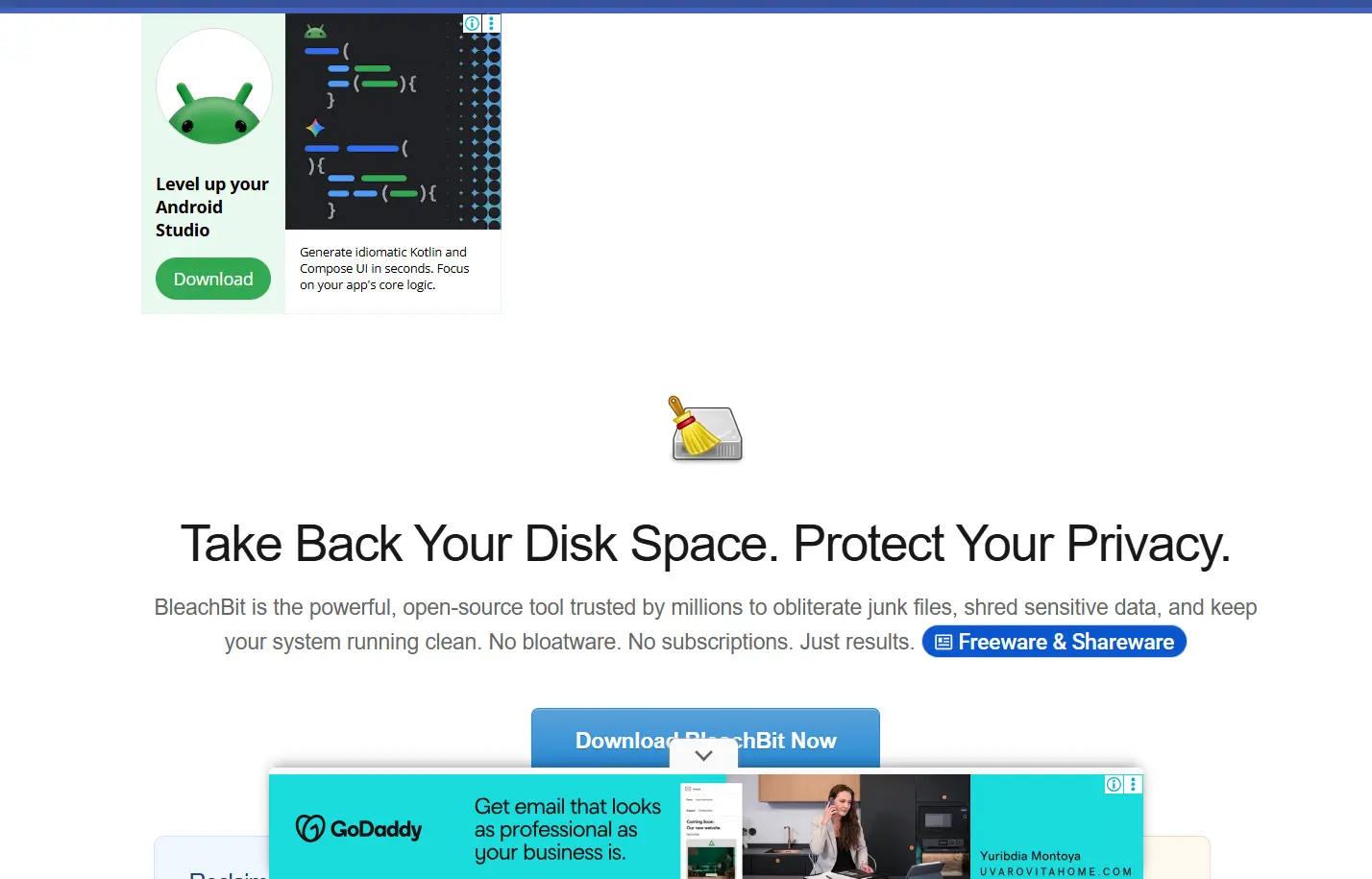 BleachBit is a free cleaner for Windows and Linux, and the first stop for anyone tired of ads and upsells. It clears cache, cookies, browsing history, and application logs, and includes secure file shredding.
There is no paid tier at all. BleachBit's cost page states it is free for personal, commercial, governmental, and educational use, on any machine type, and that the app will never prompt you to upgrade, because there is nothing to upgrade to. The source is open under GPLv3, so anyone can audit what it deletes.
On sentiment, BleachBit holds roughly 4.8 out of 5 across about 60 reviews on its SourceForge page. Small sample, so treat it as a signal rather than proof.
One caveat worth naming: version 6.0.2 shipped a fix for a flaw where a bad actor could delete arbitrary files during an elevated privilege clean. Open source projects disclose these publicly, which is a feature rather than a warning sign, but it does mean staying on current builds matters, for the same reason prompt patching keeps you secure on anything else you run. The other trade off is a plain interface and mostly manual operation.
Best for: privacy focused users, IT people, and anyone maintaining machines for clients.
2. Wise Disk Cleaner: Best Free Simple Cleaner
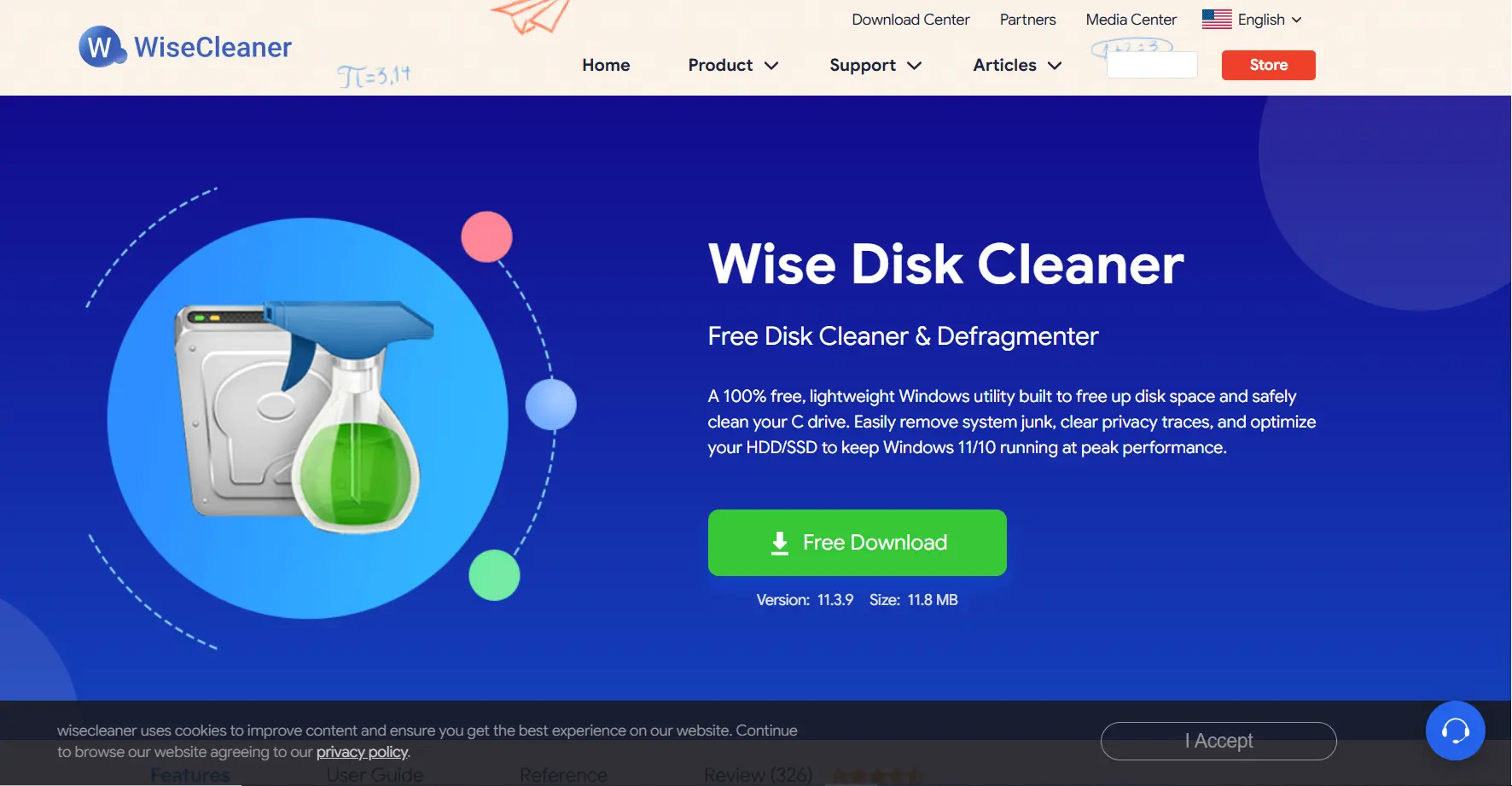 Wise Disk Cleaner is a lightweight free tool built around one job, disk cleaning and defragmentation. The install is small and it scans fast. It keeps deeper system slimming, like clearing old Windows installation files, separate from routine junk cleaning, so you control what leaves the drive. It needs no technical background, so if BleachBit feels too bare, this is the friendlier free option.
Best for: older laptops, small SSDs, and people who want guided cleanup without reading anything.
3. Glary Utilities: Best All In One Suite
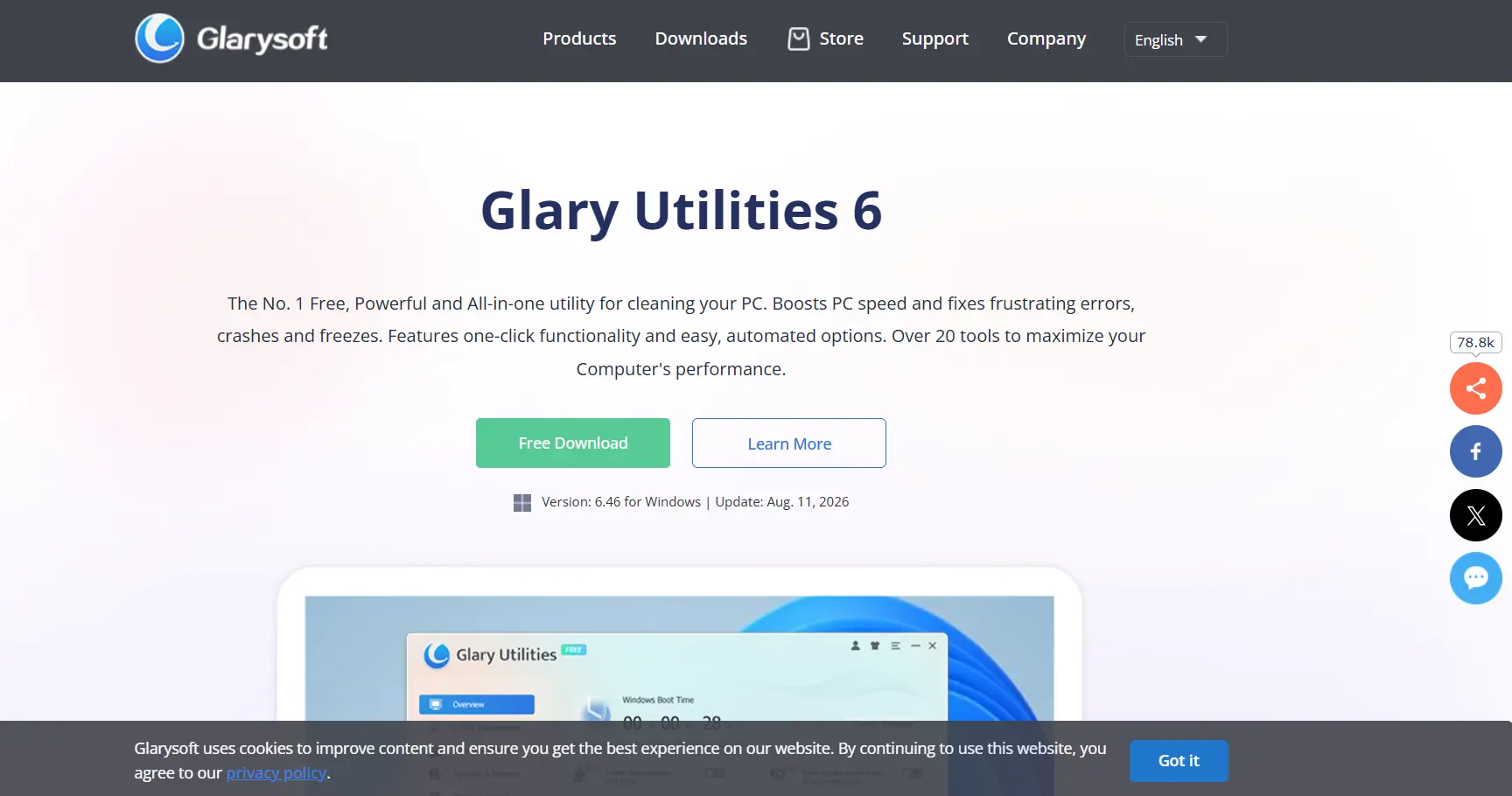 Glary Utilities is the closest match to what people liked about CCleaner, one app that does everything. More than 20 tools in one dashboard: junk cleanup, registry repair, startup manager, uninstaller, duplicate file finder, and privacy cleaning.
The free version handles routine maintenance. Pro is $39.95 a year for up to 3 PCs with a 90 day money back guarantee on Glarysoft's own product page, and what you buy is automation and priority support, not a deeper toolbox. On reviews it sits around 4.1 out of 5 on G2 from 13 reviews and 4.6 on Software Advice from 16, both samples small enough that I would not lean on them.
Two cautions. Watch for optional bundled offers during install, and go easy on the registry cleaner.
Best for: people who want a full maintenance toolkit in one place.
4. Windows Built In Tools: Best For Most People
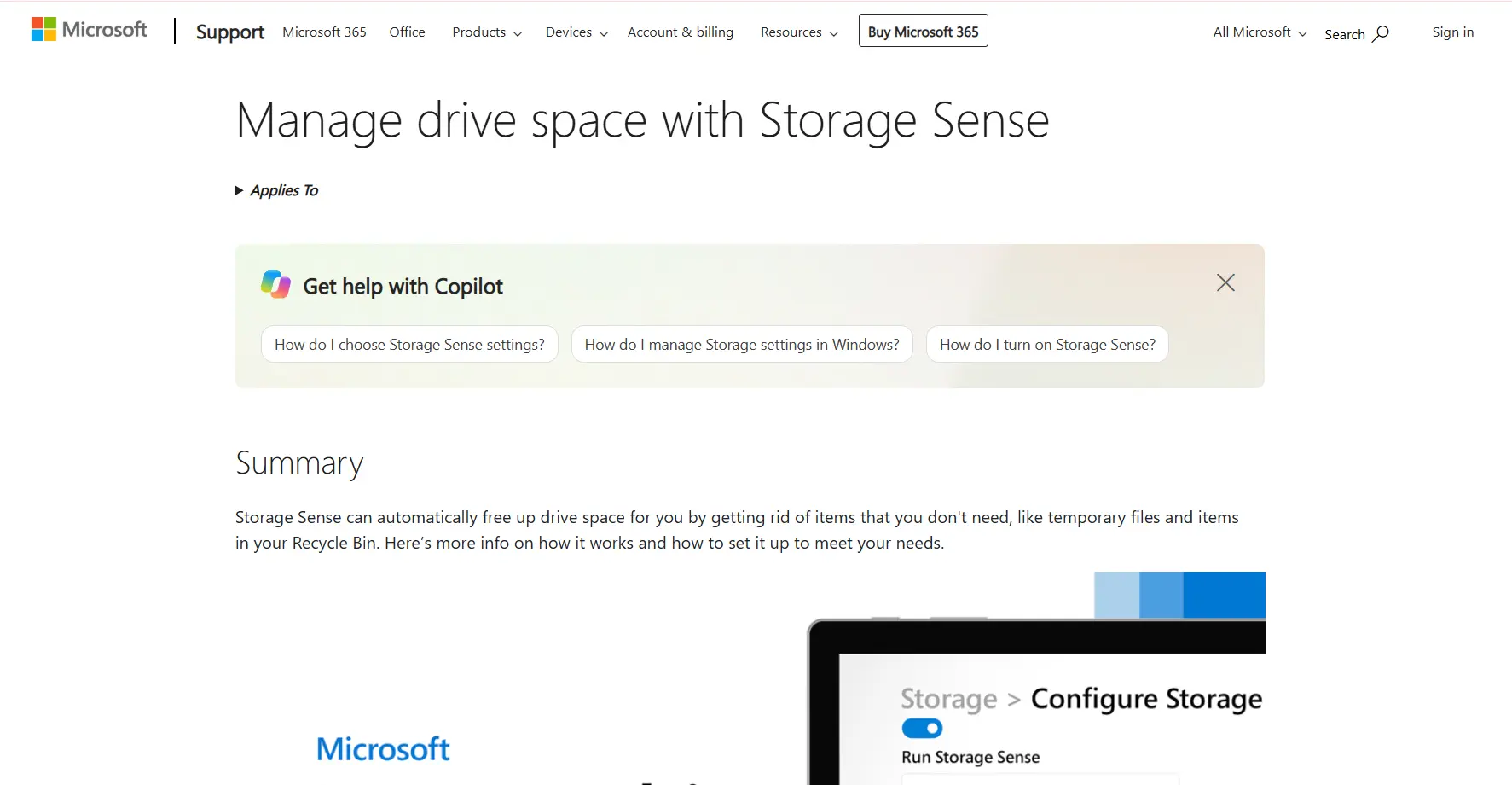 Nobody markets this option, because nobody profits from it. Windows 11 already covers most of what CCleaner does. Storage Sense clears temporary files automatically, Disk Cleanup handles deeper junk, Settings manages startup apps, and the built in uninstaller removes programs. Microsoft also ships a free PC Manager app.
For a lot of people this is all they need, and it is the safest choice because nothing extra gets installed. The limitation is that these tools sit across different menus with no duplicate finder.
Best for: casual users, office machines, and anyone on a modern, well kept PC.
5. PrivaZer: Best For Deep Privacy Cleaning
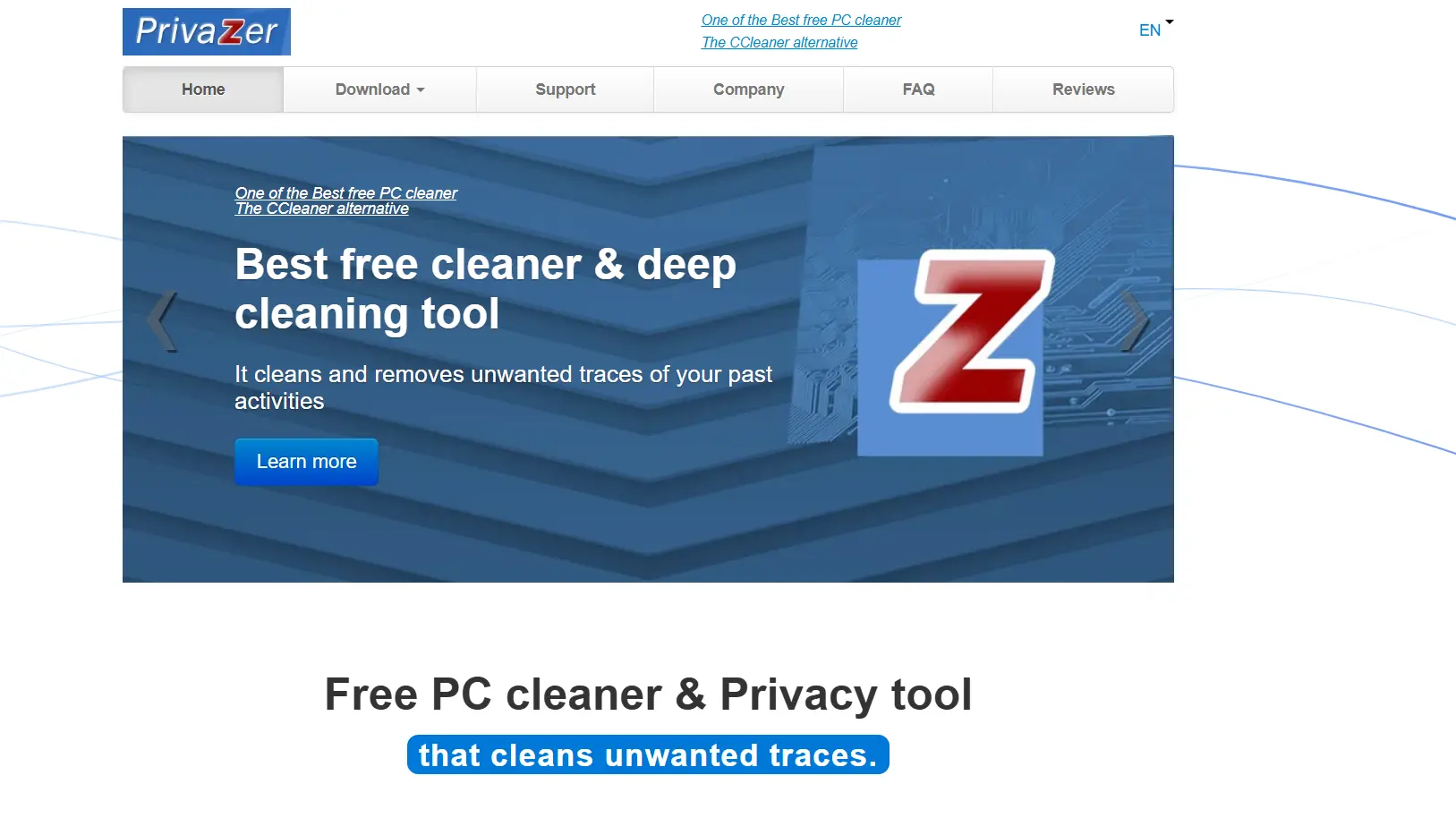 PrivaZer goes further on traces. It reaches into residual data in free space, USB history, and old activity logs, and can overwrite deleted data so recovery software cannot pull it back. It is free for home use with a paid Pro version, though I could not confirm a fixed Pro price from the vendor page. First scans run slow, so it suits someone who actively cares about privacy, not someone who wants a two minute tidy up.
Best for: privacy advocates and anyone selling or handing off a PC.
6. Ashampoo WinOptimizer: Best One Time License
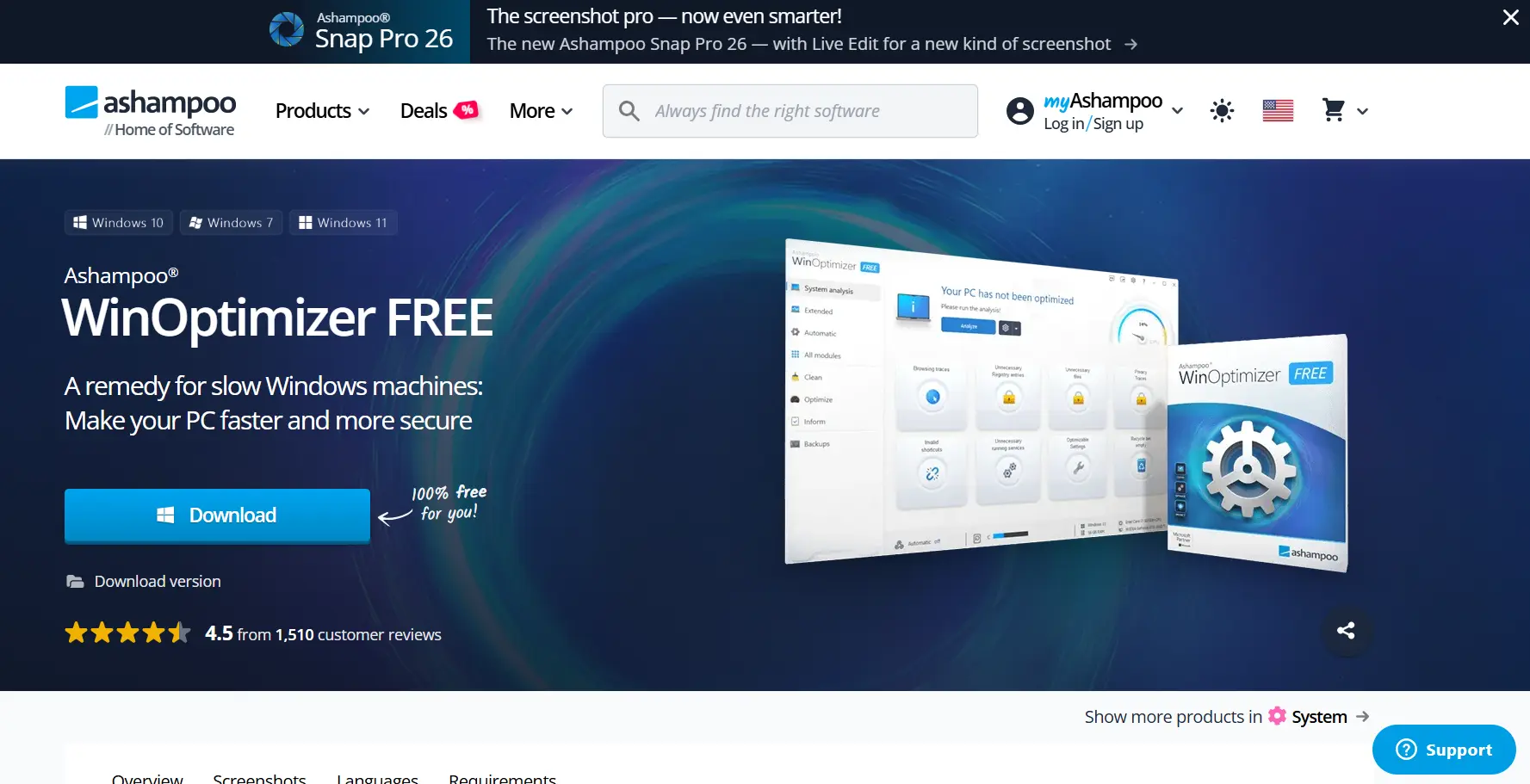 Ashampoo WinOptimizer 2026 is a full suite with 19 modules covering cleaning, privacy controls, tuning, and analysis. The selling point is the license model. On Ashampoo's own product page it is a one time lifetime purchase listed at $30, often discounted, and a home license covers up to 3 PCs. That lifetime license does not include free upgrades to future versions, which is the fine print people miss.
Ashampoo's site shows WinOptimizer Pro 29 rated 4.6 out of 5 from 1,579 verified customer ratings, restricted to people who bought or registered it, a stronger number than most review site averages.
Best for: anyone who wants a paid suite without a recurring bill.
7. Wise Care 365: Best Polished Dashboard
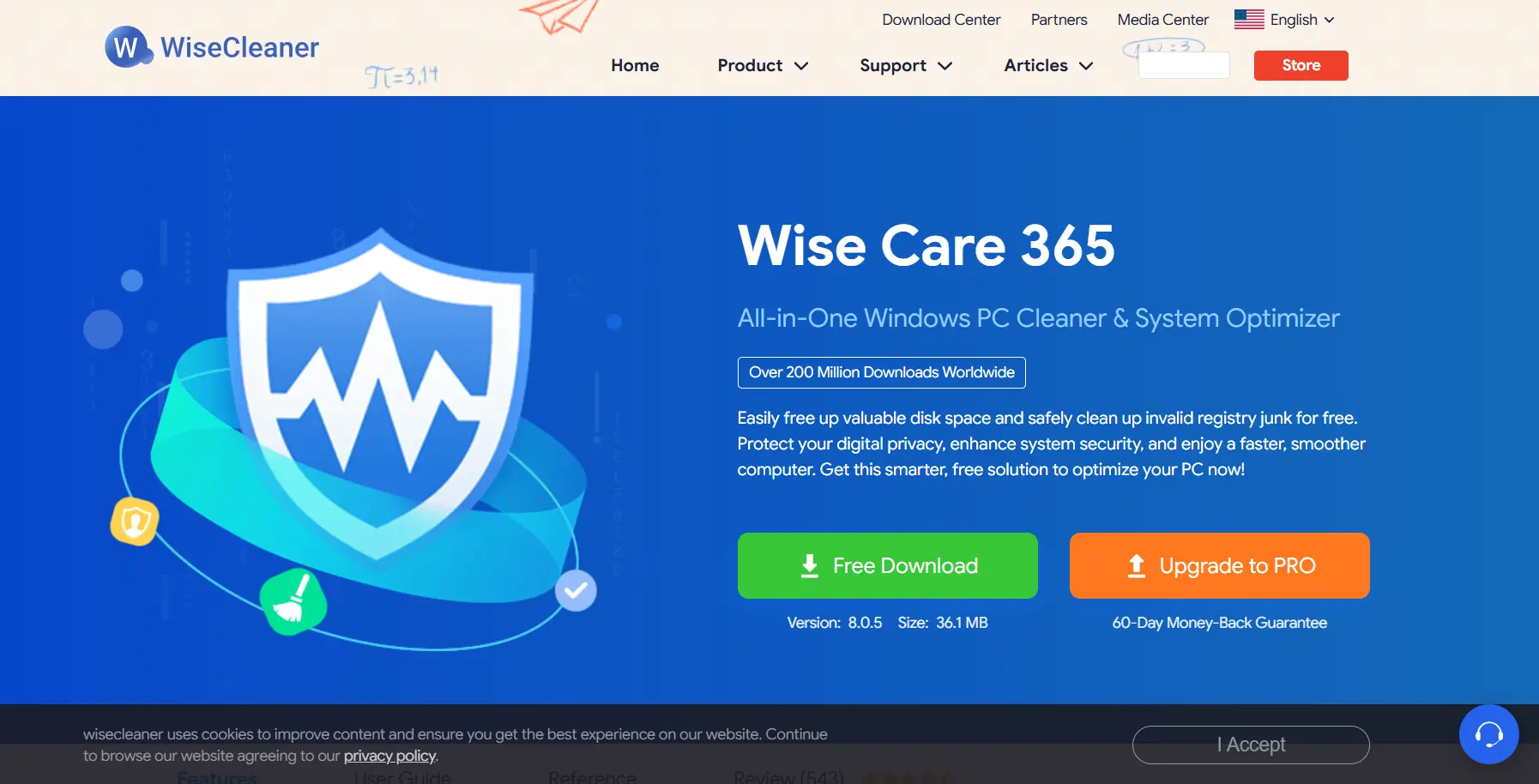 Wise Care 365 is the bigger sibling of Wise Disk Cleaner, a freemium dashboard bundling cleaning, registry care, privacy protection, and tuning into one interface. It backs up the registry before making changes, so a bad clean is recoverable. Pro pricing sits in the same $39.95 a year for 3 PCs range as Glary.
Best for: people who want a good looking guided suite without paying up front.
CCleaner Alternatives Compared
Tool | Type | Price | Best for |
|---|---|---|---|
BleachBit | Open source cleaner | Free, no paid tier | Privacy and transparency |
Wise Disk Cleaner | Disk cleaner | Free | Fast, simple cleanup |
Glary Utilities | All in one suite | Free, Pro $39.95/yr, 3 PCs | Full toolkit in one app |
Windows built in tools | System utilities | Free | Most everyday users |
PrivaZer | Privacy cleaner | Free home use, paid Pro | Deep privacy cleaning |
Ashampoo WinOptimizer | Optimization suite | $30 one time | No subscription buyers |
Wise Care 365 | All in one dashboard | Free, Pro around $39.95/yr | Polished guided cleanup |
CCleaner (for reference) | All in one suite | Free, Pro $44.95/yr | Existing users who like it |
Prices verified 23 August 2026 from each vendor site. This category discounts constantly, so confirm first.
The Registry Point Most Lists Skip
Registry cleaning barely helps, and it can hurt. Microsoft has stated that cleaning the registry does not meaningfully speed up a modern PC, and there are documented cases of machines refusing to boot after one.
So skip it. Use these tools for junk files, cache, and privacy traces, where the benefit is real and the risk is low. If you do run one, pick a tool that backs up first, which both Glary Utilities and Wise Care 365 do.
How To Switch Away From CCleaner Safely
First, turn off CCleaner's Active Monitoring, which keeps the app running after you close the window. Go to Options, then Monitoring, and switch both off.
Second, create a Windows system restore point. Search "restore point" in the Start menu, open "Create a restore point," pick your drive, and click Create. This beats the small backup a cleaner makes.
Third, uninstall CCleaner through Windows Settings, then Apps, then Installed apps.
Fourth, install your replacement from its official site only. BleachBit warns about imposter sites on its own download page, and the Restoro case shows how far this goes. Run the first scan in preview mode.
If a clean breaks something, restore from the tool's registry backup first, then fall back to the restore point.
Where CCleaner Still Wins
Not everyone should switch. The cleaning engine works, the interface is simple, and Health Check gives beginners a one click option. Downloaded from the official site, kept updated, with telemetry off, the current version is safe. If the ads and pricing do not bother you and you already hold a license, staying put is defensible.
FAQs
What Is The Best CCleaner Alternative?
BleachBit for most people, free and open source with no ads. Glary Utilities is the closest match if you want a full suite.
Is There A Free CCleaner Alternative?
Yes. BleachBit, Wise Disk Cleaner, and the Windows built in tools are all free with no paid tier.
Is CCleaner Still Safe In 2026?
The current version from the official site is not malware. The concerns are ads, telemetry, and upsells, plus its 2017 history.
How Much Does CCleaner Cost?
Professional is $44.95 a year for one device and Professional Plus is $64.95 for three, checked on the official plans page 23 August 2026.
Why Is Restoro Not On This List?
Its parent companies settled FTC charges for $26 million in 2024 over fake pop up warnings. Both sites are offline.
Do I Even Need A CCleaner Alternative?
Maybe not. Windows 11's Storage Sense and Disk Cleanup already handle routine junk, so the built in tools may cover it.
Final Verdict
CCleaner is not the only option anymore, and for most people it is no longer the best one. Between the 2017 incident, the ads added since, the $44.95 annual price, and Windows now doing much of the same job free, there are cleaner choices.
Start with BleachBit if you want free and trustworthy. Use the Windows built in tools if you barely clean at all. Step up to Glary Utilities or Ashampoo WinOptimizer for a fuller toolkit, noting Glary saves $25 a year on the same three device coverage. And whatever you pick, skip the one with the FTC settlement attached.