


Every so often your phone, laptop, or a business app nudges you to install an update, and it is tempting to hit "later" and move on.
That small nagging prompt is often a software patch, and ignoring it is one of the most common ways systems get broken into.
Software patching is simply the practice of applying fixes to software you already have, to close security holes, squash bugs, and sometimes add small improvements.
It sounds mundane. It is also one of the single most important things any person or business does to stay secure.
This guide explains what patching really is, how it works, why it matters so much, and how organizations manage it at scale, in plain language, without assuming you work in IT.
What Is Software Patching?
Let us start with a clean definition, then unpack it.
A software patch is a piece of code a vendor releases to correct problems in software that is already installed.
Patching is the act of applying those corrections.
According to the standards body NIST's security glossary, patches fix security and functionality problems in software and firmware.
From a security angle, they are usually the most effective, and often the only fully effective, way to close a vulnerability.
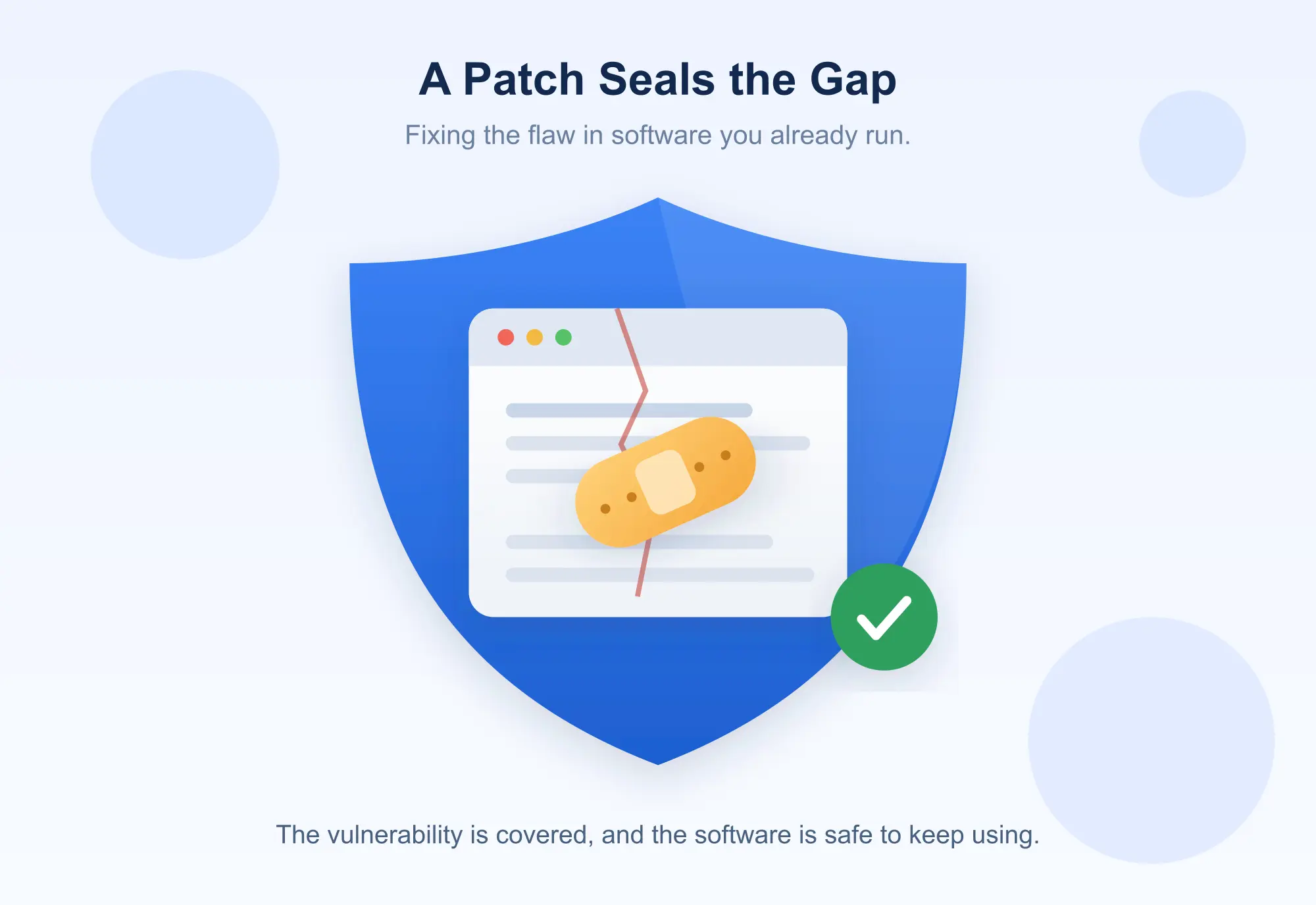
Think of your software as a house. Over time, people discover weak spots: a window that does not lock properly, a door that can be forced. A patch is the locksmith's fix for one specific weakness.
Patching is the ongoing habit of applying those fixes as they arrive, so the house stays secure even as new weaknesses are found.
The key idea is that patching is about software you already own. You are not buying something new; you are repairing and hardening what you have.
 How Does Software Patching Work?
The mechanics are simpler than they sound, and roughly the same whether it is your phone or a bank's servers.
It starts with discovery.
A vendor, a researcher, or an attacker finds a flaw in a piece of software, a bug, or a security vulnerability.
The vendor then writes a fix, the patch, and releases it to users, often on a schedule, sometimes urgently if the flaw is being actively exploited.
From there, the patch has to reach your system and be applied. On a single phone or laptop, that is usually a quick download and install, sometimes with a restart. The software swaps the flawed code for the corrected code, and the weakness is closed.
Behind the scenes, a patch is essentially a targeted edit to the program's code.
Rather than reinstalling the whole application, the patch changes only the parts that need fixing, which is why patches are often small and quick compared to a full reinstall.
That is the whole loop: a flaw is found, a fix is written, the fix is delivered, and your system applies it.
Why Is Software Patching Important?
This is the heart of it, because the stakes are much higher than a mild annoyance.
Unpatched software is one of the primary ways attackers get in. When a vulnerability becomes public, attackers race to exploit it before everyone patches, and every unpatched system is an open door.
Many of the largest breaches in recent memory traced back to a known flaw that a patch had already been released for, but never applied.
Patching closes that door. Applying a security patch quickly shrinks the window of opportunity an attacker has, which is why speed matters so much. A patch that sits uninstalled for months protects nobody.
Beyond security, patches keep software working well: they fix crashes and bugs, improve stability and performance, and keep programs compatible with the systems around them.
And for many businesses, staying patched is not optional, it is a requirement of the security standards and regulations they must meet, one piece of a wider security toolkit that includes categories like brand protection software.
In short, patching protects you from attack, keeps your tools reliable, and keeps you compliant. Skipping it risks all three.
Types of Software Patches
Not all patches do the same job. Knowing the main kinds helps you judge how urgently to apply one.
Security patches close vulnerabilities that attackers could exploit. These are the most time-sensitive, because a delay leaves a known hole open.
Bug-fix patches correct functional problems, a feature that crashes, a calculation that is wrong, something that simply does not work as intended.
Feature patches add small new capabilities or improvements, less about fixing what is broken and more about making the software a little better.
Hotfixes are urgent, narrowly targeted patches rushed out to fix a specific serious problem, often outside the normal release schedule.
Cumulative patches bundle many fixes together into one package, so you catch up on everything at once rather than applying dozens of small updates.
Patches also apply at different levels, operating systems, individual applications, and firmware, the low-level code built into devices and hardware.
Software Patch vs Software Update: What Is the Difference?
These two terms get used interchangeably, but there is a useful distinction.
A patch is usually a small, targeted fix aimed at a specific problem, most often a security hole or a bug. It is surgical: change this flawed code, leave the rest alone.
An update is a broader term. It can include patches, but it often also bundles in new features, larger improvements, and multiple fixes at once.
Every patch is a kind of update, but not every update is just a patch, a big feature update is an update but not really a patch.
In everyday use the line blurs, and that is fine. The practical takeaway is the same: install them promptly, especially when security is involved.
Software Patch vs Hotfix
A related distinction worth clearing up, since hotfix sounds like jargon.
A regular patch typically goes through a normal testing and release cycle, arriving on a predictable schedule.
A hotfix is the emergency version: a quick, focused fix pushed out fast to deal with a pressing problem, often a serious bug or an actively exploited vulnerability, without waiting for the next scheduled release.
The trade-off is speed versus testing. A hotfix prioritizes getting the fix out immediately, which occasionally means it has had less testing than a routine patch. Both matter; the hotfix is simply what you reach for when waiting is the bigger risk.
What Is Patch Management?
For one phone, patching is easy. For a business with hundreds of devices and dozens of applications, it becomes a discipline of its own, and that discipline is patch management.
Patch management is the organized process of keeping software patched across an entire organization.
NIST describes it as identifying, acquiring, installing, and verifying patches for products and systems, with prioritization added when there are more patches than time.
In practice the lifecycle looks like this: find out what needs patching, obtain the patches, test them, deploy them, and then confirm they actually installed correctly.
That last step, verification, matters more than people expect. Deploying a patch is not the same as confirming it took effect everywhere, and a patch that silently failed to install leaves a gap you may not know about.
Patch management exists because scale changes everything.
Across many systems you need to prioritize which patches are urgent, schedule deployment so it does not disrupt work, and check that nothing broke, all of it repeatable and reliable rather than ad hoc.
Manual vs Automated Patching
There are two broad ways to actually get patches applied, and most organizations use a mix.
Manual patching means a person decides on and applies each patch. It offers maximum control and is fine for a handful of systems, but it does not scale, it is slow, easy to forget, and error-prone across many devices.
Automated patching uses software to detect missing patches, deploy them on a schedule, and report on what succeeded. It scales well and closes gaps faster, though it needs careful setup so an automatic rollout is not disruptive.
The sensible middle ground most teams choose is to automate routine patching while keeping human review for high-risk or business-critical systems, where a bad patch could cause real damage.
The Risks of Not Patching Software
It helps to be concrete about what actually goes wrong when patching slips.
The biggest risk is a breach. Unpatched vulnerabilities are among the most common entry points for ransomware, data theft, and malware, precisely because the flaw is public knowledge and the fix was available but unused.
Attackers actively scan for systems that have not applied known patches.
Beyond security, unpatched software tends to be buggier and less stable, and can fall out of compatibility with newer systems over time.
And for regulated businesses, running unpatched systems can mean failing a compliance requirement, with fines or lost certifications attached.
The uncomfortable truth is that "we never got around to patching" is behind a striking number of serious incidents. The fix existed. It just was not applied in time.
Software Patching Best Practices
A few principles keep patching effective without letting it take over your life.
Keep an inventory of what software and systems you actually run, since you cannot patch what you do not know you have.
Prioritize by risk, applying critical security patches fastest, especially on internet-facing systems, while routine ones can wait for a regular cycle.
Test important patches before wide deployment where you can, so a fix does not break something else.
Automate the routine work to stay consistent, and always verify that patches actually landed. Above all, patch promptly, because the value of a security patch drops with every day it sits unapplied.
For businesses, writing this down as a simple, repeatable policy beats relying on memory and good intentions.
What Is Patch Management Software?
At scale, teams lean on dedicated tools, and it is worth knowing what they do.
Patch management software automates the patching lifecycle across an organization. It scans your systems to find missing patches, helps prioritize them, deploys them on a schedule, and reports on what installed successfully and what did not.
It turns a sprawling manual chore into a controlled, visible process.
These tools matter most for organizations with many devices, where tracking patches by hand is simply not realistic.
The same instinct toward systematic, standards-driven process shows up in adjacent categories too, much like the disciplined approach behind quality management software, where following a defined process consistently is the whole point.
For patching, that consistency is what keeps the security gaps closed.
Frequently Asked Questions
What is software patching?
Software patching is applying vendor-released fixes to software you already have, to close security vulnerabilities, fix bugs, and sometimes add small improvements, keeping the software secure and working properly.
What is a software patch?
A software patch is a piece of code that corrects a specific problem in installed software or firmware, most often a security vulnerability or a bug, without reinstalling the whole program.
Why is software patching important?
Because unpatched vulnerabilities are a leading way attackers break in. Patching closes those holes, keeps software stable and compatible, and helps meet security compliance requirements.
What is the difference between patching and updating?
A patch is usually a small, targeted fix for a specific problem. An update is broader and can bundle patches together with new features and larger improvements. Every patch is an update, but not every update is just a patch.
What is a security patch?
A security patch is a fix that closes a specific vulnerability attackers could exploit. These are the most urgent patches, because a delay leaves a known weakness open to attack.
What is patch management?
Patch management is the organized process of keeping software patched across an organization, identifying, acquiring, testing, deploying, and verifying patches, with prioritization when there are many to apply.
What happens if software is not patched?
Unpatched software is far more exposed to breaches, ransomware, and malware through known vulnerabilities, tends to be buggier and less stable, and can put a business out of compliance.
How often should software be patched?
Critical security patches should be applied as fast as possible, sometimes within days for internet-facing systems, while routine patches can follow a regular schedule such as monthly. Speed matters most for security fixes.
What is the difference between a patch and a hotfix?
A patch usually follows a normal testing and release cycle. A hotfix is an emergency, tightly focused fix pushed out quickly to address a serious or actively exploited problem outside the normal schedule.
The Bottom Line
Software patching is the quiet, unglamorous habit that does more for security than almost anything else.
A patch fixes a specific flaw in software you already run; patching is the ongoing practice of applying those fixes as they arrive; and patch management is how organizations do it reliably across many systems.
The reason it matters is blunt: unpatched software is one of the easiest ways for attackers to get in, and the fix is usually already sitting there, waiting to be applied.
Patch promptly, prioritize security fixes, verify they landed, and automate the routine, and you close the door that a huge share of attacks walk through.
So the next time that update prompt appears, it is worth a second look. More often than not, it is a small patch doing a big job.