


The best Delta alternatives depend on what you hold.
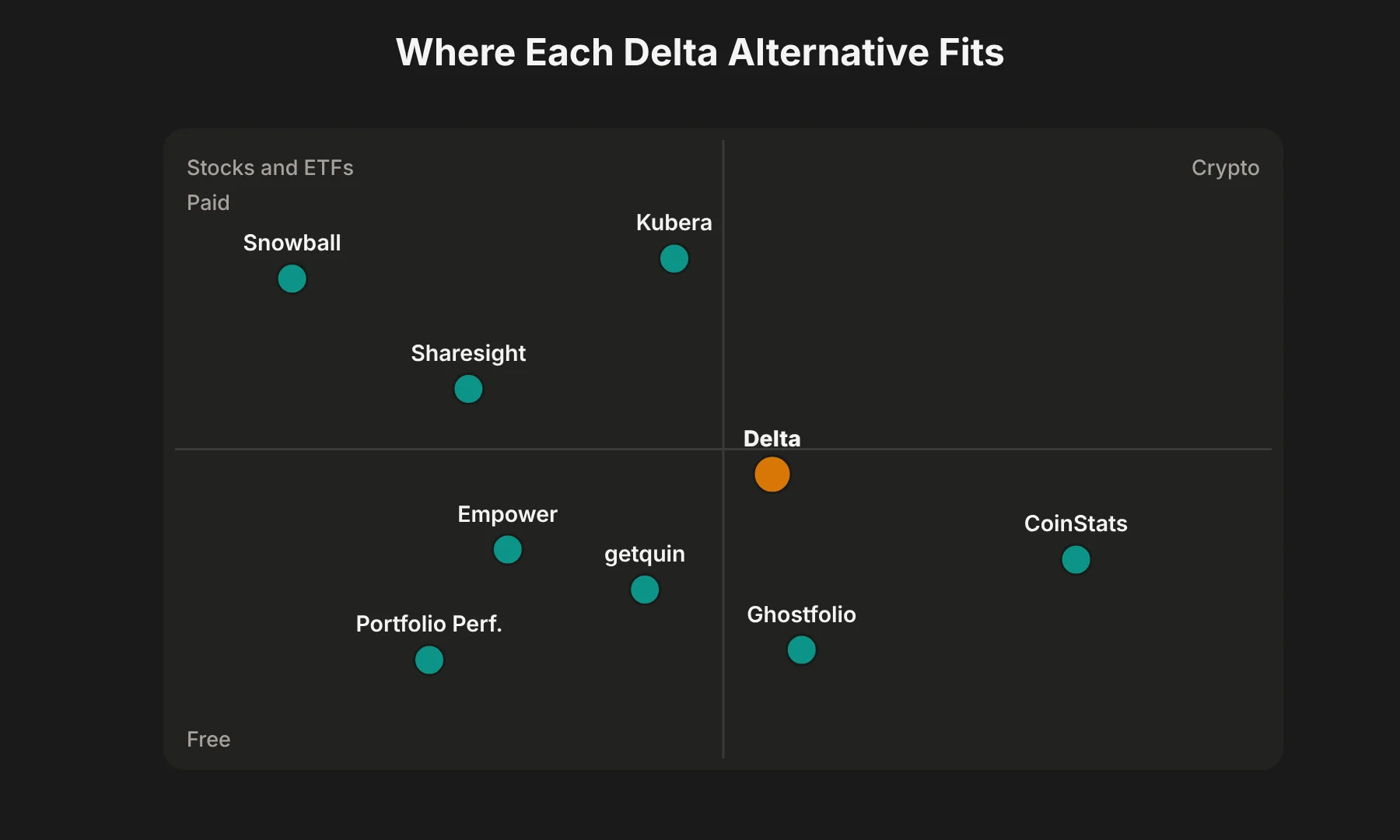
For stock and ETF investors who care about real performance numbers, dividends and tax reports, I would pick Sharesight. For a free app that connects your brokers, getquin. For crypto, CoinStats. For tracking your whole net worth, including property and cars, Kubera.
For dividends, Snowball Analytics. For privacy and no subscription, Ghostfolio or Portfolio Performance. And if you are in the US and want something free, Empower Personal Dashboard.
Whether you call them Delta app alternatives, Delta app competitors or simply apps like Delta investment tracker, all eight are investment portfolio trackers, like Delta. None of them is a broker. They read your holdings, they do not hold your money.
Just to be clear before we start: this guide is about Delta by eToro, the investment tracker at delta.app. Not the airline, and not any other app called Delta. These are Delta by eToro alternatives only.
First, Count Your Assets
Here is the quickest test I know for whether you need a Delta alternative at all.
Open Delta and count how many different assets you hold. Every stock, every ETF, every coin counts as one.
Now compare that number with Delta's plans. In 2026, Delta restructured its pricing.
According to the official Delta PRO pricing page, the free plan now tracks up to 10 assets. PRO costs $6.99 a month or $53.88 a year and lifts that to 40 assets with unlimited connections.
PRO+ costs $13.99 a month or $107.88 a year for unlimited assets, multiple portfolios, real-time quotes and gains reporting. Prices can vary by country.
A fairly normal investor with three ETFs, eight stocks and four coins already holds 15 assets. That is over the free limit.
So for a lot of people, the real question is not "is Delta good?" It is "if I am going to pay or switch anyway, what is the best Delta alternative for what I actually hold?" That is what the rest of this guide answers.
Why Look for a Delta Alternative?
I want to be fair to Delta first. It is a well-made investment portfolio tracker.
It covers stocks, crypto, ETFs, funds, commodities and forex, runs on iOS, Android, Windows, Mac and the web, and connects to a wide range of brokers, exchanges and wallets. If you hold a handful of assets and want a clean investment dashboard, it is still a good app.
But these are the reasons I see people search for alternatives to Delta app, or a full Delta replacement app:
The free plan got smaller. The 10-asset cap pushes many users toward a subscription they did not need before.
Free connections are limited. Independent reviews such as EU Investing Hub report that the free tier allows two account connections, with eToro not counted.
The return figure is simple. Reviewers like PortfolioGlance point out that Delta's headline return is a simple net gain over net deposits, which gets less accurate once you withdraw money. If you add and take out cash often, that number can mislead you.
Dividend and tax depth is limited. Delta shows dividends on holdings, but reviewers note there is no dividend income forecast, and tax reporting is partial at best.
You want more than investments. Delta tracks investments. It is not built for full net worth tracking with property, cars or bank accounts.
If any of those match you, one of the Delta investment tracker alternatives below will likely fit better. I have grouped these Delta portfolio tracker alternatives by what they do best, so you can skip straight to your use case.
What to Look for in a Delta Alternative
Before you pick, I would check these seven things. They matter far more than a long feature list.
Start with your own investment tracking needs, not the app's marketing page. Most Delta portfolio management alternatives look similar on the surface, so these checks are what separate them.
1. Asset coverage. Does it handle what you hold, from equity investments and dividend-paying stocks to international investments: stocks, ETFs, mutual funds, crypto, bonds and fixed-income assets, or alternative investments? A crypto-first tracker can be weak on stocks, and the other way round.
2. Account synchronization. Can it connect to your actual brokers and crypto exchanges, or will you be doing manual transaction tracking and CSV portfolio imports? Check your specific supported brokers and supported crypto exchanges, not just the headline count.
Good import and export options matter too, so you can leave later without losing historical transaction records.
3. How it calculates returns. Look for time-weighted return (TWR) or money-weighted return (IRR), not just a simple gain percentage. I explain why further down.
4. Dividend tracking. If you invest for income, you want dividend history, yield on cost and ideally a dividend calendar or forecast.
5. Tax reporting capabilities. Realized gains and losses, cost basis tracking and country-specific tax reports save hours at tax time.
6. Free plan limitations and subscription pricing. Count your assets and accounts first, then compare them against each free tier. Judge pricing and value together: a cheap app with poor financial data accuracy costs you more in the end.
7. Data privacy and portfolio data security. Many trackers sync through third-party aggregators that hold your login details. If that worries you, look at local or self-hosted options.
It is also worth protecting the connection you use to log in to brokers. I covered what a good VPN costs in my breakdown of Surfshark's real monthly price.
8 Best Delta Alternatives
Here are the eight Delta app alternatives I would consider, in no particular order of quality. Each one wins for a different type of investor, from simple portfolio management app to full investment portfolio tracker software.
 1. Sharesight
Best for: Stock and ETF investors who want accurate performance, dividends and tax reports.
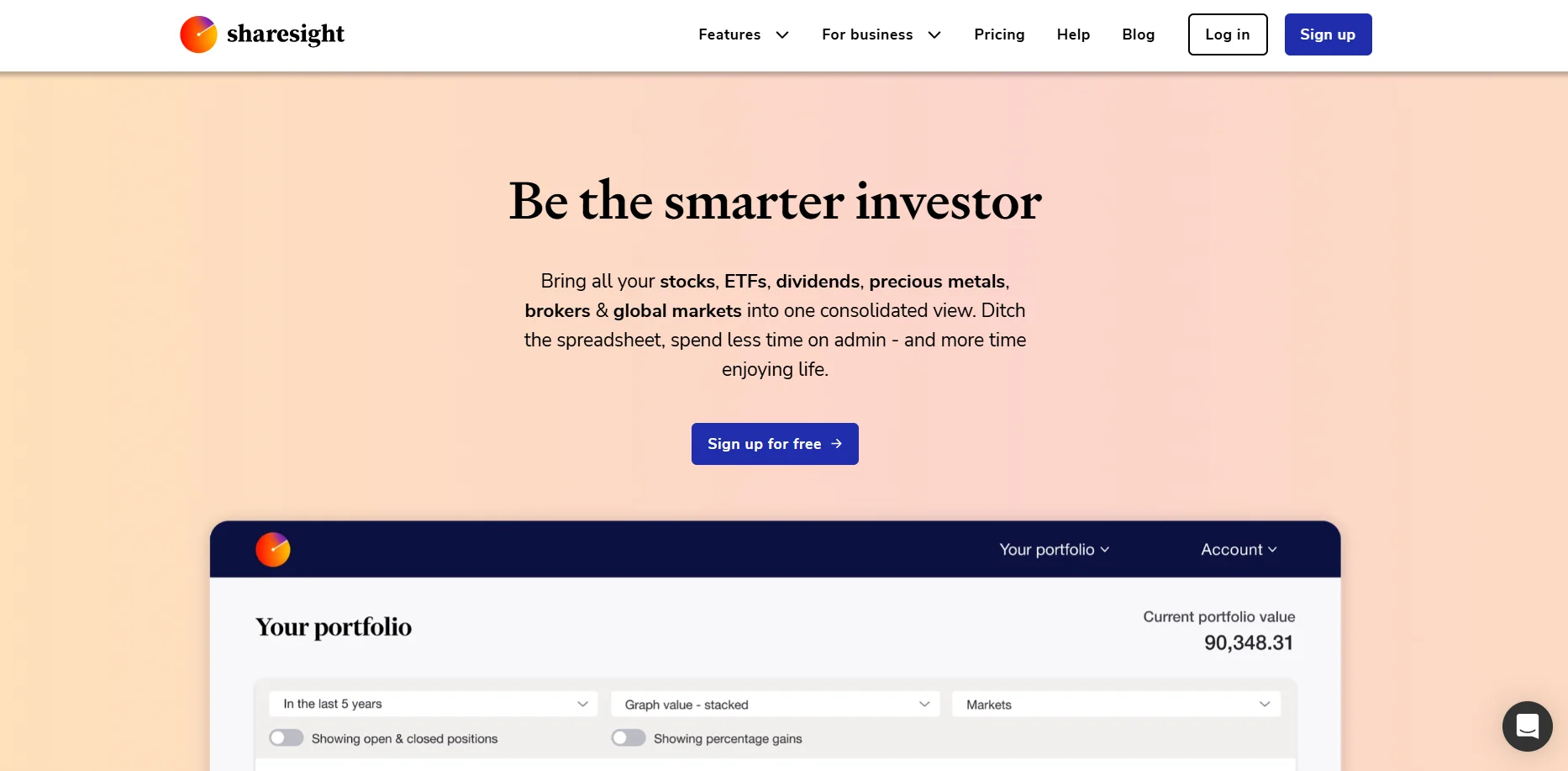 Sharesight is the tool I would point most serious stock investors to. Its biggest strength over Delta is reporting. It tracks dividends and corporate actions automatically, and paid plans add tax reports, diversity and exposure reports, and multi-currency valuation.
Supported assets and integrations: Stocks, ETFs, mutual and managed funds, property and crypto. Sharesight says it supports over 200 brokers, more than 50 stock exchanges and over 100 currencies. Trades come in through broker connections, forwarded trade-confirmation emails, spreadsheet upload or manual entry.
Pricing (USD, billed annually): Free for 1 portfolio and 10 holdings. Starter is $7 a month (30 holdings), Standard $18 a month and Premium $23.25 a month, both with unlimited holdings. Monthly billing costs about 25% more.
What I like: Real investment reporting with proper performance reports, automatic dividend tracking, unrealized gains and losses by holding, and tax reports from the Starter plan up. Standard and Premium also let you run several portfolios, which makes Sharesight one of the better Delta alternatives for managing multiple portfolios.
Watch out for: The free plan has no tax reports and counts closed holdings toward the 10 limit. Crypto coverage is lighter than a dedicated crypto tracker.
Delta vs Sharesight: Delta is the friendlier daily app for checking prices. Sharesight is the better tool for knowing your true returns and doing your taxes.
2. getquin
Best for: Investors, especially in Europe, who want a free app that connects all their accounts.
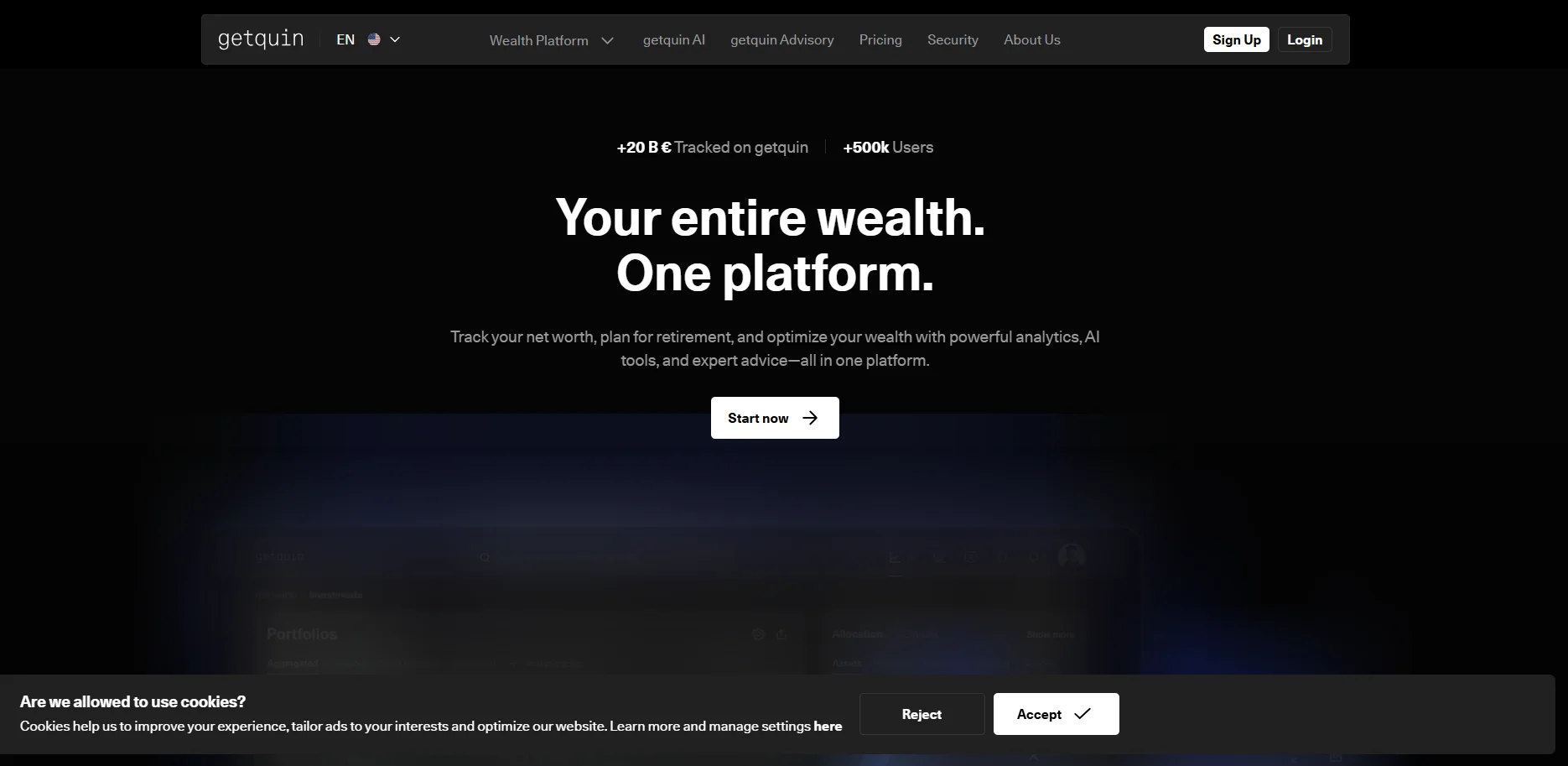 getquin is a German portfolio tracker with a social side. You can follow other investors and see their portfolios. Its main appeal as a Delta alternative is the free tier: Fight to FIRE's October 2026 review lists unlimited bank and broker connections, real-time data and a net worth overview at no cost.
Supported assets and integrations: Stocks, ETFs, crypto and bank accounts, synced through third-party aggregators, with web, iOS and Android apps.
Pricing: Free. Premium is about €89.99 a year and Wealth about €149.99 a year, according to the same October 2026 review.
What I like: Generous free investment account aggregation across multiple investment accounts, plus a dividend calendar. With automated portfolio syncing included free, it works well as a free investment tracking app if your brokers are supported.
Watch out for: Key metrics such as IRR, time-weighted return and yield on cost have moved behind the paywall. Reviewers have reported broker connections that fail or import incomplete transactions, so check your own broker. Coverage is strongest in Europe.
Delta vs getquin: getquin gives you more free account connections. Delta covers crypto and multi-asset tracking more evenly across regions.
3. CoinStats
Best for: Crypto investors with assets spread across exchanges, wallets and DeFi.
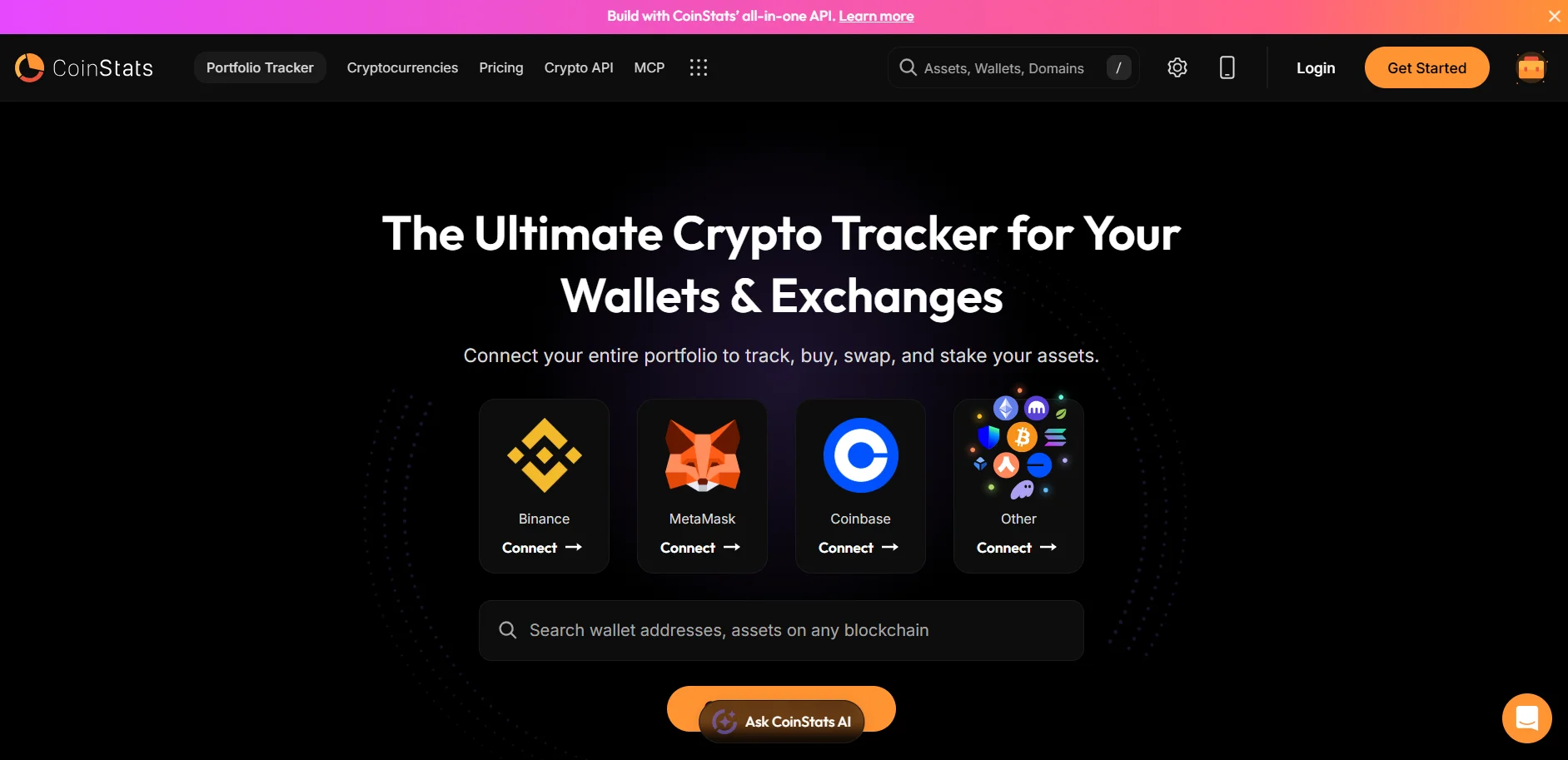 If most of your portfolio is crypto, CoinStats is the Delta crypto tracker alternative I would look at first. It focuses on wallet connections and crypto exchange integrations rather than stocks.
Supported assets and integrations: CoinStats lists around 300 wallets and exchanges, 120 blockchains and over 1,000 DeFi protocols. That covers Bitcoin portfolio tracking, Ethereum portfolio tracking, NFTs and DeFi positions. Its pricing page does not mention stock brokerages.
Pricing: The free Basic plan allows 10 portfolios, 20,000 transactions and 10 syncs a day per portfolio. Premium costs $13.99 a month when billed annually (about $15.99 billed monthly). Degen is a high-end plan for active traders. There is a 7-day free trial.
What I like: Very wide crypto coverage, price alerts, and a generous free tier for crypto-only investors. For pure crypto, it is the strongest cryptocurrency portfolio tracker here and the clearest of the Delta alternatives for crypto portfolio tracking.
Watch out for: It is not the tool for a stock-heavy portfolio, and the most advanced features sit on expensive plans.
Delta vs CoinStats: Delta balances stocks and crypto. CoinStats goes much deeper on crypto, DeFi and wallets.
4. Kubera
Best for: People who want to track their entire net worth, not just investments.
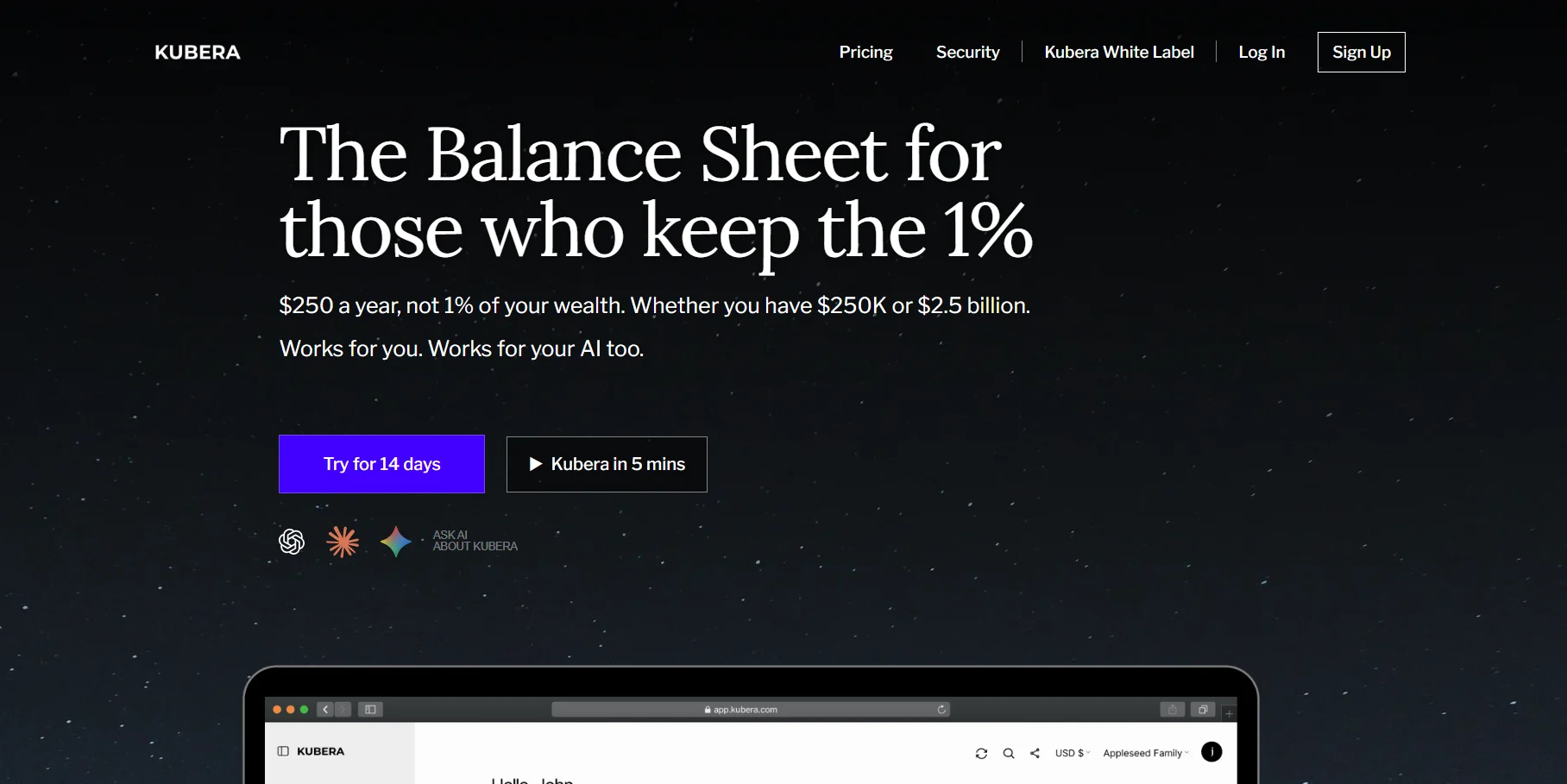 Kubera is a different kind of Delta alternative. It is a net worth tracker first, and it treats your brokerage account as just one piece of your wealth.
Supported assets and integrations: Bank accounts, credit cards, loans, retirement accounts, brokerage holdings, crypto wallets and exchanges, DeFi, NFTs, real estate, vehicles, domains and precious metals. It connects through aggregators including Plaid, Yodlee, Flinks and Salt Edge, covering over 20,000 banks and fintechs. Apps for desktop, iOS and Android.
Pricing: No free plan. Essentials is $250 a year and Black is $2,500 a year, with a 14-day trial.
What I like: One clean dashboard for everything you own, including alternative investments and international investments, with portfolio valuation in multiple currencies.
Watch out for: It is expensive for a simple portfolio, and its investment analytics are lighter than Sharesight's. Some automatic property and vehicle valuations are US and Canada only.
Delta vs Kubera: Delta is cheaper and better for active investment tracking. Kubera is better if your question is "what am I worth in total?"
5. Snowball Analytics
Best for: Dividend investors.
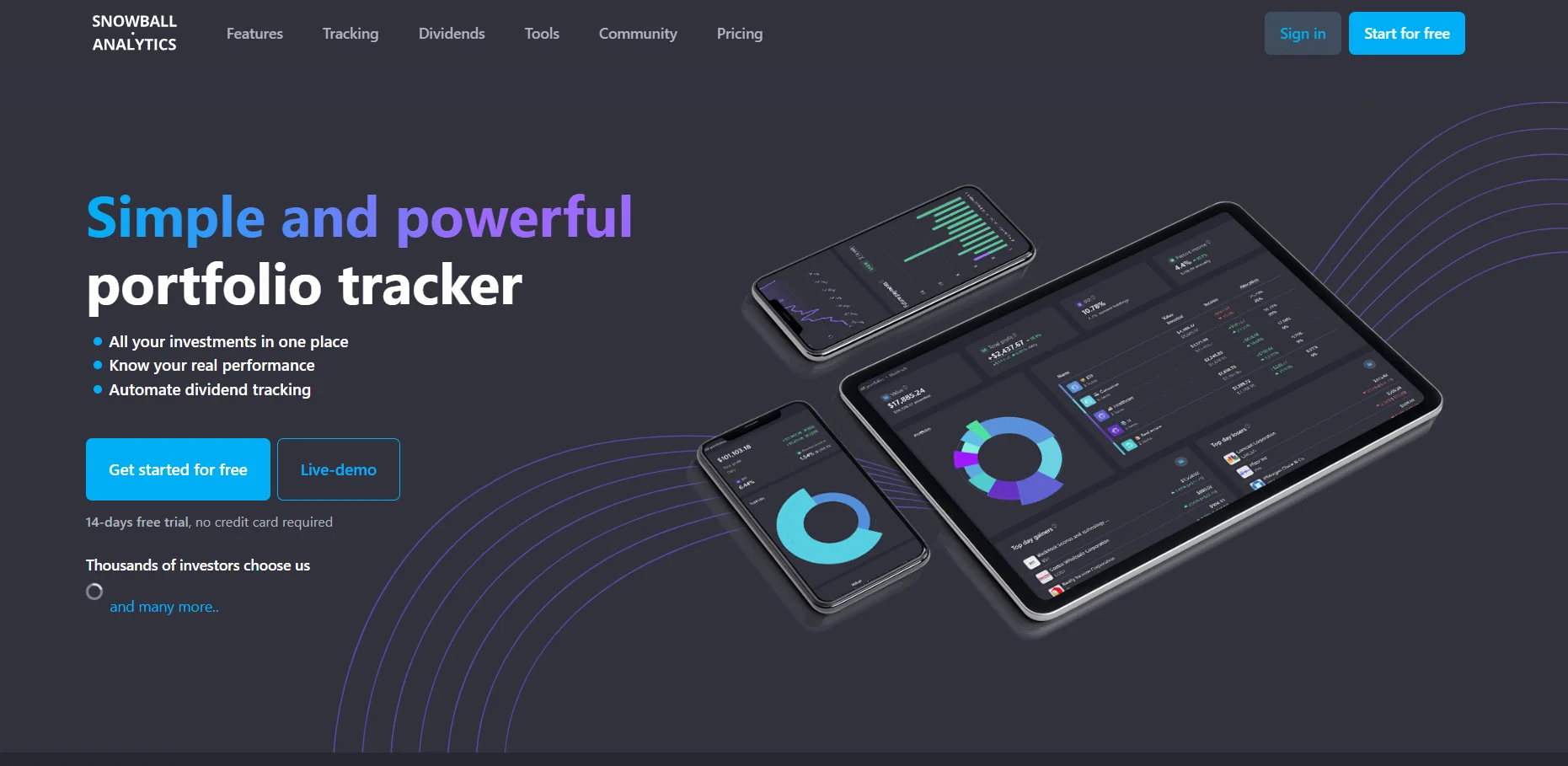 Snowball Analytics is built around dividend income tracking. Every plan, including the free one, includes automatic dividend tracking, a dividend calendar, received payouts, and yield and yield-on-cost figures.
Supported assets and integrations: Stocks, ETFs, funds and custom assets such as deposits or property. Broker linking is on paid plans. The free plan works by importing broker reports.
Pricing (USD, billed annually): Free for 1 portfolio and 10 holdings. Starter $79.99 a year, Investor $149.99 a year and Expert $249.99 a year, each with a 14-day trial.
What I like: The best dividend tools on this list, plus portfolio allocation, diversification and rebalancing features. Of all the Delta alternatives with dividend tracking, this is the one I would pick for an income portfolio.
Watch out for: The free plan has the same 10-holding ceiling as Delta, and crypto is not its focus.
6. Ghostfolio
Best for: Privacy-minded investors and anyone who wants an open-source alternative to Delta.
 Ghostfolio is open-source wealth management software for stocks, ETFs and crypto. You can run it on your own server for free, so your financial data never leaves your hands.
Supported assets and integrations: Stocks, ETFs and cryptocurrencies, with prices from sources such as Yahoo Finance and CoinGecko. Multi-account management, transaction import and export, and a mobile-friendly web app that works on Android, iOS and desktop browsers.
Pricing: Self-hosting is free under the AGPL-3.0 license. There is also a free hosted Basic plan, and a hosted Premium plan listed at about $48 a year, which adds benchmarks, extra data providers and support.
What I like: Full control of your data, unlimited asset tracking when self-hosted, and an active open-source project. It is the most practical of the open-source alternatives to Delta, and a good web-based investment tracker if you use the hosted version.
Watch out for: No automatic broker syncing like Delta. You add transactions yourself or import them. Self-hosting needs some technical comfort.
7. Portfolio Performance
Best for: Detail-focused investors who want serious analytics on a desktop.
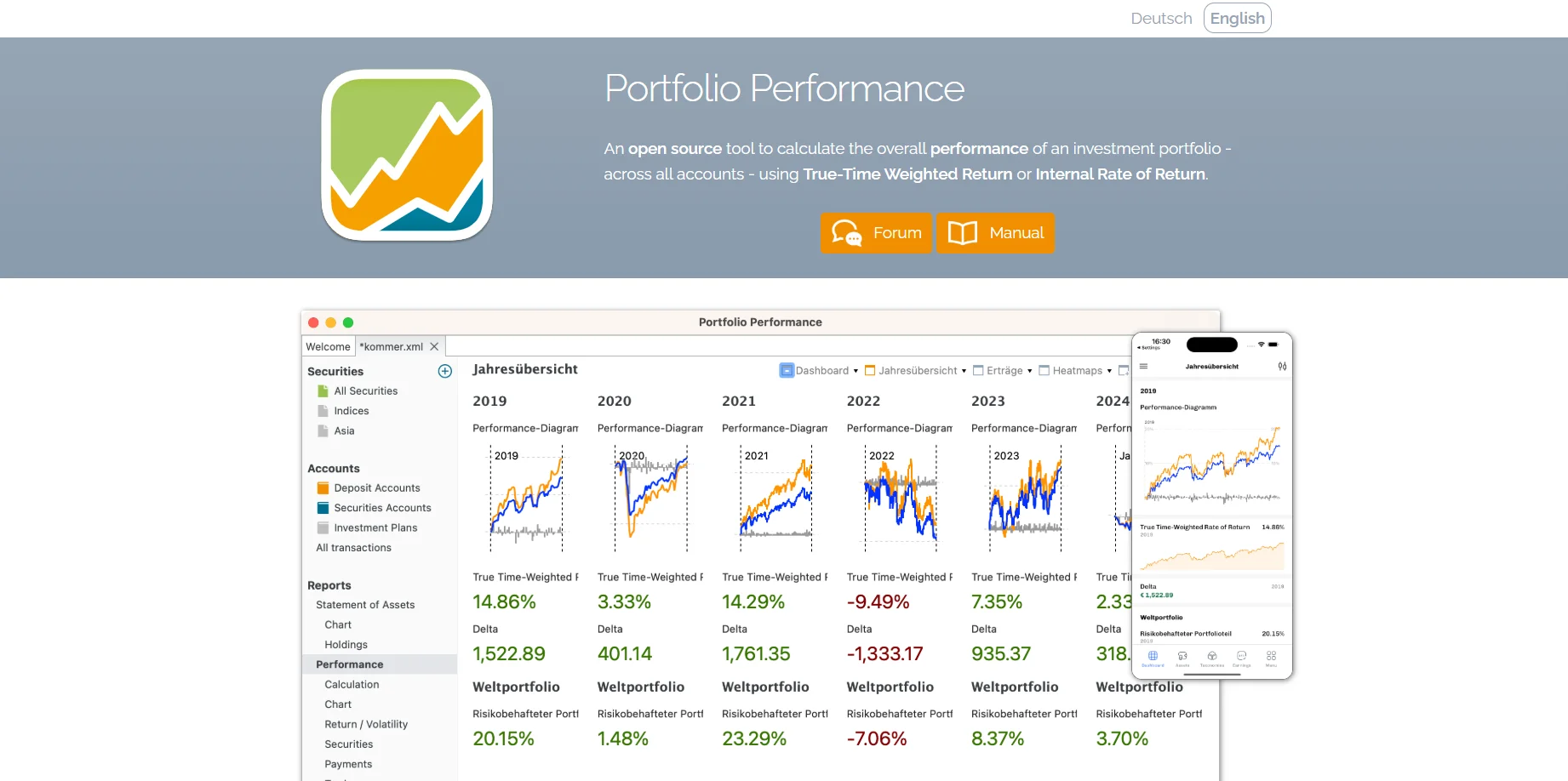 Portfolio Performance is a free, open-source desktop app for Windows, Mac and Linux. It is the most analytical tool on this list, and it is completely free on desktop.
Supported assets and integrations: Securities of all kinds, plus custom classifications by asset class, region or anything else you define. It imports statements from many banks and brokers, and calculates performance using both true time-weighted return and internal rate of return.
Pricing: Free on desktop. An iOS companion app reads the same data file, and its optional Premium subscription costs $25 a year or $3 a month.
What I like: Proper performance math, asset allocation analysis, target allocation and rebalancing, and your data stays local on your computer. As desktop portfolio software, nothing else here comes close for free.
Watch out for: It looks dated, takes time to learn, and there is no live broker syncing. You enter or import transactions on the desktop.
8. Empower Personal Dashboard
Best for: US investors who want a free all-in-one money view.
 Empower Personal Dashboard (formerly Personal Capital) is a free personal finance and investment overview. It links your accounts and shows net worth, asset allocation, retirement planning and a well-known fee analyzer that estimates what fund fees cost you over time.
Supported assets and integrations: Bank, credit card, loan, mortgage and investment accounts, including 401(k)s and IRAs, linked through read-only aggregation.
Pricing: The dashboard is free. Empower earns money from its paid advisory service.
What I like: Free investment fee tracking and retirement planning that few paid trackers match.
Watch out for: Coverage is strongest for US institutions. There is no manual mode for unsupported accounts, and users with larger balances often get calls from Empower's advisors.
Also Worth Knowing: Finary and Crypto Tax Tools
Two more names come up often in Delta comparisons. I did not put them in the main eight because they solve narrower problems, but they are worth knowing.
Finary is a popular net worth tracker in Europe, especially France. It links bank and investment accounts, tracks crypto, and lets you add real estate. The free plan links 2 accounts.
Lite costs €54.99 a year for unlimited linked accounts, and Plus costs €149.99 a year and adds dividend tracking, a fee scanner and budgeting. It has iOS and Android apps.
I see Finary as the European cousin of Kubera, at a lower price. It also sells its own investment products, so expect some promotion inside the app.
Koinly is not a portfolio tracker in the Delta sense. It is crypto tax software. You can import transactions and preview your capital gains for free, but downloading tax reports needs a paid plan, priced by how many transactions you make in a tax year.
Paid plans start at around $49 a year, and it covers tax reports for over 100 countries.
If you trade crypto actively, my suggestion is to pair a tracker like CoinStats or Delta with Koinly at tax time, rather than expecting one app to do both well.
Delta Alternatives Compared
Here is how I would line up these Delta app competitors side by side. Prices are the cheapest paid plan at the time of writing.
If you are comparing investment portfolio tracking apps for the first time, this table is the fastest way I know to narrow personal investment tracking software down to two or three options.
Tool | Best for | Free plan | Paid from | Platforms | Broker syncing |
|---|---|---|---|---|---|
Delta | All-round tracking | 10 assets | $53.88/yr | iOS, Android, desktop, web | Yes |
Sharesight | Performance and tax | 10 holdings | $7/mo (annual) | Web, iOS, Android | Yes, 200+ brokers |
getquin | Free account linking | Unlimited connections | ~€89.99/yr | Web, iOS, Android | Yes |
CoinStats | Crypto | 20,000 transactions | $13.99/mo (annual) | Web, iOS, Android | Yes, crypto |
Kubera | Total net worth | No free plan | $250/yr | Web, iOS, Android | Yes |
Snowball Analytics | Dividends | 10 holdings | $79.99/yr | Web, iOS, Android | Paid plans |
Ghostfolio | Open source, privacy | Unlimited (self-hosted) | ~$48/yr hosted | Web app | No |
Portfolio Performance | Deep analytics | Full app free | Optional $25/yr mobile | Windows, Mac, Linux, iOS | No |
Empower | Free US overview | Full dashboard free | Free | Web, iOS, Android | Yes, US focused |
Best Free Delta Alternatives
If you are leaving because of Delta's 10-asset cap, I would check this first: how far each free plan gets you. These are the free Delta alternatives and free alternatives to Delta portfolio tracker worth a look.
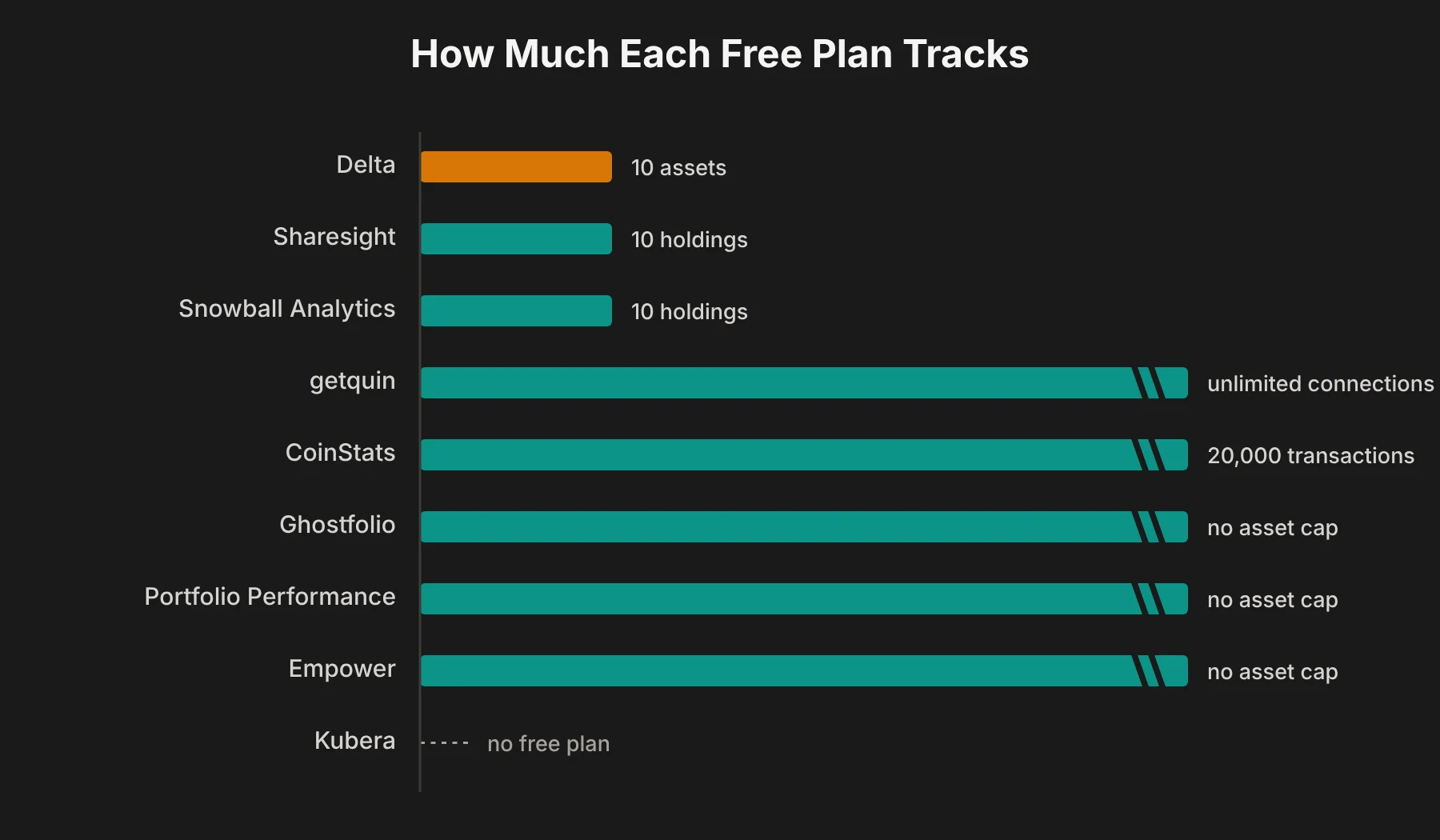 Most generous free plans: Ghostfolio (self-hosted or Basic cloud), Portfolio Performance and Empower have no asset cap at all. getquin's free tier allows unlimited account connections.
Free but capped like Delta: Sharesight and Snowball Analytics both stop at 10 holdings on their free plans, so switching to them only makes sense if you want their reporting or dividend tools.
Free for crypto: CoinStats Basic covers 10 portfolios and up to 20,000 transactions, which is plenty for most crypto-only investors.
My take: if you want a free portfolio tracker for stocks and crypto with no asset limit and you do not mind entering trades yourself, Ghostfolio is the best free Delta alternative. If you want automatic syncing for free, getquin is the one to try first.
Best Delta Alternatives for Crypto and Stocks
Delta's big strength is handling stocks and crypto in one app. Not every alternative does both well.
Mostly crypto: CoinStats. It is the deepest of the Delta crypto tracker alternatives for exchanges, wallets and DeFi, with real-time market prices across thousands of coins.
Mostly stocks and ETFs: Sharesight and Snowball Analytics. Both are stronger Delta stock portfolio tracker alternatives and Delta ETF tracker alternatives than anything crypto-first, and each works well as a dedicated stock portfolio tracker or ETF portfolio tracker.
Both, evenly: getquin, Ghostfolio and Kubera handle a mixed stock and crypto portfolio. If you need Delta alternatives for stocks, ETFs, and cryptocurrency in one multi-asset portfolio tracker, start here. Kubera adds everything else you own on top.
If you hold a true multi-asset portfolio and want automatic syncing for both, I would test getquin first, then Kubera if you also want property and cash in the picture.
For Delta alternatives with automatic portfolio syncing and broker integrations, the realistic choices are getquin, Sharesight, Kubera, CoinStats for crypto and Empower in the US. Ghostfolio and Portfolio Performance rely on imports, which is the trade-off for their privacy.
Best Delta Alternatives for Dividends and Portfolio Analytics
This is where most Delta alternatives with advanced portfolio analytics pull ahead. In my view it comes down to one thing that most comparison pages skip: how investment returns are calculated.
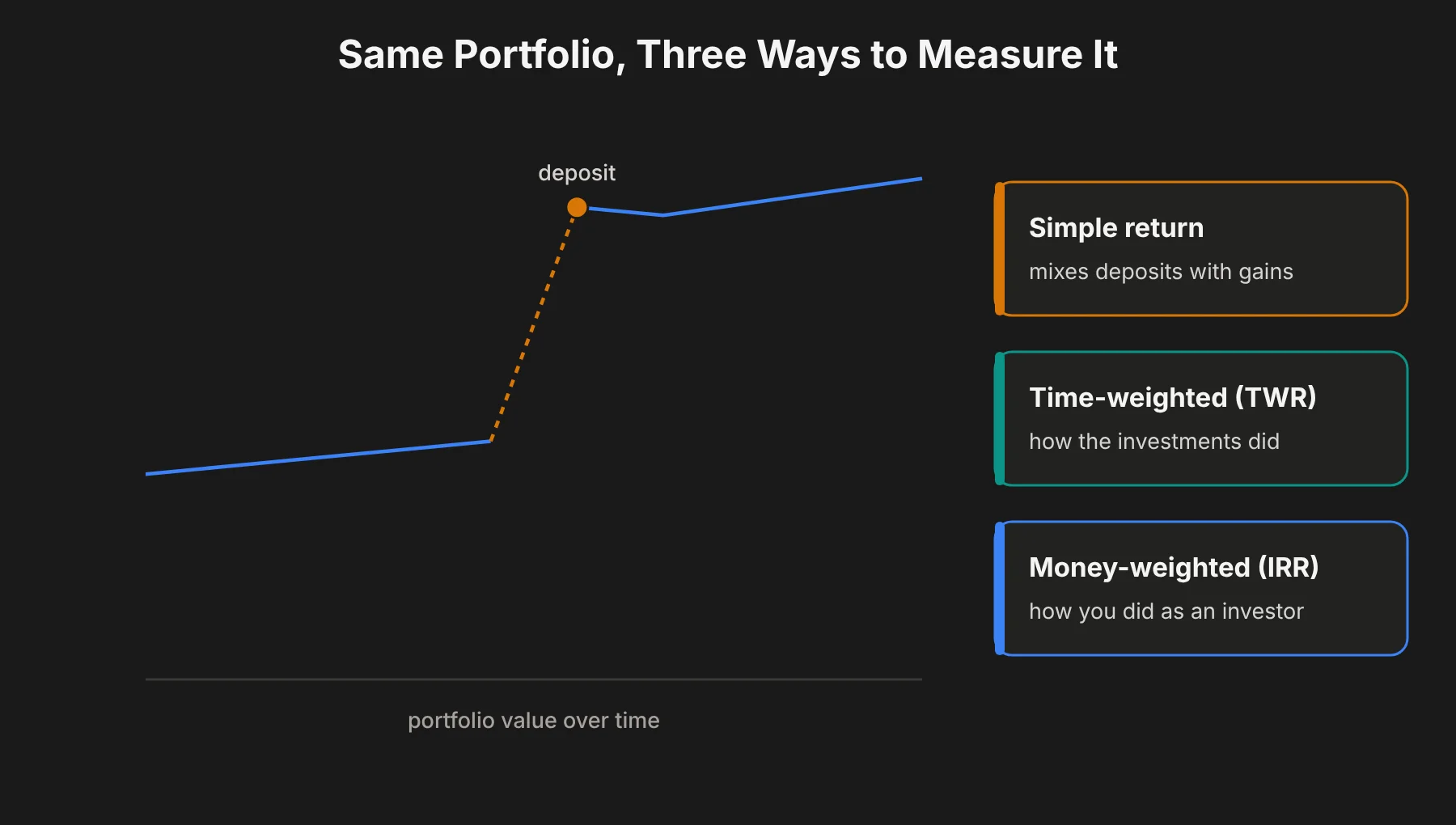 Simple return divides your gain by what you put in. It is easy to read, but it gets distorted when you add or withdraw money. Deposit a large sum just before a market drop and your simple return can look worse than your actual investing.
Time-weighted return (TWR) removes the effect of deposits and withdrawals. It shows how well your investments did, which is the fair way to compare yourself against a benchmark.
Money-weighted return (IRR) includes the timing of your cash flows. It shows how well you did as an investor, including when you chose to add money.
Any tool can show profit and loss. Good portfolio performance tracking means the right return method, plus portfolio benchmarking against an index and some form of risk analysis.
Portfolio Performance shows both TWR and IRR for free. Sharesight's reports are built around proper performance calculation. getquin offers both on paid plans.
For dividends specifically, Snowball Analytics is the strongest choice for dividend income tracking. If you also need Delta alternatives with tax reporting, Sharesight is the one, since tax reports sit on every paid plan.
That combination, real performance benchmarking plus dividends and tax, is what I would call premium portfolio analytics. It is the main reason to pay for a tracker at all.
Affordable Alternatives to Delta PRO
If you like Delta but do not want to pay $53.88 a year for PRO, here is what I found roughly the same money gets you elsewhere.
Ghostfolio Premium, at about $48 a year, is slightly cheaper and has no asset cap. Self-hosting is free.
Snowball Analytics Starter, at $79.99 a year, costs more but gives you broker linking and much deeper dividend tools.
Sharesight Starter, at $7 a month billed annually ($84 a year), adds proper performance and tax reports, but caps you at 30 holdings.
getquin's free plan may be all you need if your brokers are supported, with Premium at about €89.99 a year if you want its analytics.
Portfolio Performance costs nothing at all on desktop.
If you need multiple portfolios, note that Delta keeps them for PRO+ at $107.88 a year. CoinStats offers 10 portfolios on its free plan, and Sharesight Standard gives you 4.
Delta Alternatives by Platform: Android, iOS, Desktop and Web
Delta runs almost everywhere, and so do most portfolio tracking apps for investors today, but not all of them. I would check this before you switch. Cross-platform synchronization is easy to take for granted until you lose it.
Delta alternatives for Android and iOS: Sharesight, getquin, CoinStats, Kubera, Snowball Analytics and Empower all have mobile investment app versions. Portfolio Performance has an iOS companion app that reads your desktop file.
Delta alternatives for desktop: Portfolio Performance is the best desktop alternative to Delta portfolio tracker, with native apps for Windows, Mac and Linux.
Web-based alternatives to Delta investment tracker: Sharesight, getquin, Kubera and Ghostfolio all work fully in a browser. Ghostfolio also installs as a progressive web app on your phone.
How to Choose the Right Delta Alternative
I would make the decision in this order. It takes about five minutes, and it works whether you want the best Delta alternatives for investment tracking in general or one specific feature.
Step 1: Count your assets and accounts. If you are under Delta's free limits and happy with it, you may not need to switch at all.
Step 2: Decide what matters most. Pick one: true performance, dividends, crypto depth, total net worth, privacy or price.
Step 3: Match it to a tool. Performance and tax: Sharesight. Dividends: Snowball Analytics. Crypto: CoinStats. Net worth: Kubera. Privacy: Ghostfolio or Portfolio Performance. Free with syncing: getquin, or Empower in the US.
Step 4: Check your exact brokers. Look up your own broker and exchange on the tool's supported list. This is the step people skip and regret.
Step 5: Test ease of use and accuracy with a trial. Most paid tools offer a free plan or a 7 to 14-day trial.
Import your actual holdings and check that the numbers match your broker statements. Also check how much portfolio customization you get, like custom groups and categories, because that is what makes a tool feel like yours.
Step 6: Keep an export. Before you cancel Delta, export your transaction history so you can import it into the new tool and keep your historical portfolio performance.
Delta Alternatives: Your Questions Answered
Which Delta investment app competitors are worth trying first?
I would try Sharesight and getquin first for stocks, CoinStats for crypto, and Ghostfolio if you want a free, private option. Those four cover most investors between them.
What is the best Delta alternative overall?
For most stock and ETF investors, Sharesight is the best Delta alternative because of its performance, dividend and tax reporting. For crypto, CoinStats is better. For a free option with automatic syncing, getquin is the one I would try first.
Is there a free alternative to Delta investment tracker?
Yes. Ghostfolio, Portfolio Performance and Empower Personal Dashboard are free with no asset cap. getquin has a free plan with unlimited account connections, and CoinStats has a free plan for crypto.
Is there an open-source alternative to Delta?
Yes. Ghostfolio is an open-source web app you can self-host, and Portfolio Performance is an open-source desktop app. Both keep your data under your control.
Which Delta alternative is best for crypto portfolio tracking?
CoinStats. It supports around 300 wallets and exchanges, 120 blockchains and over 1,000 DeFi protocols, with a free plan for up to 20,000 transactions.
Which Delta alternative has tax reporting?
Sharesight includes tax reports on all paid plans, starting with Starter. For crypto, a dedicated tax tool like Koinly does the job better than any tracker. Most other Delta alternatives offer limited or no tax reporting.
What are the best Delta alternatives for desktop, Android and iOS?
For desktop, Portfolio Performance is the strongest free option. For Android and iOS, Sharesight, getquin, CoinStats, Kubera, Snowball Analytics and Empower all have mobile apps. Ghostfolio works in any mobile browser as a web app.
Is Delta still worth using in 2026?
Yes, if you hold 10 or fewer assets or are happy paying for PRO. It remains a polished multi-asset tracker. The alternatives above make more sense if you have outgrown the free plan, need accurate performance figures, or want dividend, tax or net worth features Delta does not focus on.