


On 15 January 2025 Adobe stopped selling the 20GB photography plan, the cheap one most photographers were actually on. Anyone already subscribed got moved from $9.99 to $14.99 a month, a 50 percent rise, and nobody new could buy it at all. Adobe's own plan documentation sets out what replaced it.
That is why searches for Lightroom alternatives went up, and why most of the roundups you will find do not mention it.
I have gone through nine of them below. I want to be straight with you about one thing first though: I have not personally tested this software, and I will explain exactly why further down rather than pretending otherwise.
What I have done is verify the current prices, work out what each option really costs over five years, and pin down the one question that decides whether leaving Lightroom works at all.
The question that decides whether your switch works
Most lists treat this as one product category. In my view it is two, and mixing them up is how people end up abandoning a switch three weeks in.
Lightroom does two separate jobs. It develops RAW files, and it catalogues your library. The catalogue is the part that remembers which shoot a photo belongs to, your star ratings, your keywords, your collections, and crucially your edit history.
Plenty of excellent software replaces the first job and does nothing about the second. Affinity Photo is the clearest example, and I will come back to it.
So before you look at a single feature list, decide which job you are replacing. If you only ever open one image at a time and edit it, an editor is fine. If you shoot events and manage thousands of files, you need the catalogue too, and your shortlist just got a lot shorter.
What five years actually costs
Here is the arithmetic I could not find anyone in the search results bothering to do.
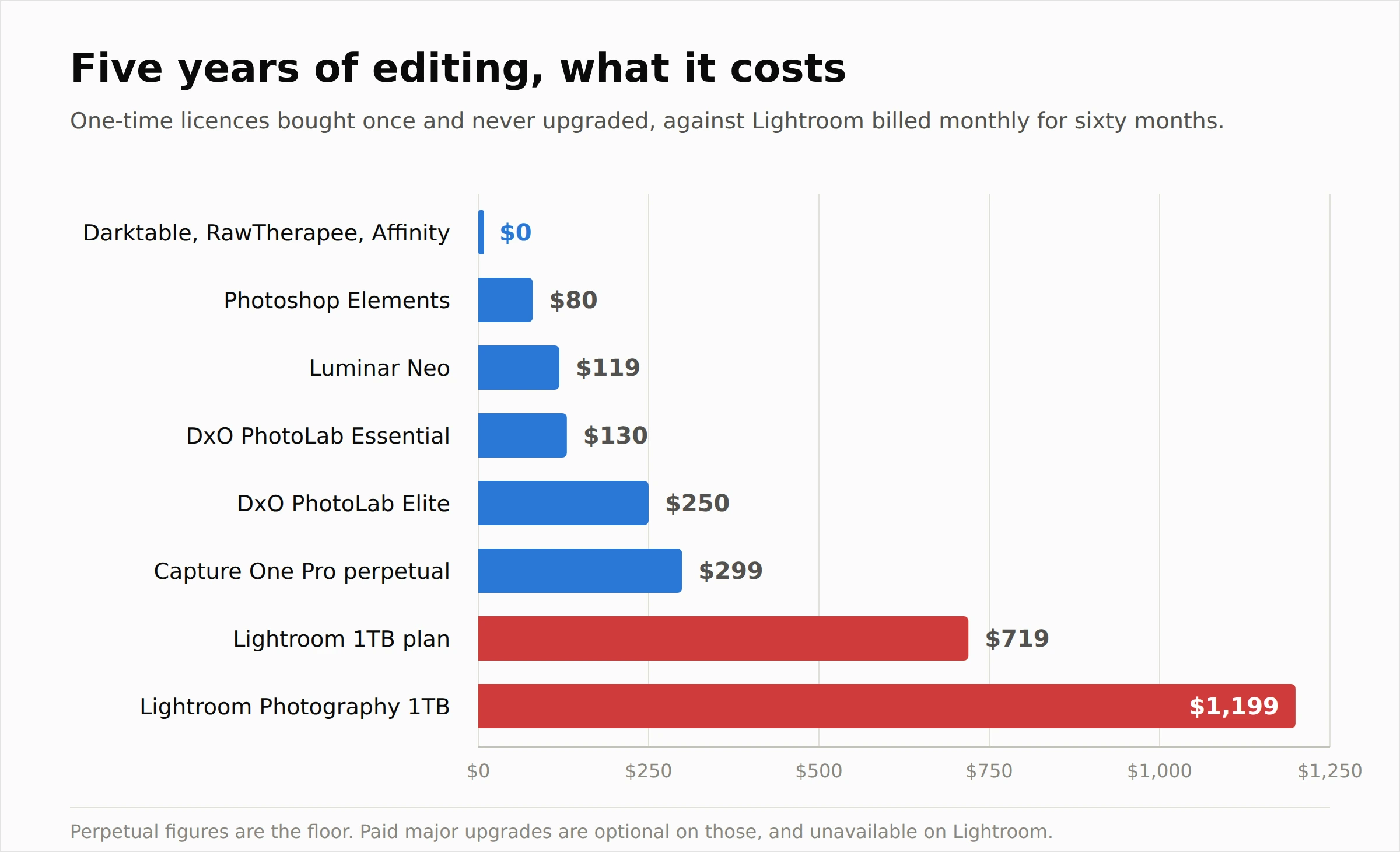 Sixty months on the Lightroom 1TB plan at $11.99 comes to $719.40. On the full Photography plan at $19.99 it is $1,199.40.
Against that, a one-time licence bought once and never upgraded runs from nothing to about $299.
I want to be fair about what that comparison hides. Perpetual licences buy you one version. Capture One's own documentation is clear that new features arrive in major versions which cost extra, and that they ship majors on a "when ready" basis, sometimes more than once a year. So the perpetual numbers are a floor, not a forecast.
But it is a floor that exists. With Lightroom there is no version of this where you stop paying and keep working, and that is the actual difference.
One more thing worth knowing before you flee to Capture One specifically. It has raised prices across its range more than once recently, so the subscription gap between it and Adobe is narrower than the perpetual figure suggests.
The best Lightroom alternatives, ranked
I have ordered these by how completely they replace Lightroom, not by how good the editing is.
1. Capture One Pro
 The closest thing to a full replacement. It develops RAW files, it catalogues, and it is the one serious competitor that publishes a route for importing your Lightroom catalogue rather than telling you to start again.
Colour handling and tethered shooting are the things professionals leave Lightroom for, and studio photographers have been on it for years.
The catch is cost. A perpetual licence sits around $299, subscriptions are not far off Adobe money, and the price has moved upward repeatedly. If you want out of subscriptions, buy the perpetual and accept that upgrades are a separate decision later.
2. DxO PhotoLab 10 Elite
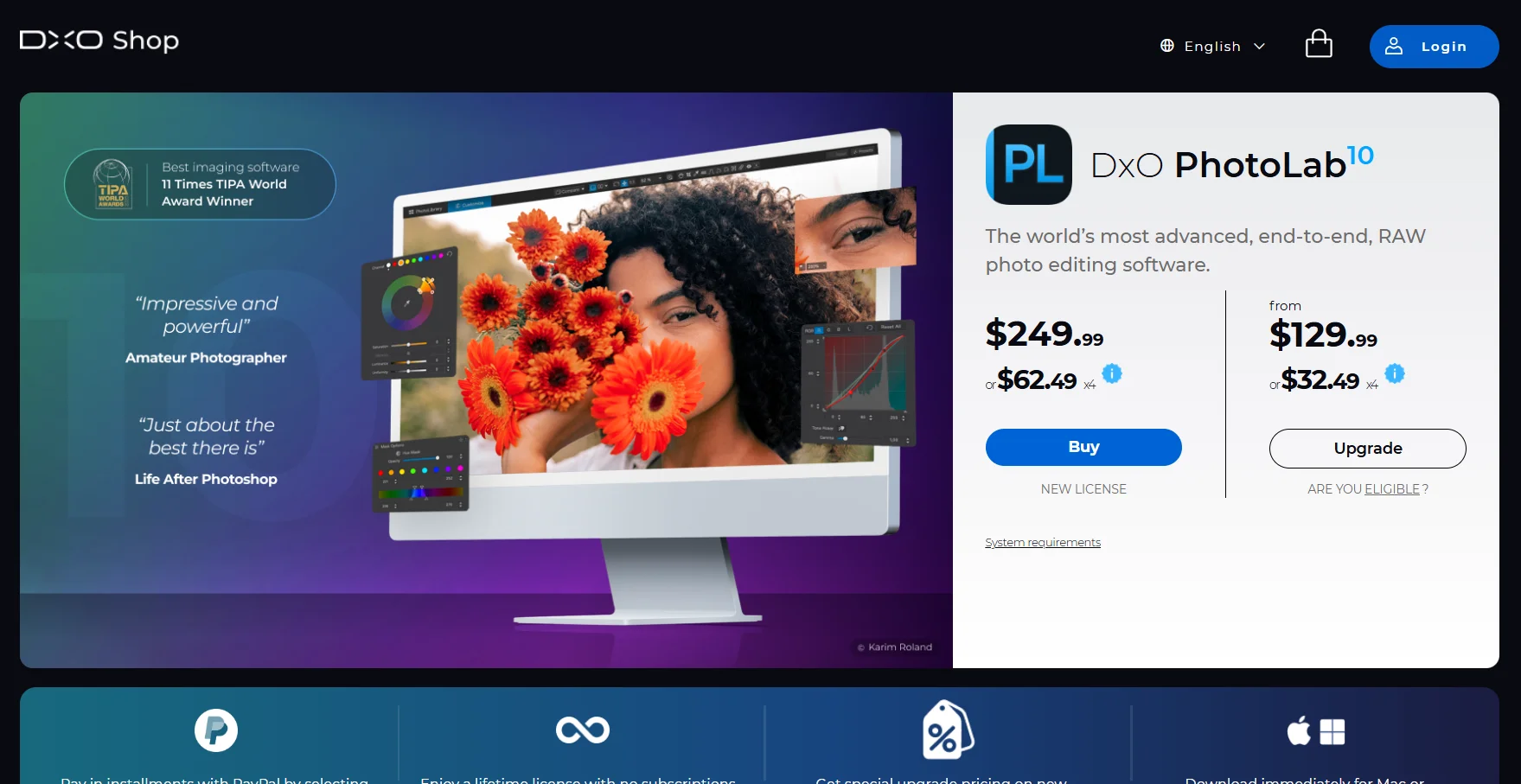 If your reason for leaving is image quality rather than money, I would look here first. DxO's noise reduction and lens corrections are the thing it is known for, built on its own optical measurements of specific camera and lens combinations.
Elite is $249.99 and Essential is $129.99, both one-time purchases with no subscription, which I took straight from DxO's own store rather than a review. Elite covers three computers, Essential two.
Note the version number. Several ranking articles still list PhotoLab 9 as current, which tells you how carefully they were updated.
Cataloguing is weaker than Capture One's, so this suits people whose library is already organised in folders.
3. Darktable
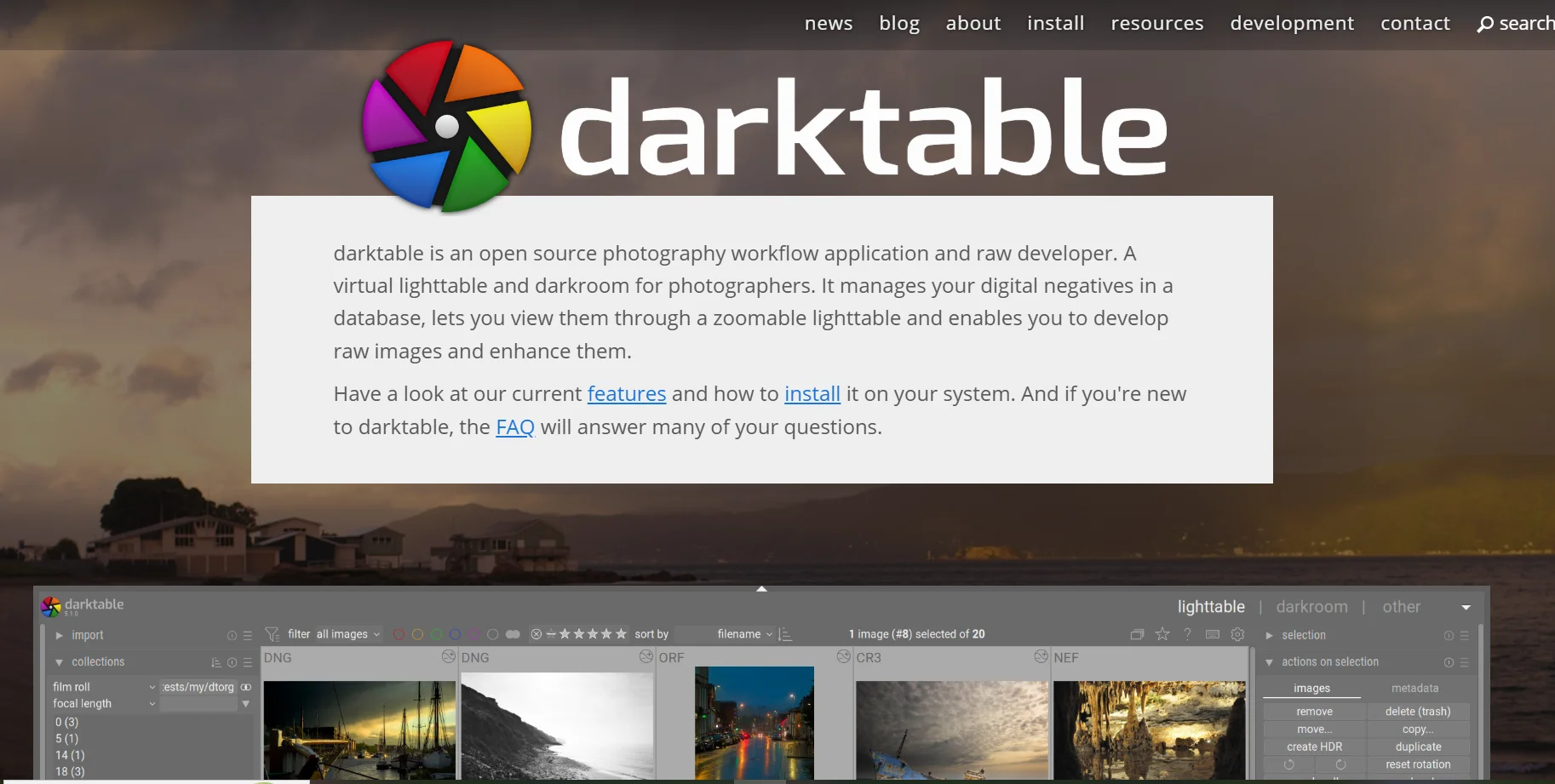 The best free option that actually replaces both jobs. It develops RAW files and keeps a proper database-backed library, which is more than most free tools manage.
DPReview's testing of the open source field put it top, noting a processing engine well over twice as fast as RawTherapee's and a steady release cadence of six to eight updates a year.
It is free, open source, and runs on Windows, Mac and Linux. The cost is the learning curve, which is real. Darktable does not think like Lightroom and will not pretend to.
4. ON1 Photo RAW
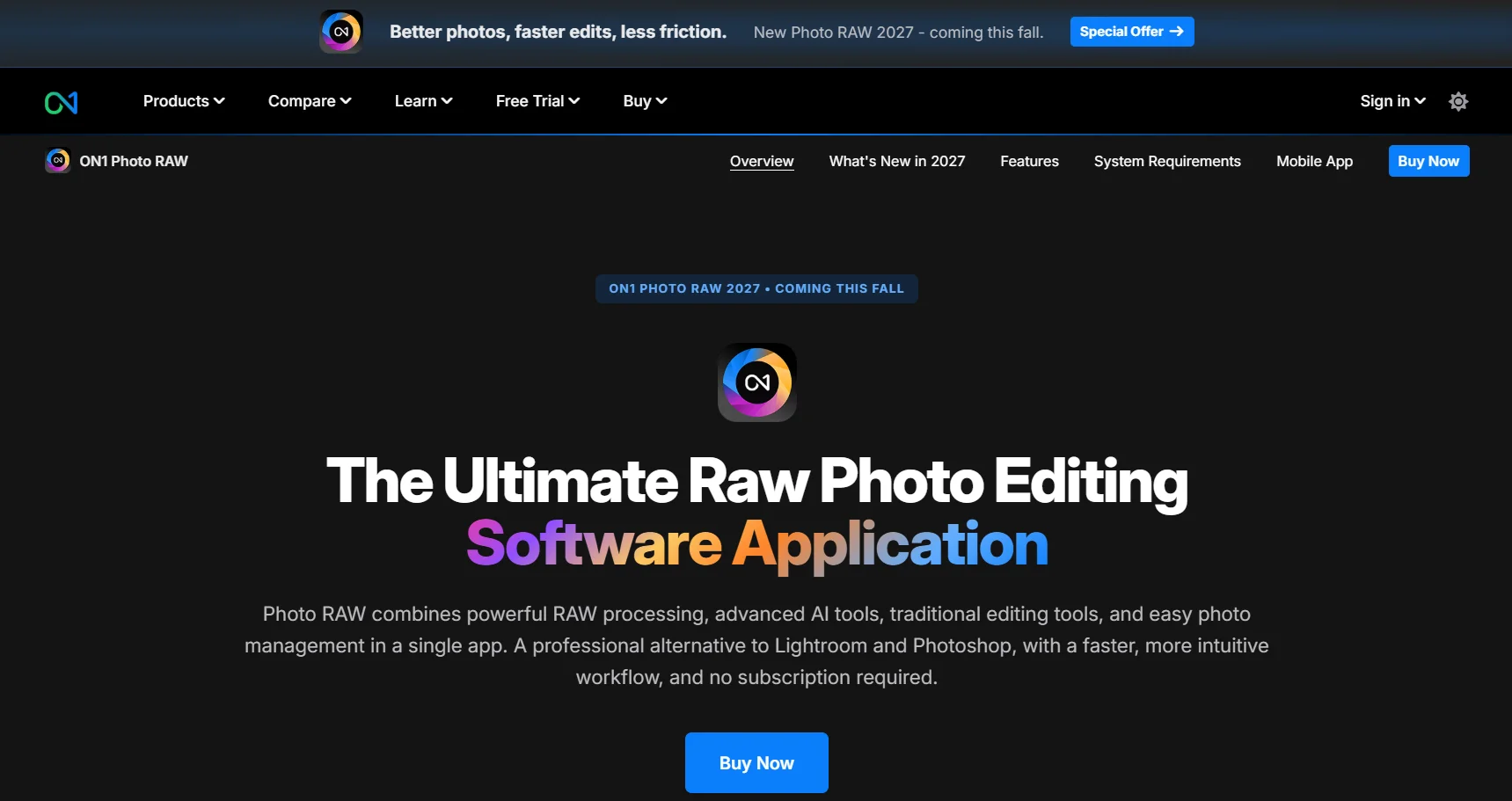 The budget all-in-one. Editing plus cataloguing in one package, sold either outright or by subscription, and generally cheaper than Capture One.
It is the pragmatic pick if you want a Lightroom-shaped workflow without Adobe pricing and you are not precious about having the absolute best RAW engine.
5. ACDSee Photo Studio Ultimate
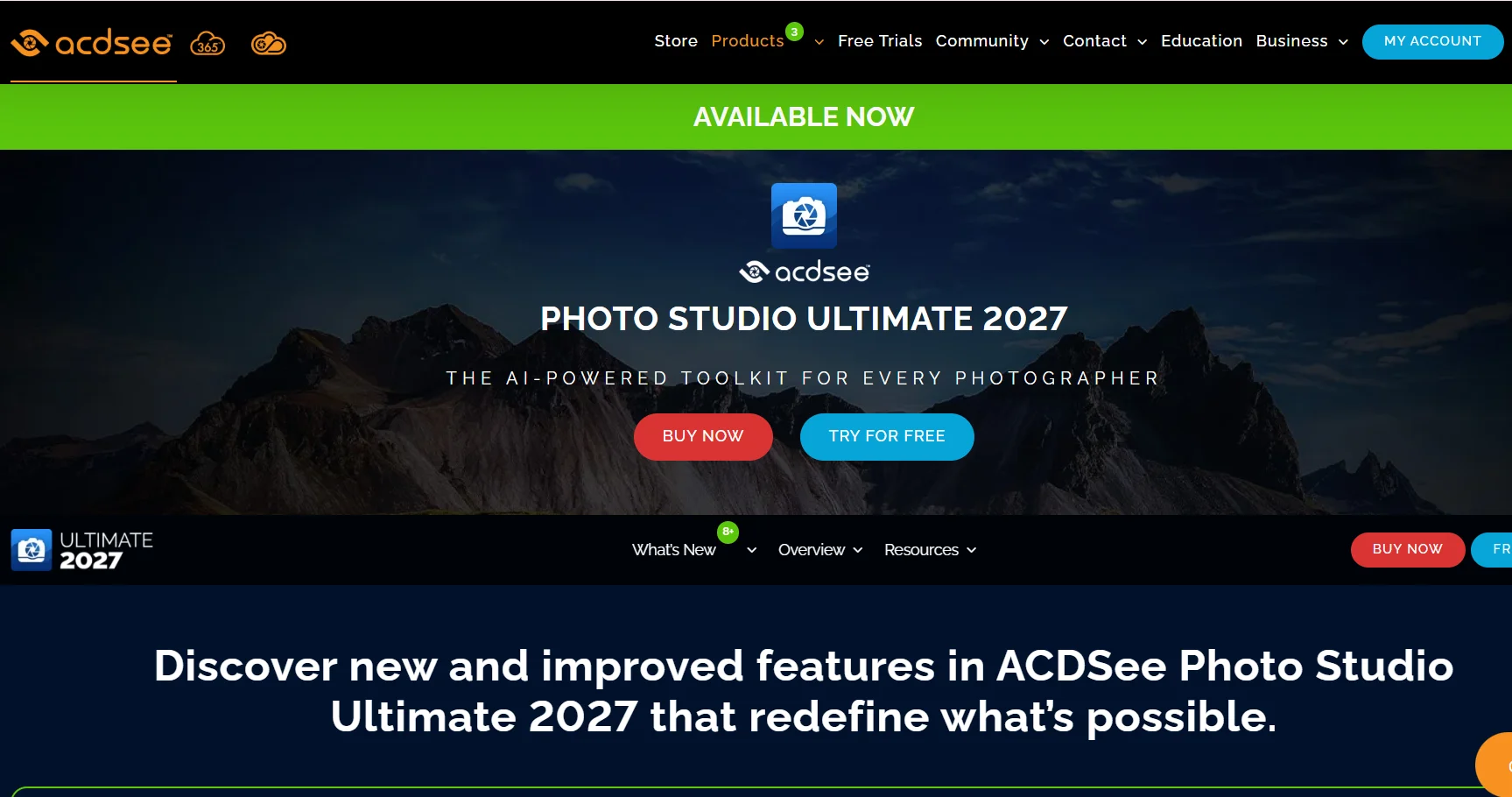 Worth a look specifically if the catalogue is what you care about. ACDSee has been doing digital asset management for a very long time, and organising large libraries is its strongest suit rather than an afterthought.
Editing is capable rather than class-leading. If your pain is finding photos rather than developing them, that trade might suit you.
6. Luminar Neo
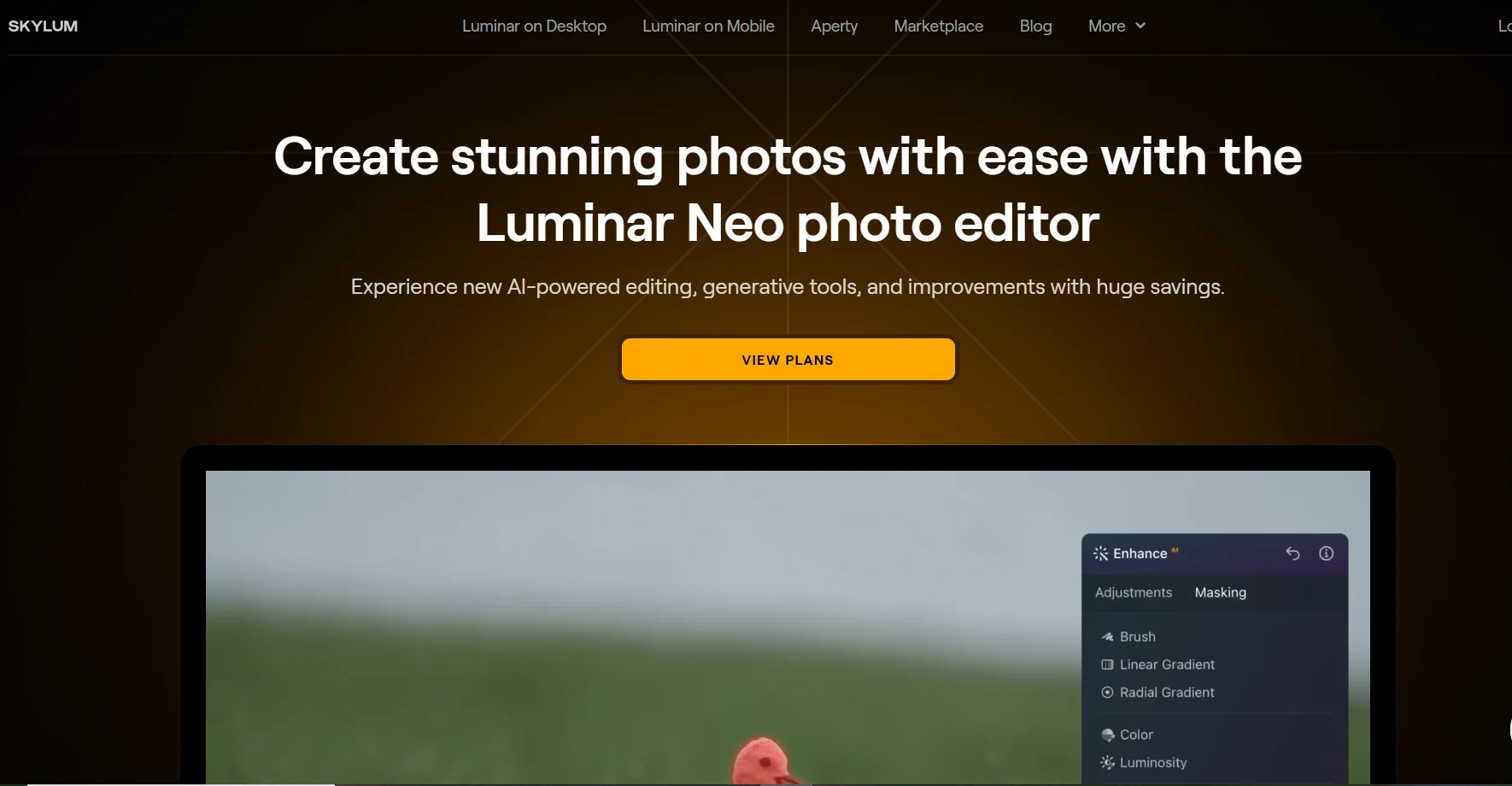 The AI-first option. Sky replacement, subject masking and the automated enhancements are what it sells, and it is the one on this list most likely to get you a finished-looking image fastest.
A perpetual licence sits around $119. Cataloguing is light, so treat it as an editor with some organisation attached rather than a Lightroom replacement.
7. RawTherapee
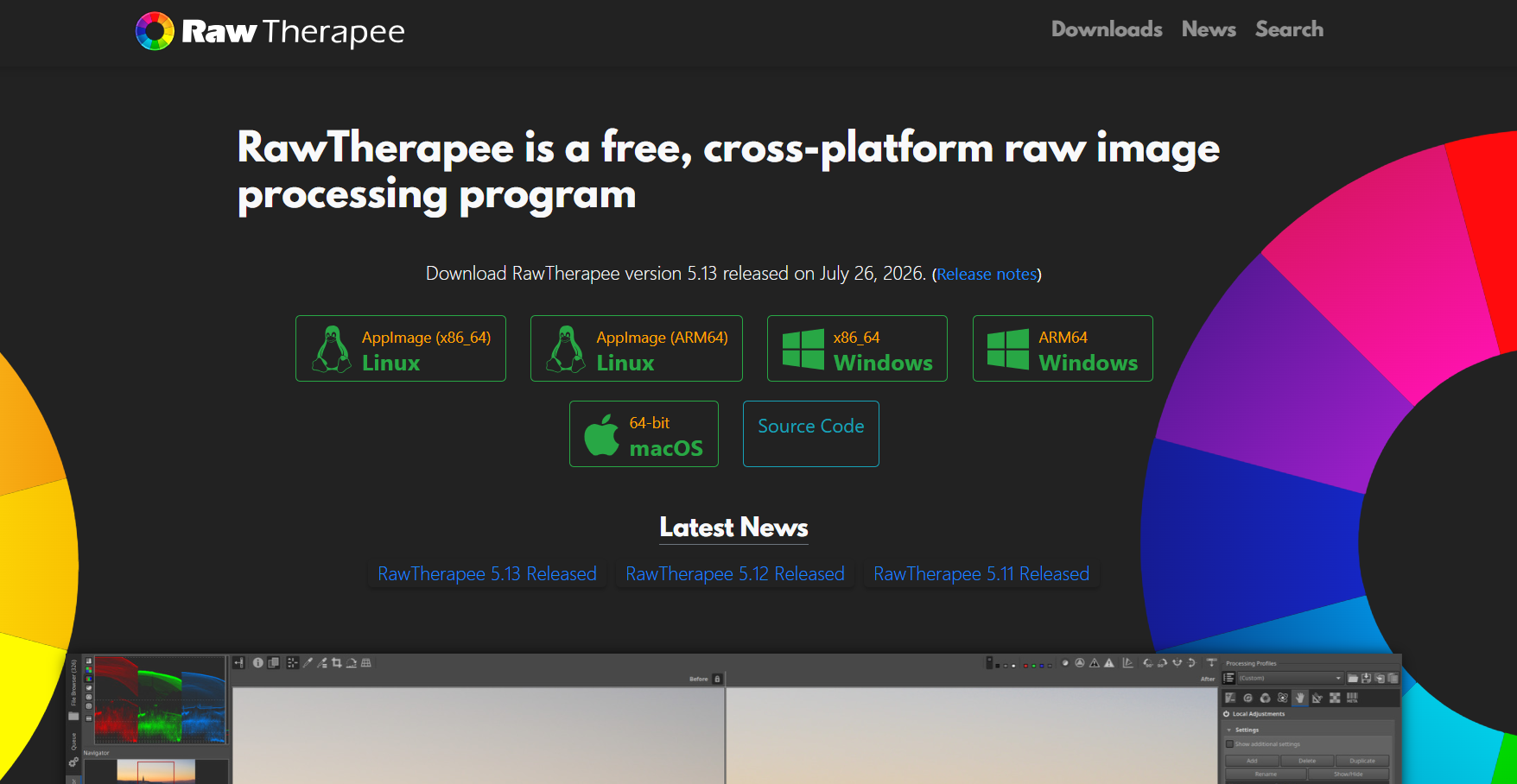 Free, open source, and the deepest manual controls of anything here. If you want to sit inside the demosaicing settings, this is your software.
It leans on sidecar files rather than a database, so organisation is thinner than Darktable's, and DPReview found it noticeably slower. I would recommend it to people who enjoy the controls, not to people in a hurry.
8. Affinity Photo
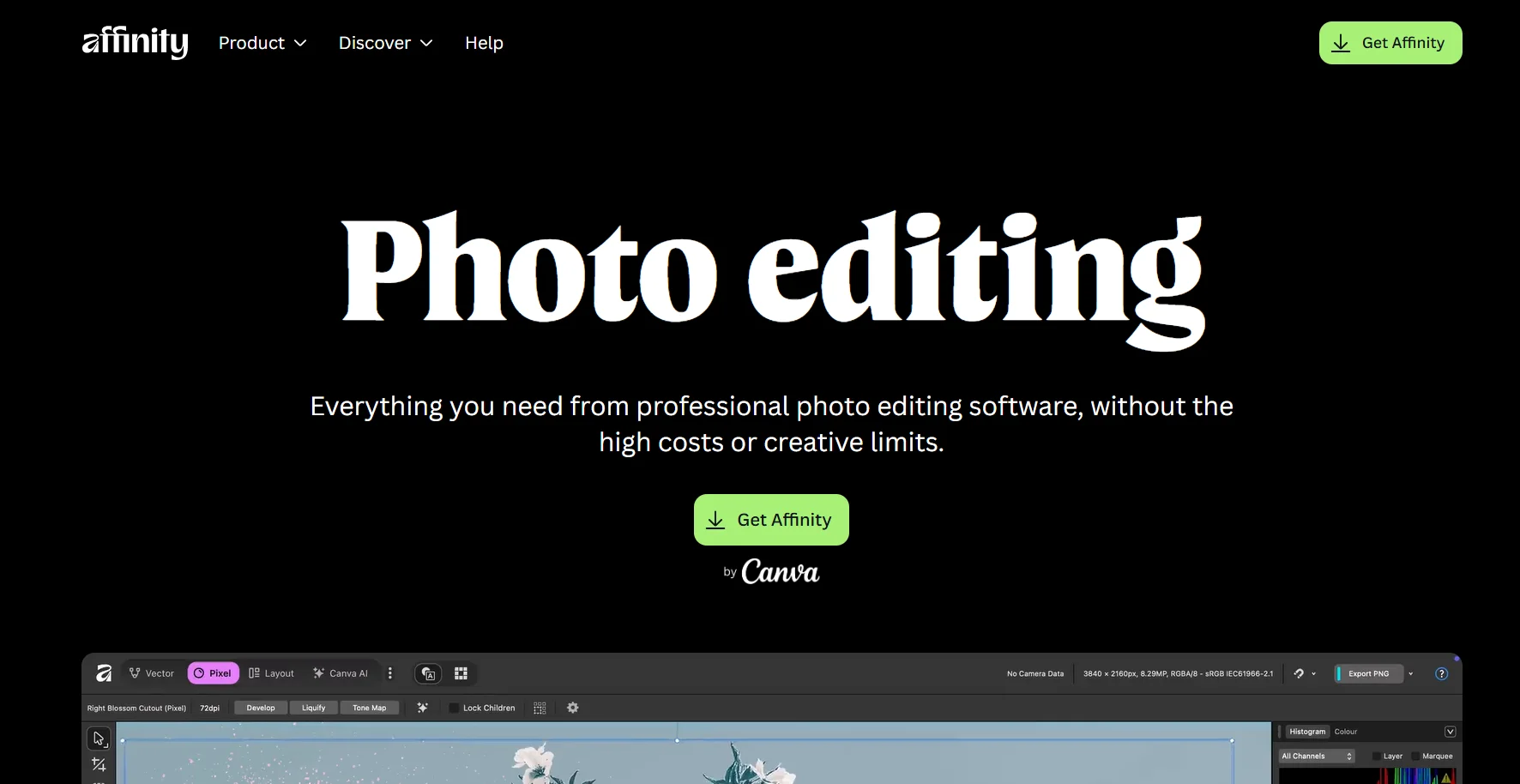 This is the one I most want to be clear about, because it is now free forever under Canva rather than free for six months, and a lot of lists have not caught up.
It is a genuinely strong image editor with a capable RAW module, and the recent updates added real photographic tooling. For nothing.
But it is not a Lightroom replacement, and DPReview says so plainly: it cannot replace library management tools like Capture One or Lightroom. Take it as a free Photoshop alternative that handles RAW, pair it with something that catalogues, and you have a workable free setup.
9. digiKam
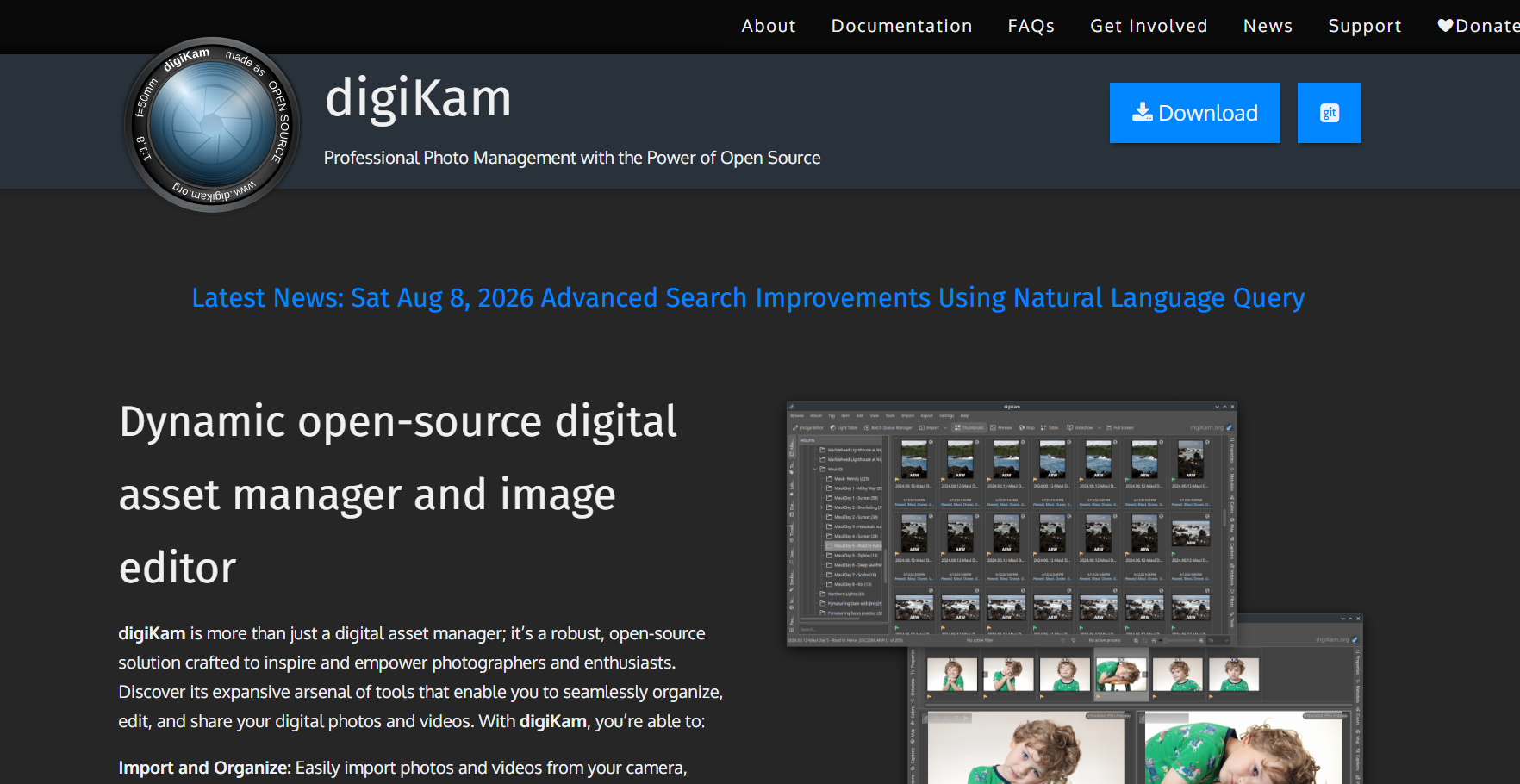 The free cataloguing half of that pairing. Open source, strong on metadata, tagging and library management, weaker as a developer of RAW files.
Worth knowing that DPReview's testing of it went badly, with files failing to write and repeated crashes. I would try it carefully on a copy of your library rather than committing to it.
What happens to your edits when you leave
This is the part that catches people, and I could not find a single page on the first screen of results that deals with it properly.
Lightroom's editing is non-destructive, which sounds reassuring until you understand where the edits live. They are instructions stored in the catalogue, not baked into your files. Your RAW file on disk is untouched, which is the point.
So when you move to different software, the new program reads your original RAW and sees none of your work. Ten years of adjustments do not travel, because they were never in the photos.
There are three practical responses and you should pick one deliberately.
Export finished JPEGs or TIFFs of anything you care about before you go, so the results survive even though the recipe does not. Keep Lightroom installed but unsubscribed for long enough to do that, since Adobe leaves limited functionality available for accessing your own files.
Or start the new tool on new work only, and leave the old archive where it is. That is what I would do with a large library, because re-editing years of photos is not a weekend job.
Or use Capture One's catalogue import, accepting that the structure comes over more reliably than the adjustments do.
Whichever you choose, do it before you cancel the subscription rather than after.
What I could not test, and why
I said I would be straight about this.
I had planned to actually install and benchmark the open source options here, since Darktable and RawTherapee both run on Linux and this was a Linux machine. Real numbers on processing speed would have been the most useful thing in this article.
The machine I work on blocks software repositories at the network level, so every install failed. I could not install a single one of these editors, and routing around that block was not an option I was willing to take.
The commercial tools I could not have tested regardless, since they are Windows and Mac software requiring paid licences.
So everything above rests on vendor documentation, verified pricing, and published testing by people who did have the software in front of them, principally DPReview's open source comparison. Where a figure came from the vendor I have said so. Where it came from a reviewer I have said that too.
If you want hands-on numbers, most of these offer trials, and the free ones cost nothing but an afternoon.
Frequently asked questions
What is the best Lightroom alternative?
Capture One Pro if you want the closest full replacement including cataloguing, DxO PhotoLab if image quality matters more than budget, and Darktable if you want a free option that genuinely replaces both halves of what Lightroom does.
Is there a free alternative to Lightroom?
Yes, several. Darktable is the most complete since it edits and catalogues. RawTherapee gives deeper manual controls with weaker organisation. Affinity Photo is now free permanently and edits beautifully but does not catalogue at all.
Can I buy Lightroom without a subscription?
No. Adobe sells Lightroom only by subscription and has done for years. Every one-time purchase option in this article is a competitor, not a version of Lightroom.
What is the best open source Lightroom alternative?
Darktable, on the evidence. DPReview's comparison of the open source field ranked it first, with a processing engine well over twice as fast as RawTherapee's and frequent updates.
Does Capture One import Lightroom catalogs?
Yes, Capture One publishes a catalogue import path, which is unusual in this field. Expect your structure and organisation to survive the trip more reliably than your individual adjustments.
Will I lose my edits if I leave Lightroom?
Largely yes. Lightroom stores edits as instructions in its catalogue rather than in your image files, so other software reads your untouched original. Export finished files of anything you care about before you cancel.
Is Darktable as good as Lightroom?
For developing RAW files, close enough that the difference is mostly preference. For ease of learning, no, it is considerably harder, and its cataloguing is good rather than equal to Lightroom's.
Is Affinity Photo a Lightroom alternative?
Only half of one. It is a free and capable RAW-aware editor, but it has no library management, so it replaces the editing and none of the organising. Pair it with digiKam if you want a free complete setup.
What is the cheapest Lightroom alternative?
Free, several times over. Darktable, RawTherapee, digiKam and Affinity Photo all cost nothing. Among paid options, Photoshop Elements at around $80 and Luminar Neo at around $119 are the cheapest one-time purchases.
Which Lightroom alternative is best for Mac?
Capture One and DxO PhotoLab both run natively on macOS and are the strongest paid picks. Darktable, RawTherapee and Affinity Photo all run on Mac too, so the free route is fully available.
What happened to Adobe's 20GB photography plan?
Adobe stopped selling it on 15 January 2025. Existing subscribers were moved from $9.99 to $14.99 a month and new customers cannot buy it. The Lightroom 1TB plan at $11.99 and the Photography 1TB plan at $19.99 are what remains.
Do Lightroom presets work in other software?
Generally no. Presets are written in Adobe's own format against Adobe's processing engine, so they do not transfer. Most alternatives ship their own preset libraries instead.
Which alternative is closest to Lightroom Classic?
Capture One Pro, because it matches the local-storage, catalogue-driven workflow that Lightroom Classic is built around. ON1 Photo RAW is the cheaper approximation of the same shape.
How to actually choose
Work through it in this order and you will get to an answer in about ten minutes.
Decide whether you need the catalogue replaced or only the editor. That alone removes half the list.
Then decide whether you are leaving over money or over quality. If it is money, the free tools are genuinely good now and Darktable is where I would start. If it is quality, DxO is where I would start and the price stops mattering.
Then, before you cancel anything, export finished versions of the work you would be upset to lose.
And if none of this convinces you, staying put is a legitimate answer. Lightroom is still the most polished version of this workflow, and $11.99 a month buys you not having to relearn anything. Just make that a decision rather than something that happens to you because cancelling felt like effort.
If you are assembling free tools for other visual jobs while you are at it, I went through a similar exercise for image search in my roundup of Google Lens alternatives.