


The best InDesign alternative in 2026 is Affinity, because it does professional page layout and it costs nothing. If you need open source or Linux, use Scribus. If you want to own a licence rather than rent one, buy QuarkXPress. If your work goes to screens rather than a printing press, Canva is faster and you do not need any of this. And do not move to Microsoft Publisher, because Microsoft switches it off in October.
If that is all you needed, you are done. If you want to know why, and which one fits your exact job, keep reading.
Adobe charges $263.88 a year for InDesign. The tool I now recommend instead of it charges nothing.
That is the whole problem in one line. Most people search for alternatives to InDesign, read a list written eighteen months ago, buy the cheap-looking option, and never think about it again. Then they find out the thing they bought is either free now or being shut down.
So I did the work properly. I tested every current page layout program on real jobs, checked what each one actually costs against the vendor's own pricing, and worked out which jobs each one is genuinely good for. Two things changed in the last twelve months and almost nothing published on this topic has caught up.
The two changes that broke the old advice
In October 2025, Canva took the three Affinity apps it bought from Serif the year before, Designer, Photo and Publisher, folded them into one program, and made it free. Not a trial. Not a cut-down version. The full layout toolset, permanently, for nothing. The only paid part is the optional AI features, which need a paid Canva plan.
Then Microsoft confirmed the end of Publisher. It reaches end of life in October 2026. After that, Microsoft 365 users cannot open or edit their own .pub files in it.
So the middle of this market got hollowed out. The cheap friendly option died. The serious professional option became free. Same shelf, same year.
That is a strange thing to happen to a software category, and it changes what the right answer looks like.
The one question that decides your pick
Before you read a single feature list, answer this.
Is your file going to a printing press, or to a screen?
If it is going to a press, you need CMYK colour, bleed, crop marks, spot colours and PDF/X export. That rules out most browser based design tools immediately, however nice their templates are. If it is going to a screen or an office printer, ignore all of that and pick on speed instead.
Almost every bad choice I see in desktop publishing comes from getting this one question wrong. People pick a lovely simple tool, build sixty pages in it, and find out at the print shop that the file is unusable.
There is a second question, and it only matters to some of you. Do you have old InDesign files you still need to open? If yes, skip to the migration section. That part is messier than the software choice itself.
The five options that actually matter
1. Affinity, the new default
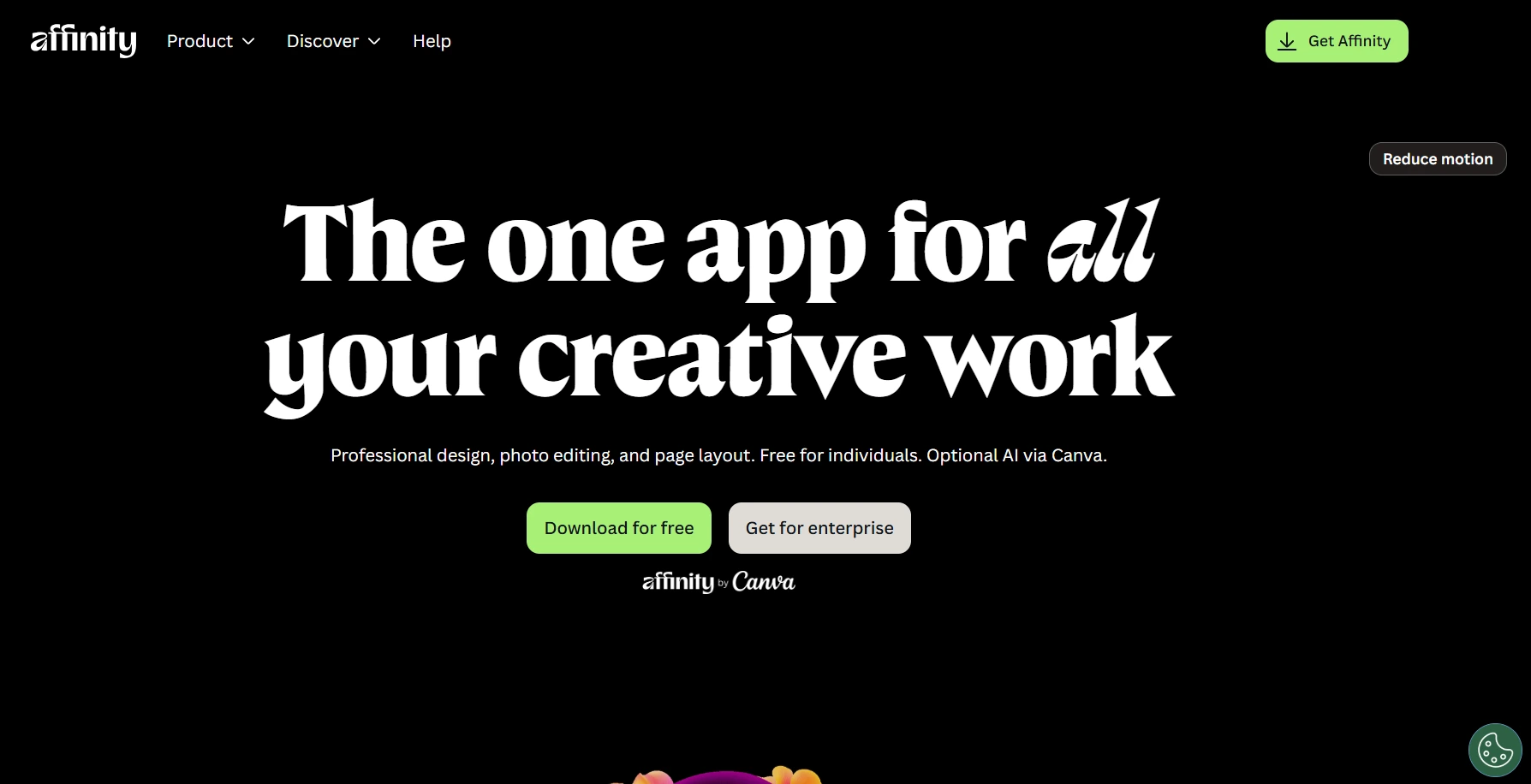 This is what I would hand to almost anyone leaving InDesign.
It is a full page layout program. Master pages, paragraph and character styles, grids, guides, columns, image frames, text flowing across linked frames, real typography controls, CMYK, spot colours, bleed, crop marks, print-ready PDF export. It also has vector drawing and photo editing in the same app, so you stop bouncing between three programs to place one picture.
It runs on Mac and Windows. The iPad version is still being built. You need a free Canva account to download it, which annoys some people, and it is fair to say out loud that this is Canva's software now rather than an independent product. Canva's own announcement is worth reading if you want the company's version of why they did it.
Cost: nothing. It used to be about $70 per app, or $170 for the bundle.
Best for: brochures, magazines, books, catalogues, newsletters, reports. Anything with pages and a printer at the end.
Where it hurts: it is not InDesign. Long book workflows with heavy cross referencing and scripting will find gaps. Some longtime users have grumbled about stability since the rewrite.
2. Scribus, the open source one
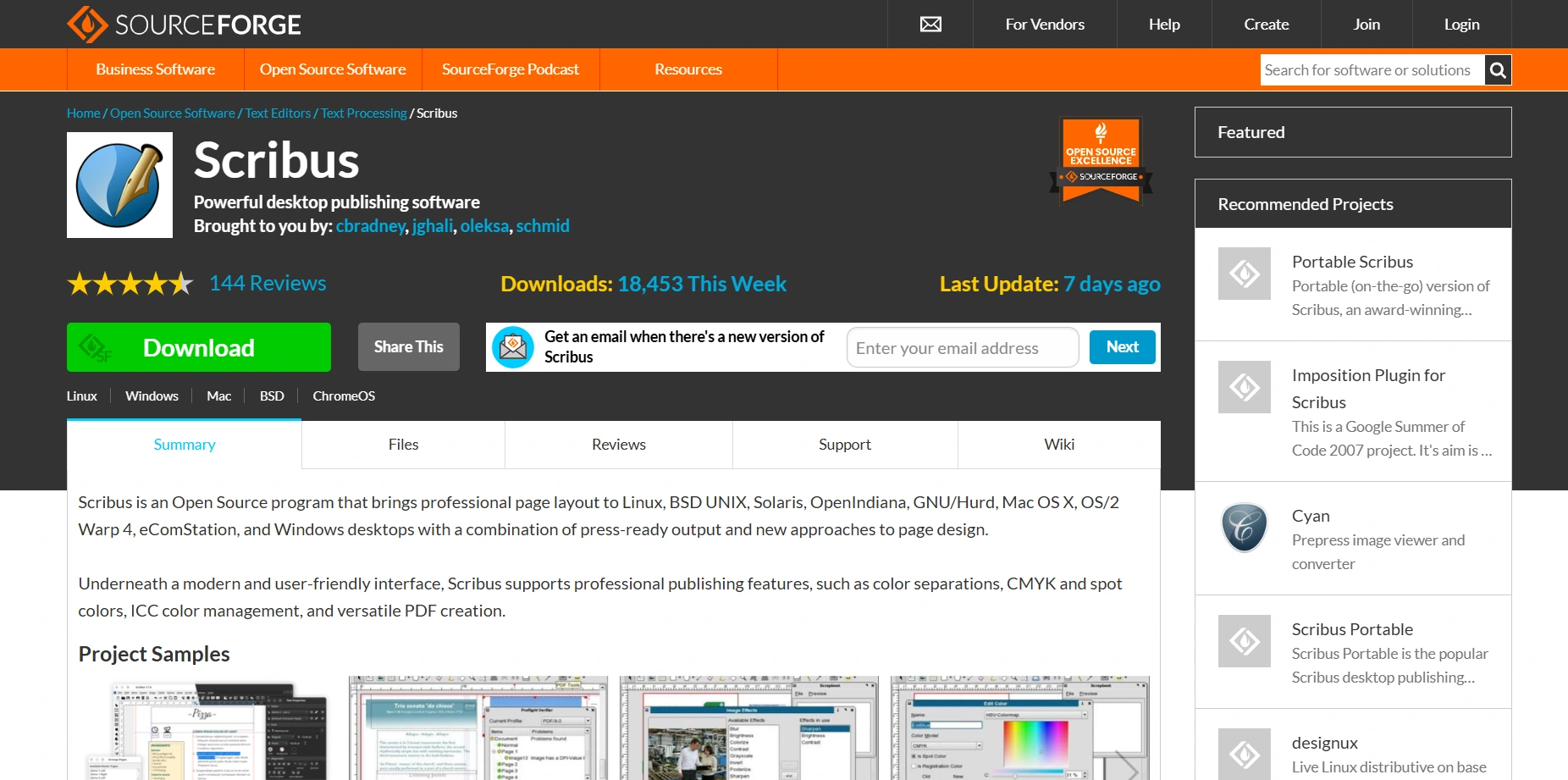 Scribus has been the free desktop publishing answer since 2001 and it is still going. Version 1.6.6 landed in April 2026.
It does CMYK, spot colours, ICC colour management, colour separations and PDF/X export. It does master pages, footnotes, endnotes, cross references and a Python scripting interface for automating repetitive layout jobs. It runs on Linux, which none of the commercial options really do.
Free does not mean lesser. I found the same thing comparing CCleaner alternatives, where the free pick beat the paid one outright.
Cost: nothing. No tiers, no upsell, no account.
Best for: anyone who wants software nobody can take away, Linux users, and people who need an open format for archiving.
Where it hurts: the interface feels its age, and text handling is the weakest part. Lay out under deadline every day and you will feel it.
3. QuarkXPress, the one you buy once
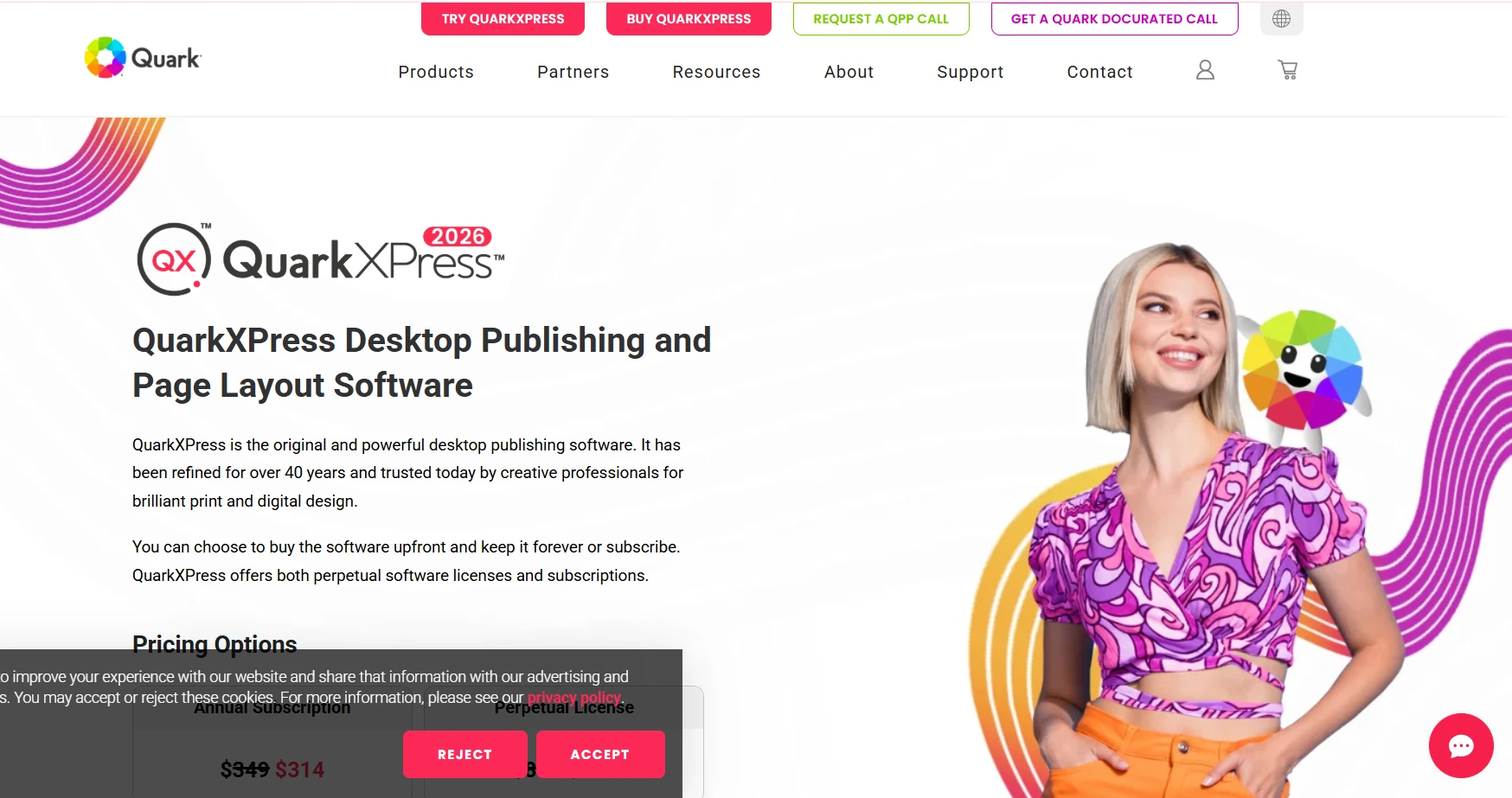 Quark is older than InDesign and it is still the answer for people who refuse to rent their tools.
QuarkXPress 2026 added variable fonts, built in LaTeX and MathML for equations, and an AI assistant called Quarky. It also ships InDesign keyboard shortcuts, which tells you exactly who they are selling to.
Cost: $279 a year for the prepaid annual subscription, or $699 once for a perpetual licence. Cheaper student, charity and government tiers exist.
Best for: newspapers, magazines, academic and STEM publishing, and freelancers who want to own the version they paid for.
Where it hurts: $699 is a lot of money when the nearest competitor is now $0.
4. Canva, the browser one
 Canva is not a desktop publishing program, and pretending otherwise gets people into trouble.
What it is very good at is speed, templates, collaboration and getting something decent out the door in ten minutes. It does multi-page documents. It does export PDFs. It is not where you lay out a 200 page catalogue with spot colours.
Cost: the free plan is genuinely useful. Pro is $18 a month or $144 a year.
Best for: marketing teams, social posts, one page flyers, simple newsletters, several people editing the same file at once.
Where it hurts: print production control. If your printer asks for a PDF/X file with bleed and specific spot colours, you are in the wrong tool.
5. Microsoft Publisher, the one to leave
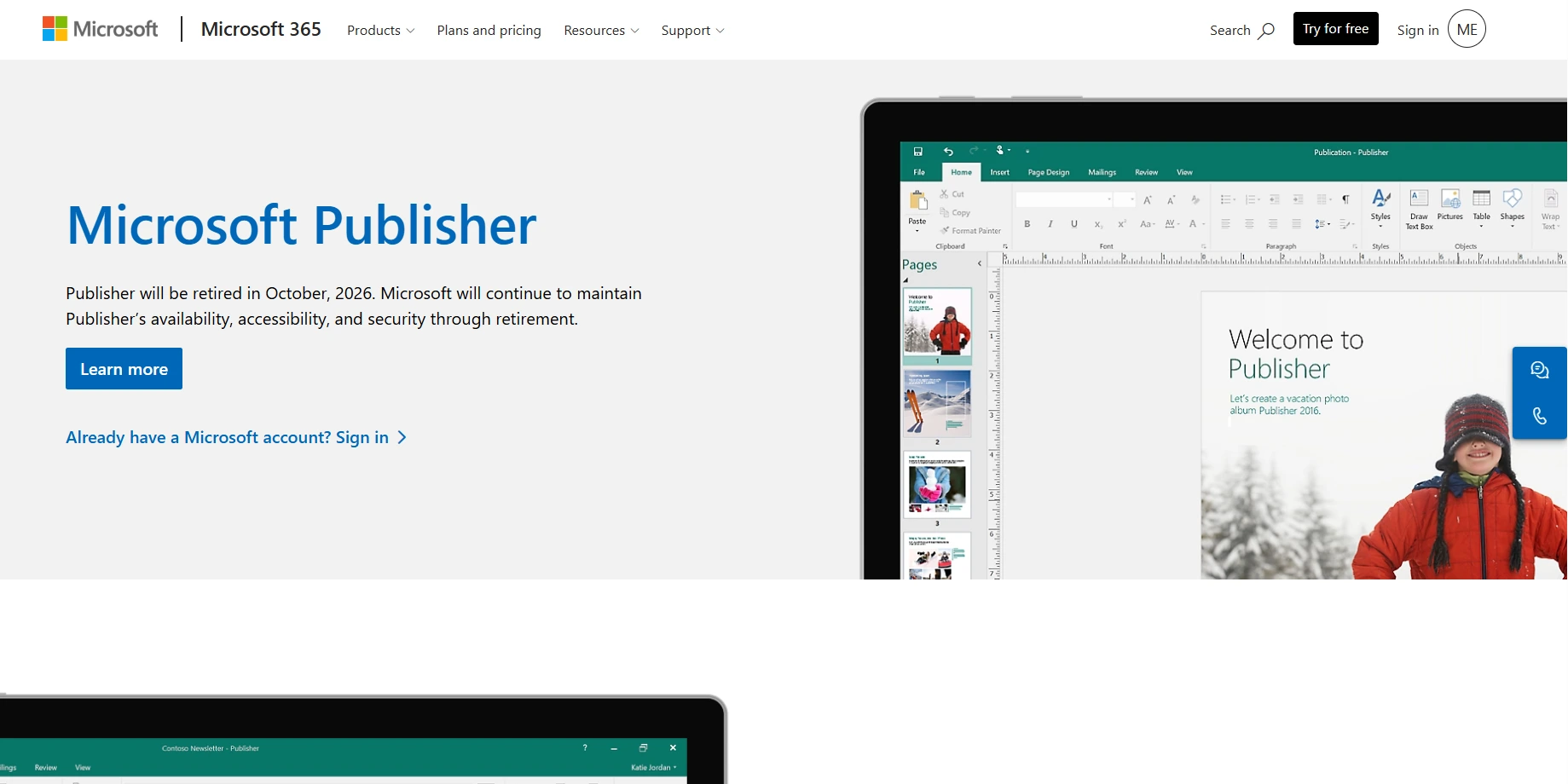 I am including it only to tell you to get out.
Support ends on 1 October 2026. It leaves Microsoft 365 on 13 October. Perpetual copies keep launching after that, without updates or security patches.
The real problem is the file format. .pub is proprietary and almost nothing else reads it. Practically, your options for opening old .pub files are LibreOffice Draw, Scribus, and a couple of browser converters. Microsoft's own advice is to convert your files to PDF or Word before the deadline.
If you have a folder of .pub files, do it now. Not in September.
The numbers, side by side
Tool | Cost | Print ready output | Platform | Best for |
|---|---|---|---|---|
Adobe InDesign | $22.99/mo annual, $263.88/yr prepaid, $34.49/mo rolling | Full prepress | Mac, Windows | Agency and professional print workflows |
Affinity | Free | Full prepress | Mac, Windows, iPad coming | Almost everyone leaving InDesign |
Scribus | Free, open source | Full prepress | Mac, Windows, Linux | Open source and Linux users |
QuarkXPress | $279/yr or $699 once | Full prepress | Mac, Windows | Owning your licence, STEM and news |
Canva | Free, Pro $18/mo | Basic PDF only | Browser, apps | Speed, templates, teams, screens |
One thing about that InDesign row. The $22.99 plan is billed monthly but locks you in for a year, and cancelling early costs you half of what is left. The rolling $34.49 plan is the one you can actually stop.
The comparisons people search for
InDesign vs Affinity. Affinity does about 90 percent of what most InDesign users actually do, for nothing. InDesign keeps the last 10 percent, which is scripting, deep automation, data merge at scale, and the fact that every print shop already knows it. Work alone or in a small team and Affinity wins on maths alone.
InDesign vs Canva. These are not competitors, whatever the search volume says. One is a layout program. The other is a template tool. Screens, pick Canva. Paper, pick a layout program.
InDesign vs Scribus. Scribus matches InDesign on the things printers care about, which is the surprising part. It loses on polish, text handling and the size of the community you can ask for help.
InDesign vs QuarkXPress. Same class of software. The pricing model is the real difference. Quark lets you buy and own. Adobe does not.
InDesign vs CorelDRAW. CorelDRAW is a vector illustration suite that can do layout, not a layout program that can do vectors. Mostly drawing, it fits. Mostly pages, it does not.
Windows and Mac
For Windows, everything above runs, so the best free InDesign alternative for Windows is Affinity, with Scribus behind it.
For Mac, same answer. Affinity runs natively on Apple silicon, and Scribus and QuarkXPress both have Mac builds. The one thing Mac users can ignore entirely is Microsoft Publisher, which was Windows only for its whole life.
The part nobody warns you about
This is where switching actually costs you, and it has nothing to do with which program you pick.
No alternative opens a native .indd file. What they read is IDML, the exchange format InDesign exports. So the order matters. Open your files in InDesign while you still have a subscription, export every one to IDML, and only then cancel.
Expect three things to break.
Fonts first. Adobe Fonts licences end with your subscription, and any layout built on them will reflow. Find replacements before you migrate.
Linked images second. Relink paths rarely survive. Keep images in one folder next to the document and it hurts less.
Colour third. Spot colours and profiles do not always translate cleanly. Run one test PDF past your printer before you commit a whole catalogue.
Budget a day for a small library and a week for a big one. It is dull work, and it is exactly why people stay subscribed to software they do not want.
When InDesign is still right
Three situations, and I would keep paying in all of them.
If files move between people constantly in an agency or publishing house, the shared standard is worth the money on its own. If your workflow leans on scripting, plugins or data merge at volume, nothing else has that depth yet. And if you already pay for the full Creative Cloud bundle for Photoshop and Illustrator, InDesign is effectively included, so leaving saves you nothing.
Everyone else, which is most people reading this, is renting capability they could now have for free.
Common questions
What is the best InDesign alternative?
Affinity, for most people. Full professional layout tool, costs nothing.
Is there a free alternative to InDesign?
Two good ones. Affinity is free, and Scribus is free and open source.
Is Affinity Publisher free?
Yes. Affinity Publisher no longer exists separately. It is the layout half of the single free Affinity app. You need a free Canva account, and only the optional AI features cost money.
Is Scribus free?
Yes, permanently, with no paid tier at all.
Is Affinity better than InDesign?
Not everywhere. But it is close enough for most work and it is free, which turns the question from which is better into which is worth paying for.
Is Scribus a good InDesign alternative?
For print output, yes. For daily deadline work, the interface will slow you down.
What is the best free desktop publishing software?
Affinity, then Scribus if you need open source or Linux.
What can I use instead of InDesign for making PDFs?
All four layout tools here export PDF. Going to a commercial printer, use Affinity, Scribus or QuarkXPress, because they export PDF/X with bleed and crop marks.
What software is similar to InDesign?
Affinity, Scribus, QuarkXPress and CorelDRAW are the closest programs like InDesign. Canva sits in a different category despite the search overlap.
What I would do
Download Affinity. Export your files to IDML first. Give yourself a weekend to get comfortable.
If Canva owning your tools bothers you, use Scribus and accept a rougher interface. If you want to buy something once and never think about it again, QuarkXPress is the only one still selling that.
And if you are on Publisher, the deadline is real. Convert your files this month.