


A third of the tools listed as Similarweb competitors cannot do the one thing Similarweb is bought for.
Google Analytics, Search Console, Matomo and Clicky all need tracking code installed on the site being measured. You cannot install tracking code on somebody else's website.
So a list that puts Matomo beside Similarweb is comparing a thermometer to a weather forecast. Both report temperature. Only one works for a city you are not standing in.
I test software for a living, which mostly means checking whether tools do what people assume they do.
It also means reading procurement data. Across 147 tracked Similarweb purchases, the median annual contract came to $37,851. That is the number this whole category is priced against, and almost nobody writing about alternatives mentions it.
So this sorts twelve tools by what they actually measure, then compares the real alternatives on cost and on accuracy. Accuracy is the part almost nobody checks before buying.
What Similarweb Actually Sells You
Similarweb estimates traffic and audience behaviour for websites you do not own. That is a hard problem, and the reason it can charge what it charges.
It has no access to anyone's server logs. Instead it models traffic from panel data, clickstream data and ISP level information, then turns that into figures for website traffic, traffic sources, engagement metrics and audience demographics.
You get organic traffic, paid traffic, referral traffic and direct traffic split per domain, plus benchmarking and market level analysis on higher tiers.
Nothing else does this at the same scale, and the output carries authority where that matters. Investor pitches, board decks and acquisition research all cite it, and that credibility is part of what you pay for.
Two things undercut it for most buyers. The price structure, and an accuracy limitation that surfaces after you have signed both covered in more depth in my full Similarweb review.
The Number Behind the Quote
Similarweb moved to quote only pricing during 2026. When I checked the pricing page in July 2026, no self serve figures were published and every business tier routed to a sales call, which makes cost hard to assess before you are already in a conversation. I go tier by tier in this Similarweb pricing breakdown.
Historically the self serve entry sat near $125 monthly on annual billing, with a professional tier around $333 to $399.
Then the drop off. Team plans have been reported from roughly $15,000 a year, and enterprise deployments from $50,000 upward.
Procurement data gives sharper numbers. That median annual contract of $37,851 ranges from $14,400 to $87,900 depending on modules, seats and data depth.
Deployments with fifteen or more users across several modules commonly land between $90,000 and $200,000 annually.
Two structural details make that worse than it reads.
The modules are separate products. Marketing intelligence and sales intelligence are priced independently, and teams wanting both have reported a combined base above $30,000 a year. Most discover this only at the quote stage.
There is no middle tier. The gap between a solo self serve plan and a team contract is roughly a hundredfold, with nothing built for a three person team in between.
One spend tracking service also recorded SMB pricing rising over 26 percent in a single year, so treat any figure here as a floor rather than a ceiling.
Every Estimate Is a Model
Here is what I would want to know before spending anything, and it applies to every tool here rather than just Similarweb.
None of these platforms measures competitor traffic. They infer it. Sampled behaviour goes in, a model runs, and a confident looking number comes out.
That works acceptably at scale. In my own testing the estimates hold up reasonably above roughly 100,000 monthly visitors, where there is enough sampled data behind the model. Below that, the gap widens fast, and the next section shows you how to confirm it on a domain you already have numbers for.
Below that threshold, accuracy degrades materially.
Now consider what people actually research. The regional competitor, the niche publisher, the direct to consumer brand turning over a couple of million. Those sit well under 100,000 monthly visitors.
So the data is least reliable exactly where most buyers need it most. Worse, the interface gives no signal that this is happening. A number for a small site looks identical to a number for a large one.
Test It Yourself in Ten Minutes
You should not take my word for that, or anyone else's.
Pick a site whose real numbers you already have. Your own, a client's, anything with analytics access.
Look it up in the free view of every tool on your shortlist, then compare each estimate against actual sessions for the same month.
Do it twice. Once with a large site, once with a small one.
The gap on the small site is your decision. If a tool is out by thirty percent on a domain you can verify, apply that same margin to every domain you cannot.
Ten minutes of that tells you more than any comparison article, this one included.
Why Two Tools Give Different Numbers for the Same Site
When you run that test, you will notice something. Ask three tools about one domain and you get three different answers, sometimes by a wide margin.
That is not one of them being broken. They are measuring different things and calling the result the same word.
Panel based estimation watches a recruited group of real users and scales their behaviour up to the wider population. It captures all traffic types including direct and social.
The catch is that it inherits whatever bias sits in the panel. If the panel skews toward one country or age group, so does the estimate.
Clickstream data comes from browser extensions, apps and network level sources reporting anonymised browsing. Broader coverage, though the quality varies enormously by supplier, and users who block trackers vanish from it entirely.
Search based extrapolation works differently again. Rather than watching users, it starts from keyword rankings and search volumes, then models likely click through rates.
That is what most SEO suites do, which is why their numbers cover organic traffic well and paid, social and direct traffic poorly.
That last point explains a common confusion. An SEO tool may show a fraction of what a panel based tool shows for the same site, and both can be reasonable. One is estimating search traffic. The other is estimating all traffic.
So before comparing two numbers, check they are answering the same question. A site with heavy paid and social traffic will look far smaller in a search based tool, and that is the tool working correctly rather than failing.
Eight Tools That Can See Other Sites
 These are the genuine alternatives, because they estimate data for domains you do not control.
Several also appeared when I compared which SEO platforms run natively rather than in a browser, which matters if you run large crawls or work offline.
1. Semrush
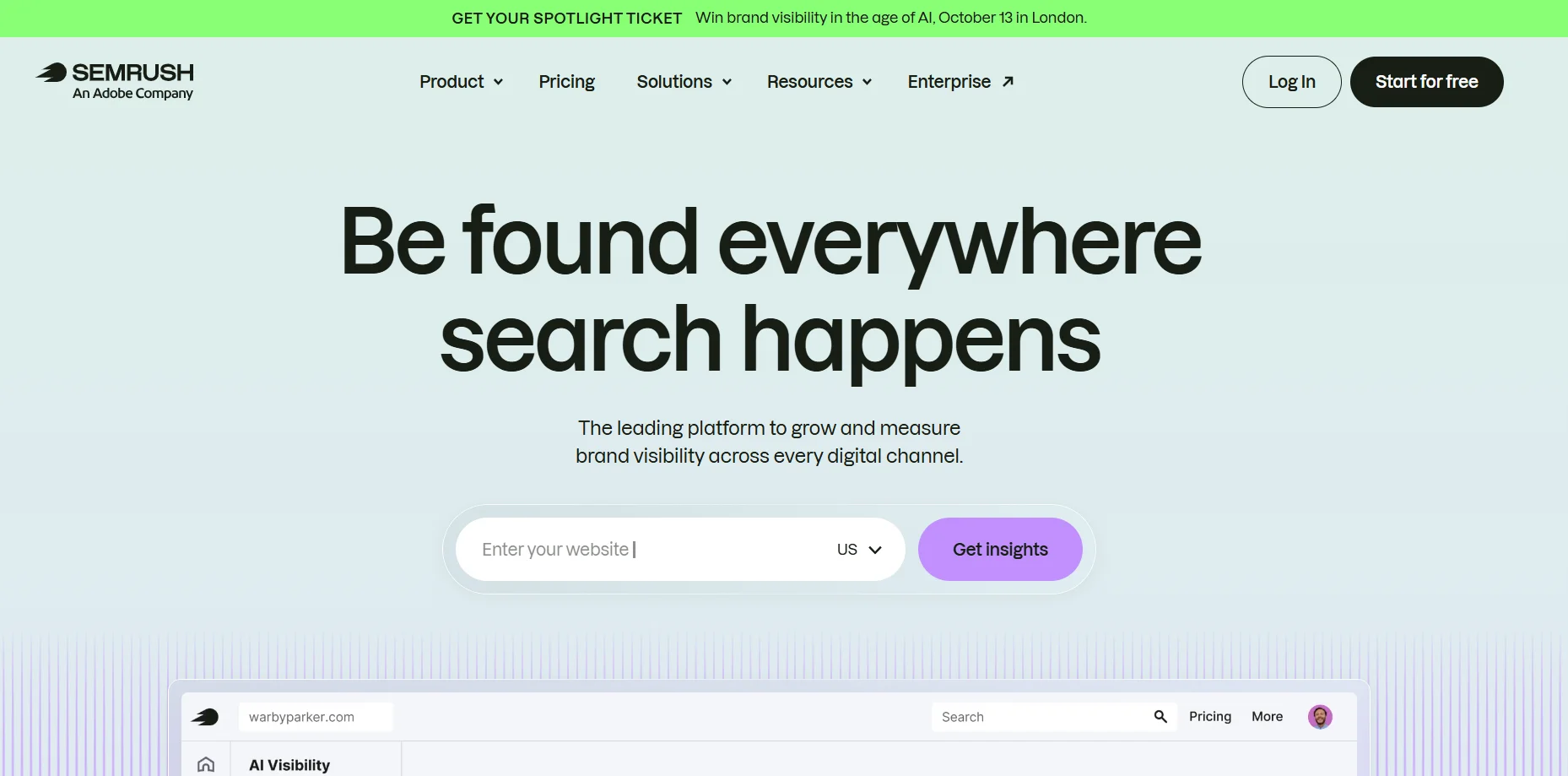 Best for: replacing Similarweb and an SEO tool with one subscription.
Its Semrush's Traffic Analytics module covers the competitive intelligence job while the rest of the platform handles keyword research, rank tracking, backlinks and audits.
Pros
Covers intelligence and execution together, which usually lowers total spend.
Very large keyword and backlink datasets.
Traffic estimates sit beside the tools to act on them.
Cons
Traffic Analytics is an add on, so confirm it is inside your quote.
Dense interface that overwhelms newer users.
API needs the Business tier at around $499.95 monthly.
Who should not use this: anyone wanting traffic estimates alone. You would fund a large suite you never open.
Pricing: from about $139.95 monthly.
2. Ahrefs
 Best for: search focused research where data quality beats breadth.
Pros
Backlink data widely considered the most accurate available.
Cleaner interface and shorter learning curve than Semrush.
Free webmaster tools deliver real value on sites you verify.
Cons
No meaningful trial, so you commit before testing.
Credit based limits make monthly costs less predictable.
API reported around $1,499 monthly at enterprise tier.
Who should not use this: teams whose priority is paid search intelligence, the thinnest area here.
Pricing: Lite from about $129 monthly.
3. SE Ranking
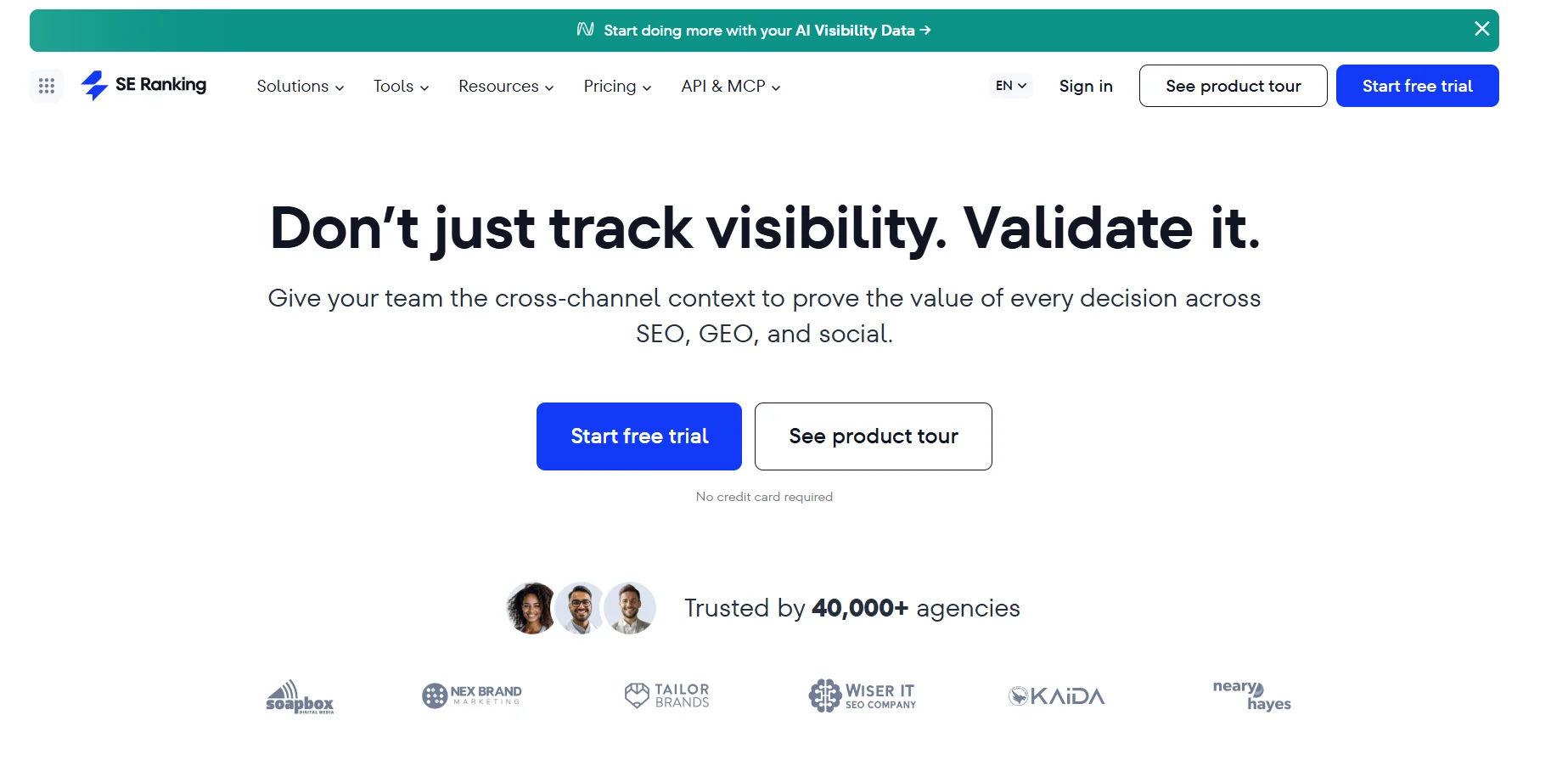 Best for: agencies wanting most of the capability at half the price.
Pros
Considerably cheaper than the flagships for similar core functionality.
White label reporting, which matters when clients see the output.
Solid depth across audits, tracking and competitor research.
Cons
Backlink index trails Ahrefs and Majestic.
Smaller ecosystem of integrations and third party training.
Who should not use this: teams needing the deepest link data available.
Pricing: from about $65 monthly.
4. SpyFu
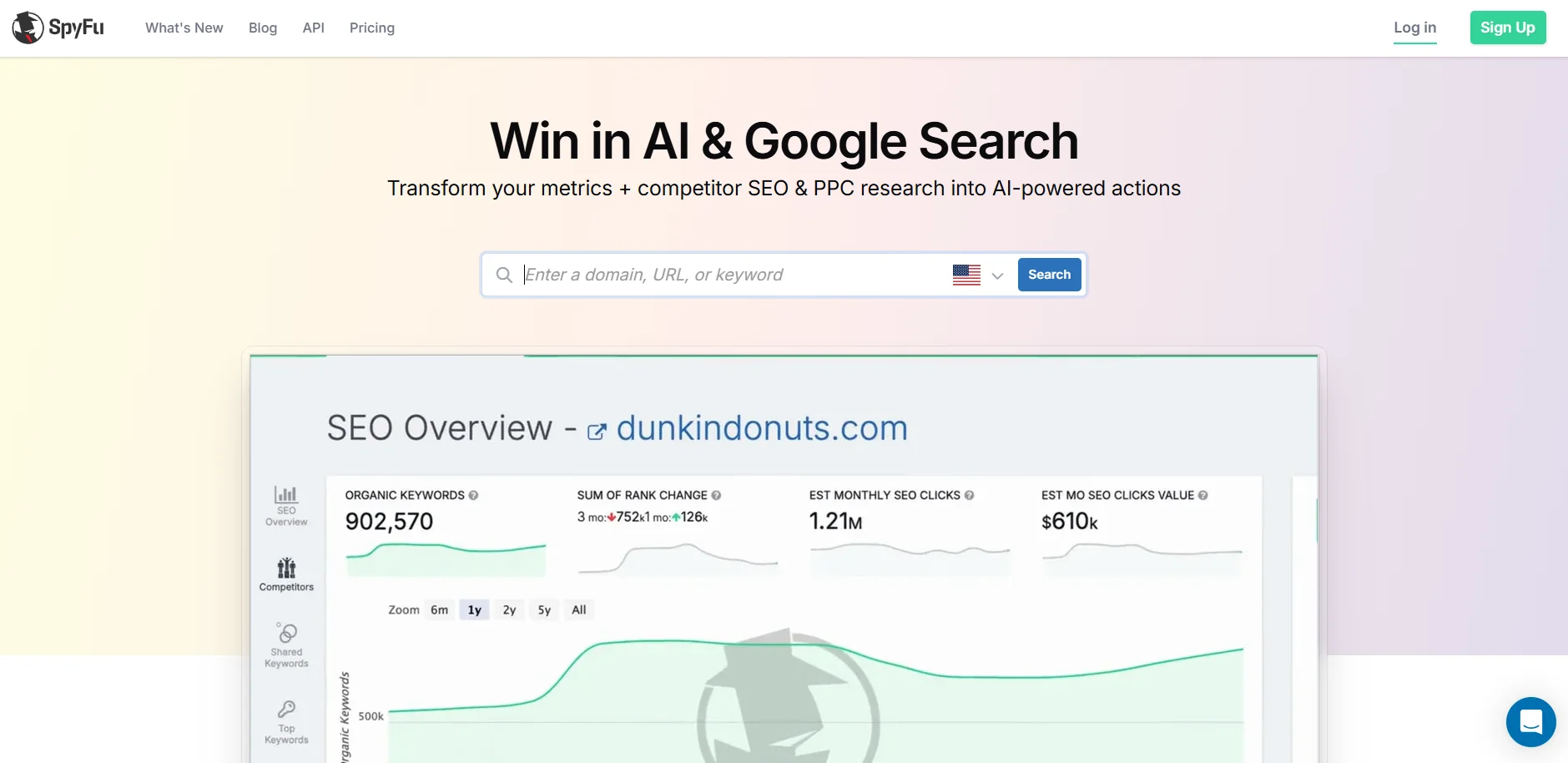 Best for: paid search history, and the only affordable API in this category.
It keeps an archive of competitor ad copy and keyword data going back well over a decade, which nothing else at this price offers.
Pros
Historical depth reported up to eighteen years, showing what competitors tried and abandoned.
API at around $89 monthly, against roughly $499.95 for Semrush Business and about $1,499 at other enterprise tiers.
Real competitive data at a low entry price.
Cons
Specialised rather than comprehensive, so most users pair it with something else.
No free trial.
Its link metrics are not the shared industry vocabulary, which weakens outreach.
Who should not use this: teams wanting one tool for the whole SEO workflow.
Pricing: Basic about $39 monthly, Pro around $79 to $89, Team about $187 for five users.
5. Serpstat
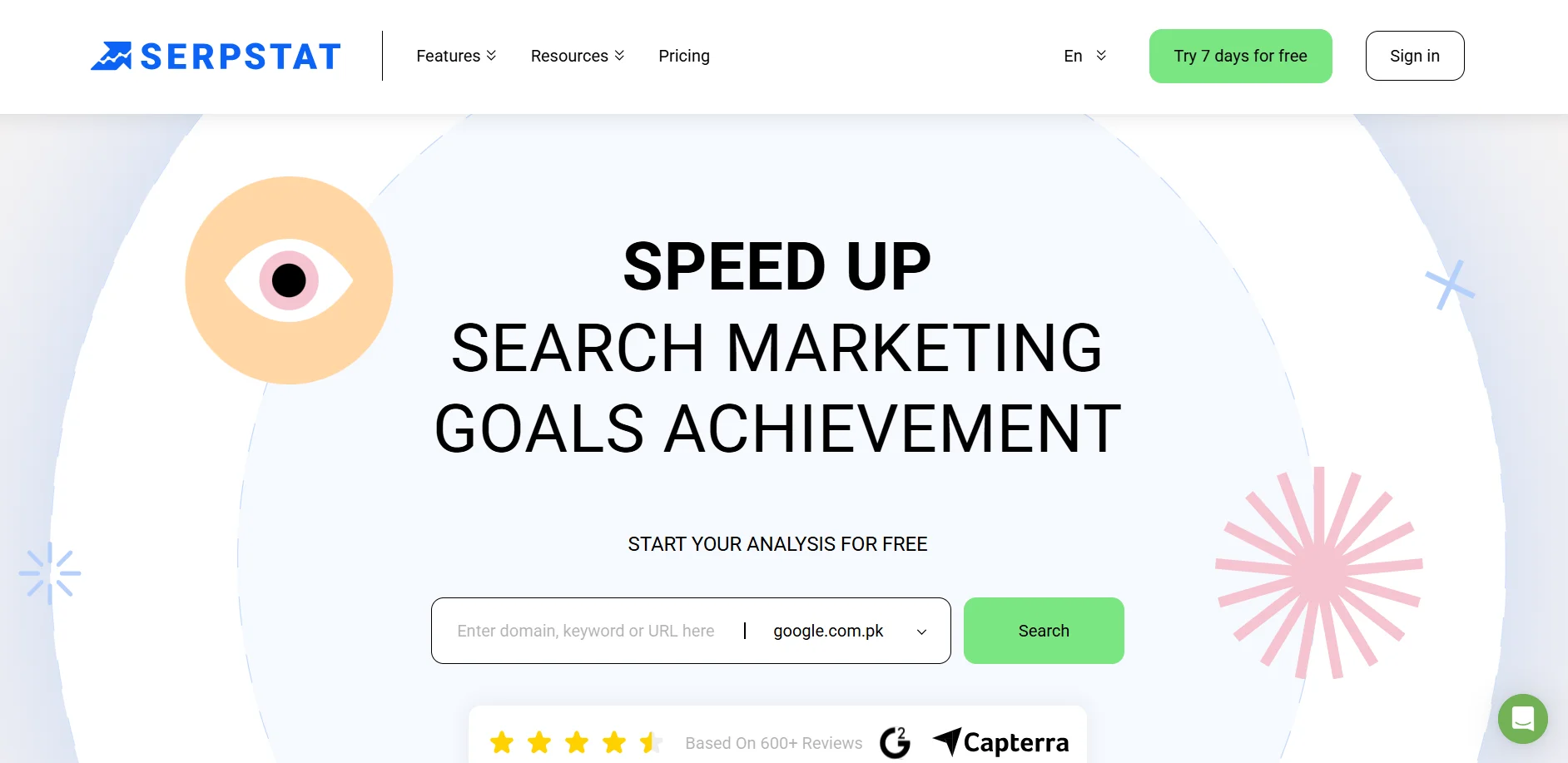 Best for: Serpstat is the one I would look at if organic and paid research need to happen in the same place. Most suites treat paid search as an afterthought; this one does not. The site audit is capable too.
Pros
Genuine dual coverage rather than paid search as an afterthought.
Capable site audit and error detection.
Priced well below the flagship suites.
Cons
Interface feels a step behind the market leaders.
Keyword coverage thins in smaller markets.
Who should not use this: The interface feels a step behind the market leaders, and keyword coverage thins out in smaller markets. If you only work in organic, a focused tool will feel cleaner.
Pricing: From about $59 monthly.
6. Moz Pro
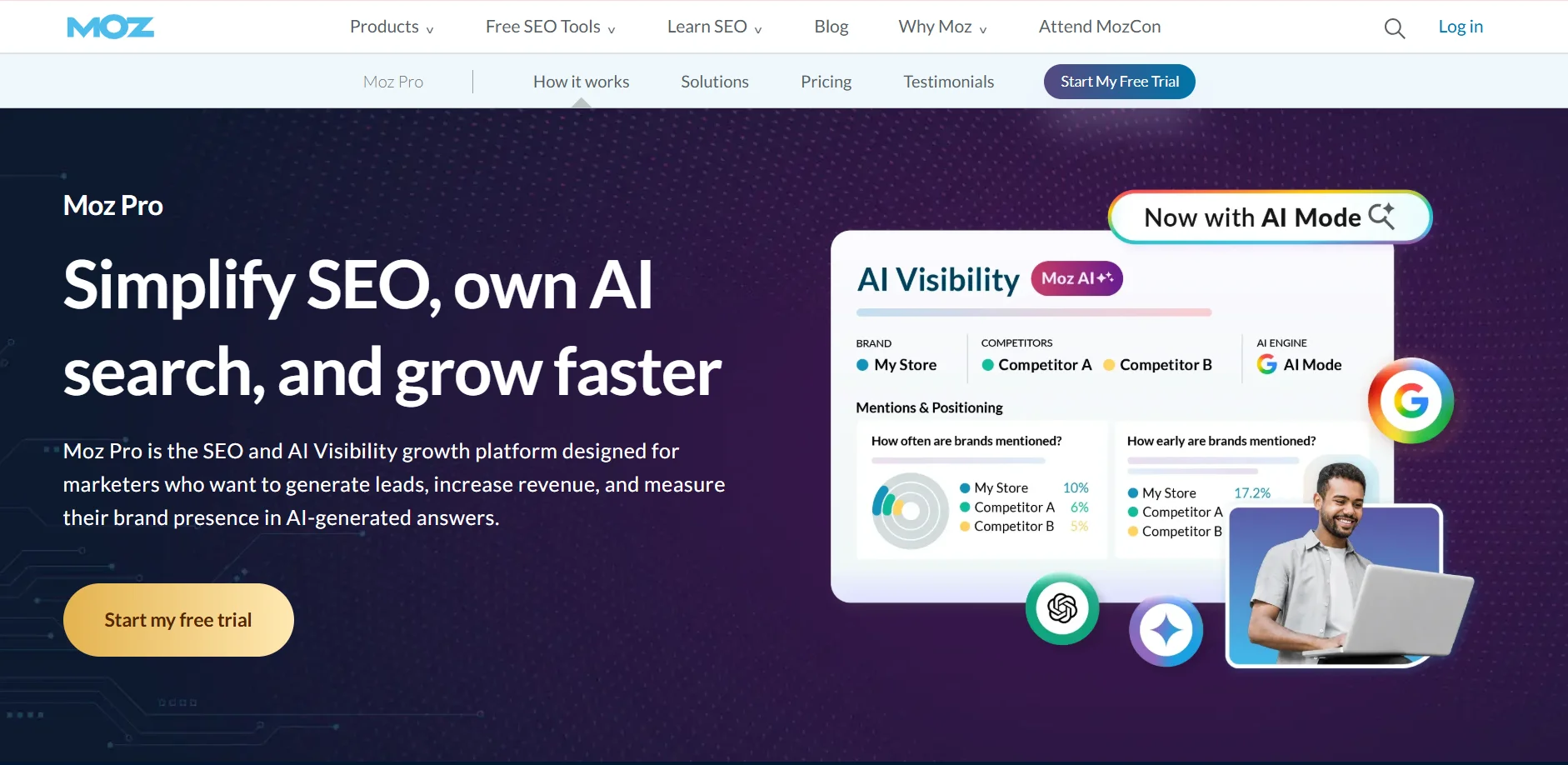 Best for: teams who need Domain Authority as common language.
Pros
Domain Authority is the metric outreach recipients already understand, which has practical value in link building.
Strong site audit and content optimisation tooling.
Local SEO capability the other suites treat as secondary.
Cons
Link index smaller and refreshed less often than Ahrefs.
Competitor traffic estimation is limited next to Semrush or Similarweb.
API restricted to expensive tiers.
Who should not use this: teams doing mostly competitor and PPC research rather than on page work.
Pricing: Starter from about $49 monthly, standard tiers near $99.
7. Mangools
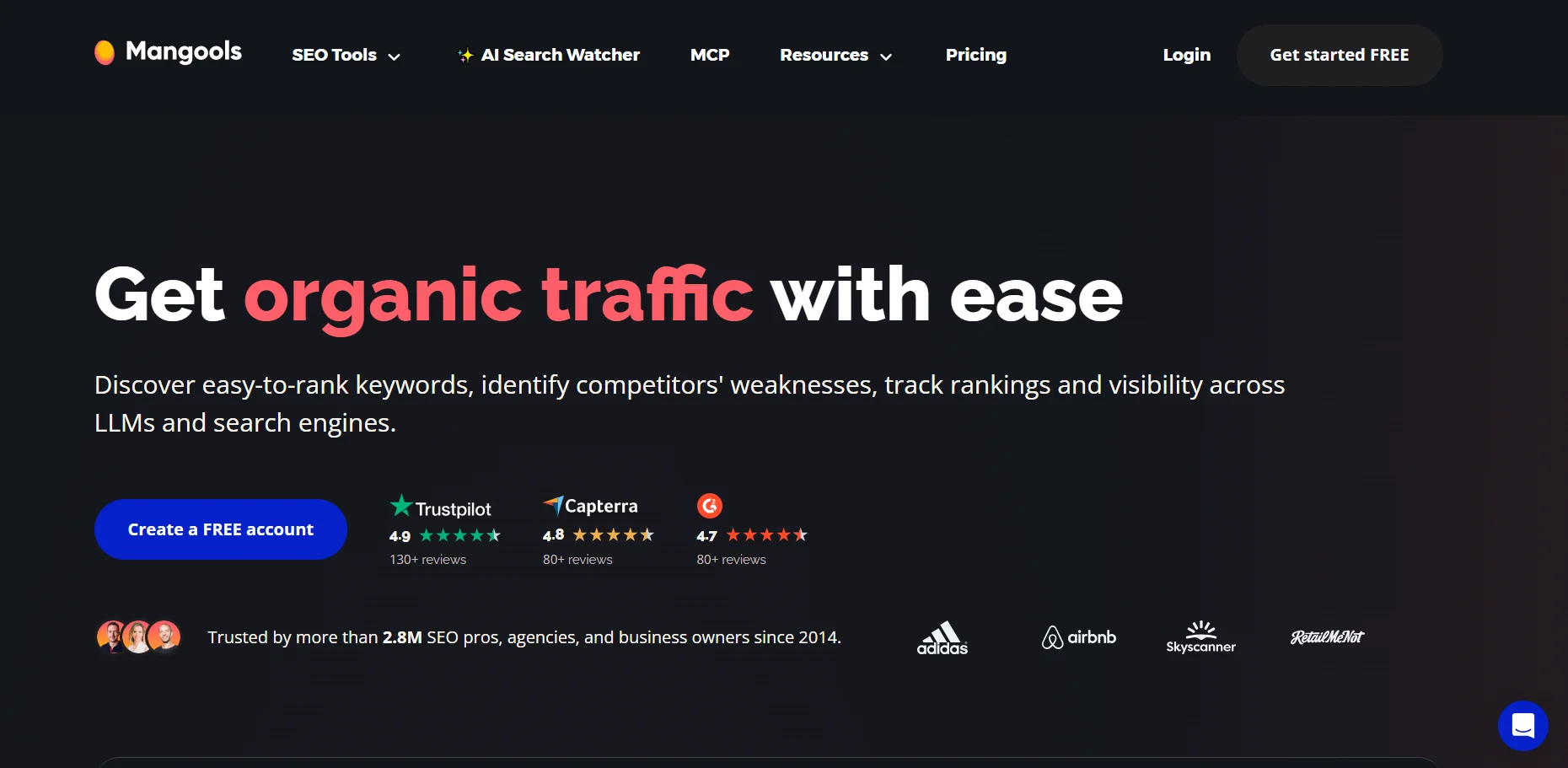 Best for: Mangools is the one I would hand to somebody who has never opened an SEO tool before. The interface is the easiest here by a clear margin, results appear immediately, and there is nothing to configure before you get an answer. It is also the cheapest complete toolset among the established names.
Pros
Easiest interface here by a clear margin.
Cheapest complete toolset among the established names.
Results appear immediately with no configuration.
Cons
Limited depth for technical or enterprise work.
Competitor data is basic next to dedicated intelligence platforms.
Who should not use this: What you give up is depth. Technical and enterprise work will hit the ceiling quickly, and the competitor data is basic next to a dedicated intelligence platform. Agencies juggling many clients will outgrow it inside a year.
Pricing: From about $29 monthly.
8. Ubersuggest
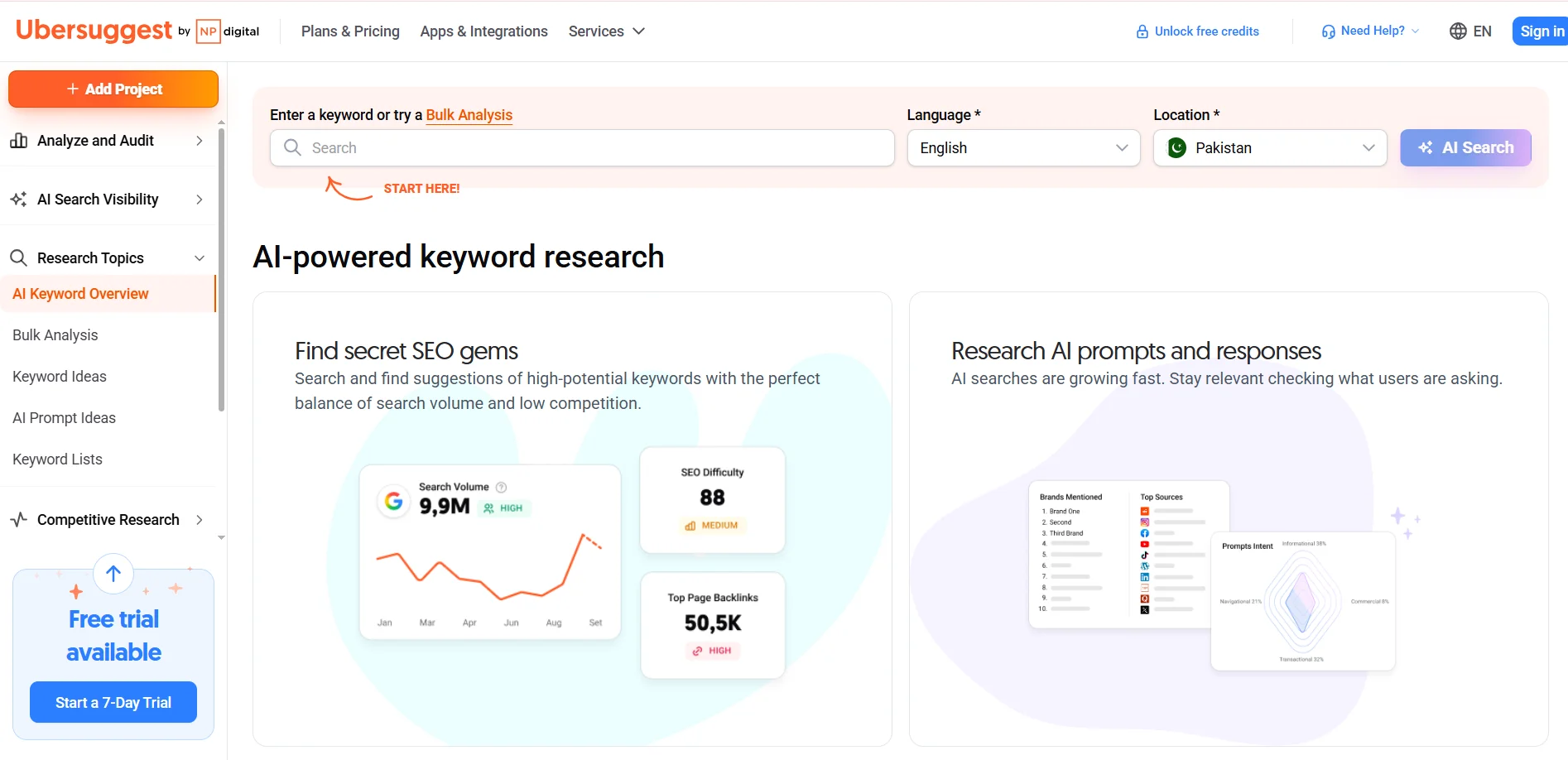 Best for: This is the cheapest way into competitor keyword data, and the lifetime deals mean you can stop paying a subscription altogether. The free tier is genuinely usable for occasional checks, and you need no SEO background to make sense of it.
Pros
Lowest recurring cost here, with lifetime deals that remove the subscription.
Approachable with no SEO background.
A usable free tier for occasional checks.
Cons
Data depth and accuracy trail the paid suites noticeably.
Traffic figures are directional rather than precise.
Who should not use this: The trade is accuracy. Data depth trails the paid suites noticeably and the traffic figures are directional rather than precise, so I would not make a budget decision from them. Treat it as a way to form a hypothesis, then verify elsewhere.
Pricing: From about $12 monthly.
Four Tools That Only See Your Own Site
 Every list includes these. They belong in your stack. They are not alternatives to Similarweb, because they measure through code you install.
9. Google Analytics
 Free, and deeper on your own traffic than any competitive intelligence tool will ever be. Integrates with Search Console, Ads and most marketing platforms.
The current interface takes real learning, and it cannot see a single site you do not control.
Use it: always, alongside whatever else you buy. Pricing: free.
10. Google Search Console
 Actual search impressions, clicks and positions rather than modelled estimates, plus indexing problems nothing else surfaces.
Verified properties only, with a couple of days of lag and sampling at high volumes.
Use it: always. Pricing: free.
11. Matomo
 Self hosted analytics where visitor data never leaves your infrastructure, which matters under strict privacy regulation or data residency rules.
You maintain it, including updates and storage, unless you take the paid cloud version.
Use it: when privacy or data control is a requirement. Pricing: free self hosted, paid cloud available.
12. Clicky
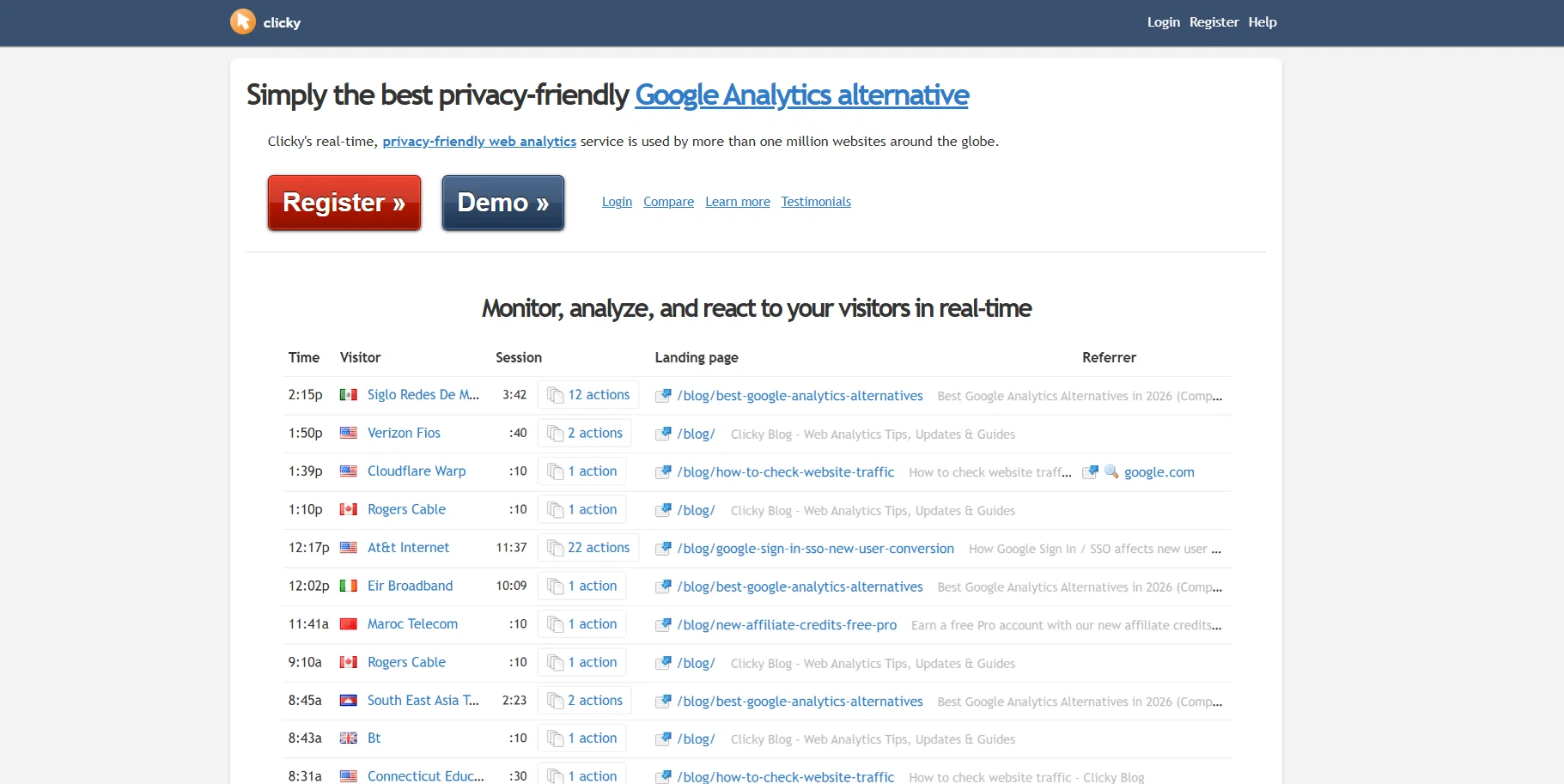 Real time visitor tracking rather than delayed reporting, with heatmaps and uptime monitoring included.
Smaller feature set than the enterprise platforms.
Use it: when watching traffic live is actually useful to you. Pricing: free tier with paid plans.
Similarweb Competitors Compared
Tool | Sees other sites | Starting price | Free option |
|---|---|---|---|
Semrush | Yes, add on | About $139.95/mo | Limited |
Ahrefs | Yes | About $129/mo | Webmaster tools |
SE Ranking | Yes | About $65/mo | Trial |
SpyFu | Yes | About $39/mo | Limited search |
Serpstat | Yes | About $59/mo | Trial |
Moz Pro | Yes, basic | About $49/mo | Trial |
Mangools | Yes, basic | About $29/mo | Trial |
Ubersuggest | Yes, basic | About $12/mo | Free tier |
Google Analytics | No | Free | Free |
Search Console | No | Free | Free |
Matomo | No | Free self hosted | Yes |
Clicky | No | Free tier | Yes |
Three of the eight are marked basic rather than full. Moz, Mangools and Ubersuggest will tell you roughly what a competitor ranks for. They will not give you the traffic breakdown that Semrush or Similarweb will.
Prices move constantly. Check the vendor's own page before buying anything.
Three tools that appear on most lists are missing here deliberately.
Majestic is a backlink index and does not estimate traffic at all. Statcounter duplicates what Clicky already does. Adobe Analytics measures your own site at enterprise scale and offers no competitive intelligence whatsoever.
Including them would have padded the count without helping anyone choose.
The Pairing Most Teams Actually Need
Worth saying plainly, because this keyword pushes people toward finding one replacement.
Most teams are not choosing between competitive intelligence and their own analytics. They need both, and the two together cost less than one Similarweb contract.
A working stack for a small business runs Google Analytics and Search Console for measured truth about your own site, plus one paid tool for estimates about everyone else.
At the cheap end that pairing costs roughly $150 a year. At the capable end, with Semrush doing the estimating, about $1,700.
Against a median Similarweb contract near $37,851, both look different in kind rather than degree.
The exception is real market research. If you need category level share data for a board or an investor, the SEO suites do not attempt that, and Similarweb is the tool.
What You Can Do for Nothing
Worth laying out, because a surprising amount of competitor research needs no subscription at all.
Your own numbers, free and exact. Google Analytics plus Search Console gives you traffic, sources, search impressions, rankings and indexing health for every site you control. That is the measured half of the picture and it costs nothing.
Competitor basics, free with limits. Similarweb's own website returns headline traffic figures for any domain without an account, capped at a few results and a single month.
Ubersuggest and the free tiers of most SEO suites return keyword and domain data with daily limits. Ahrefs webmaster tools give full backlink and audit data for sites you verify.
Google Trends shows relative search interest for brands and topics over time, which is useful for spotting whether a competitor is growing or fading.
Cloudflare Radar is the one most people miss. It publishes domain rankings and traffic trends built from real DNS resolver data rather than a recruited panel, which is a different method to anything else here. Free, no account, and useful as a sanity check when two panel based tools disagree.
Bing Webmaster Tools is free and includes keyword research data that does not require a paid subscription anywhere.
Stack those and you can answer a lot. Is this competitor growing, what do they rank for, who links to them, and how does my own site compare.
What you cannot get free is depth, history and volume. Free tiers cap lookups, hide most of the data and rarely allow exports.
So the sensible sequence is to exhaust the free stack first, notice precisely which question it fails to answer, then buy the cheapest tool that answers that one question.
That is a very different exercise from picking the platform with the longest feature list.
What Actually Decides This
Four questions, in order.
Do you need other sites or your own? This splits the list into eight and four before you compare a single feature.
What is the smallest site you need data on? If your targets sit under 100,000 monthly visitors, nothing here will be reliable. Weight cost accordingly rather than paying for precision you will not get.
Do you need execution tools too? If yes, a suite covers intelligence and action. Similarweb only does the first half.
Do you need programmatic access? API pricing swings from about $89 monthly to roughly $1,499. That requirement alone can decide this.
Then run the ten minute accuracy test before committing to anything.
Frequently Asked Questions
What are the best Similarweb competitors?
Semrush for the closest full replacement, Ahrefs for search depth, SE Ranking for value and SpyFu for paid search history.
Which alternative is most accurate?
Accuracy depends on the size of the site being analysed rather than the brand of tool. Verify against a domain you already have data for.
Is there a free Similarweb alternative?
Not for competitor traffic estimates. Ubersuggest and Ahrefs webmaster tools give limited free access, and Google Analytics is free for your own site.
Which tool is best for website traffic analysis?
Google Analytics for your own site. Semrush or Similarweb for competitors, with reliability improving as the target site grows.
Similarweb vs Semrush, which is better?
Semrush for most marketing teams, since it covers competitor research plus execution at a fraction of the cost. Similarweb for market level research. Full breakdown: Similarweb vs Semrush.
Similarweb vs Ahrefs, which should I pick?
Ahrefs for questions about rankings and backlinks. Similarweb for total audience across paid, social and direct traffic.
Which competitor is best for SEO specifically?
Semrush or Ahrefs. Both handle keyword research, rank tracking and technical audits, none of which Similarweb attempts.
Can Google Analytics show competitor traffic?
No. It needs tracking code on the site being measured, so it only reports on properties you control.
What I Would Check First
Answer the ownership question before opening a single pricing page. Estimates about other people's sites, or measurement of your own.
That alone removes a third of the options most articles put in front of you.
Then take a domain whose real numbers you know, run it through the free view of everything on your shortlist, and see how far each estimate lands from the truth.
If a quote comes back in five figures, treat it as an opening position. Procurement data suggests multi year terms and naming competing tools during negotiation both move the number.
And if your targets are small sites, spend less rather than more. Precision you cannot get is not worth paying for.
Prices, plan names and free tier limits above were checked against each vendor's own pricing page in July 2026. Similarweb contract figures come from procurement data rather than a published rate card, since Similarweb no longer publishes one.